Zenjoy Feedback Module
Click here to edit the description
May 18, 2026●
Website feedback
2
Go to your website link or temporary test link (ask someone from Zenjoy if you are hesitant what is the correct link).
3
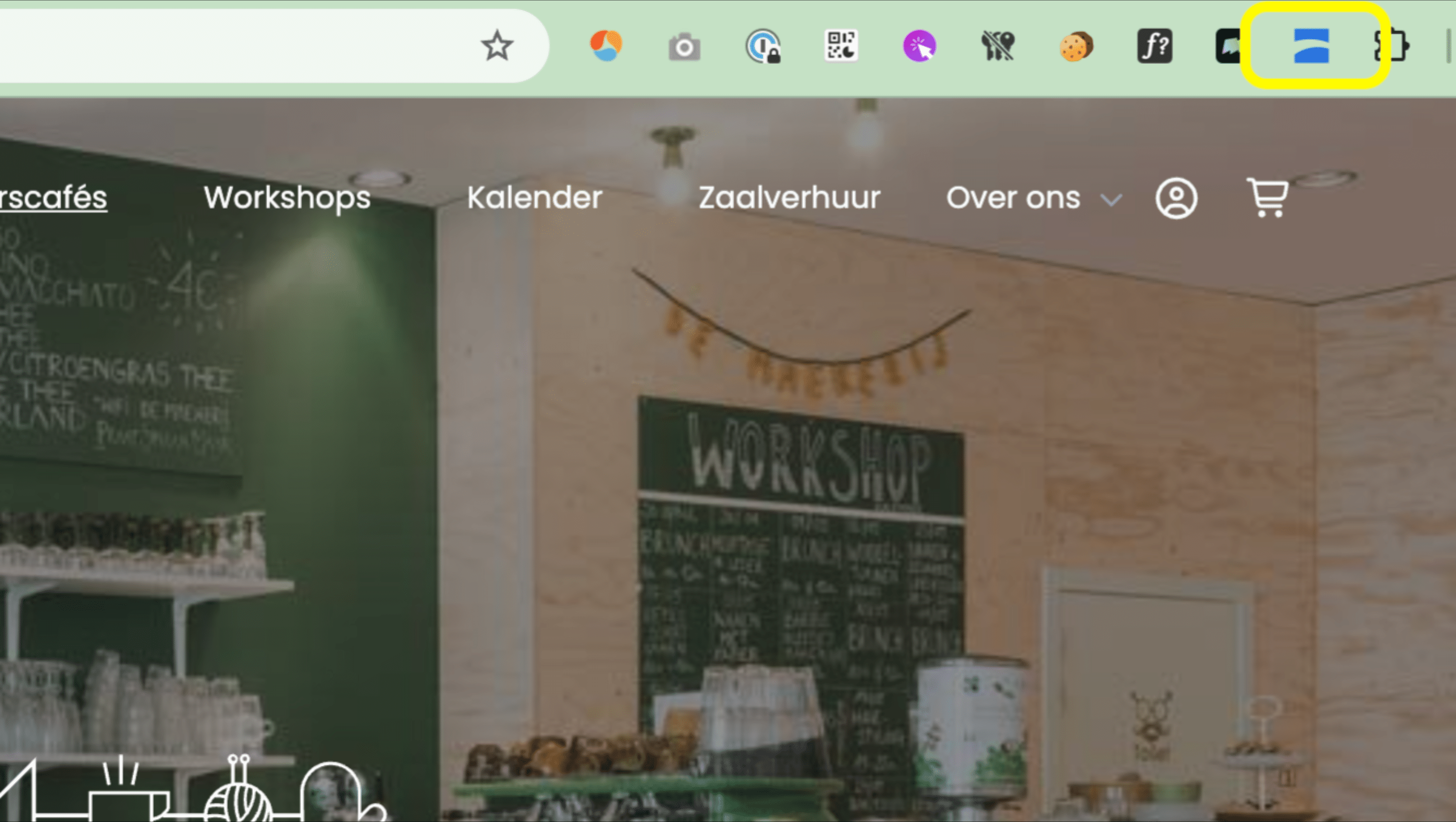
Click on the extension in your browser.
4
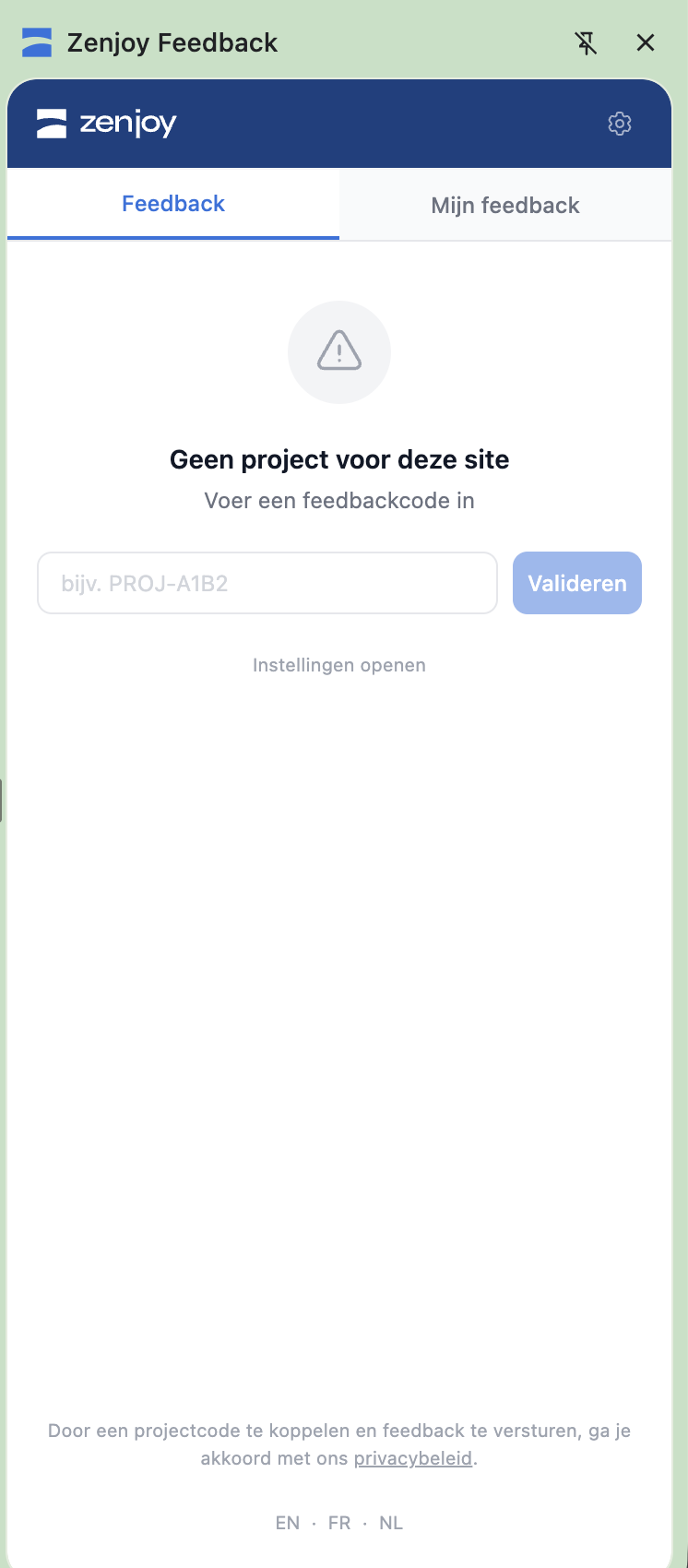
Connect to the feedback project by adding the project code you received from your Zenjoy contact. If you don't have one, please contact us.
5
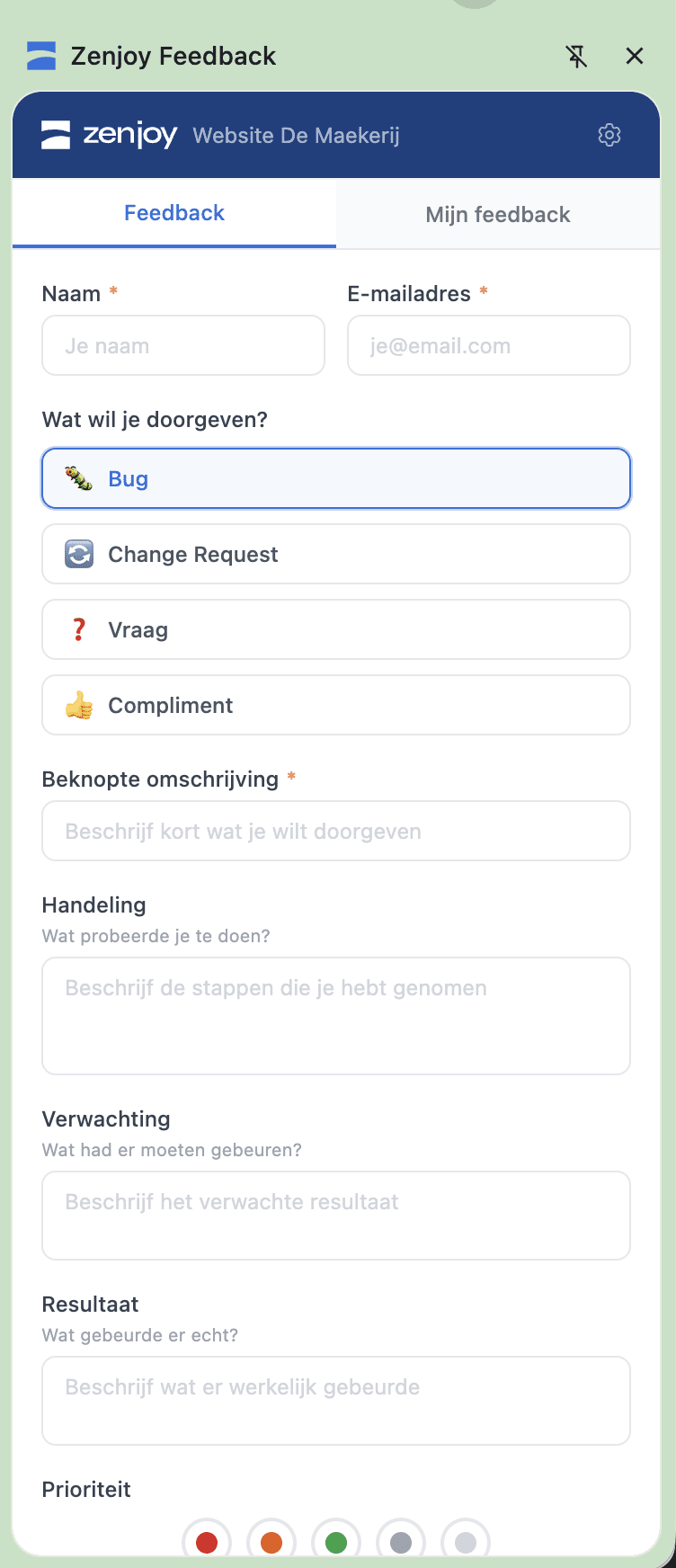
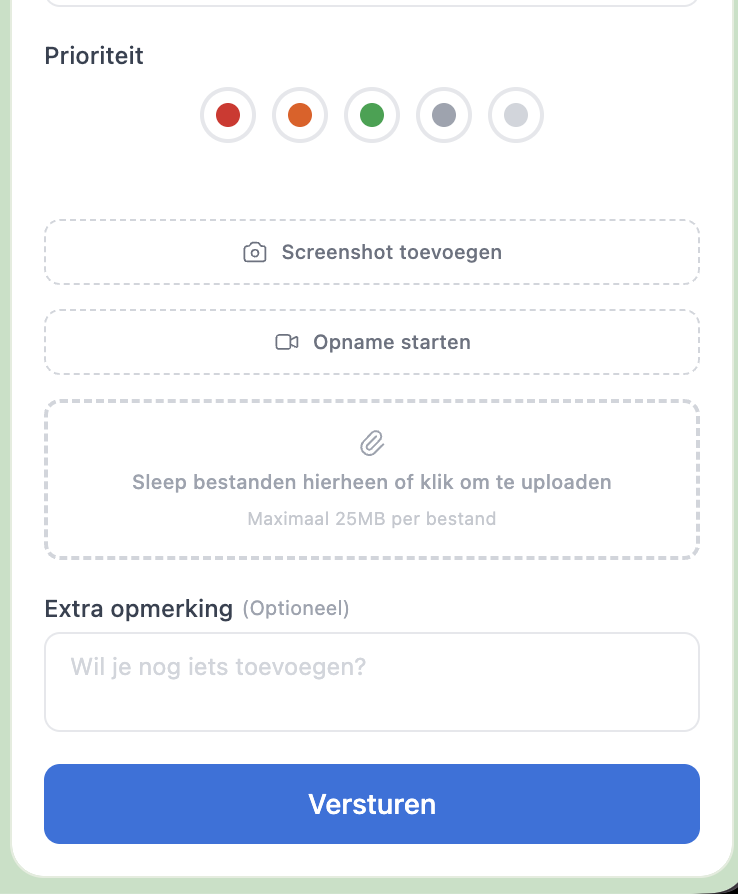
Send in your feedback by giving your name & email (so we know who sent it and can contact you in case of questions). You can complete the desired fields.
6
Add a screenshot or screenrecording when useful
7
Send your feedback. We will collect all feedback and process it / discuss it with you.
8
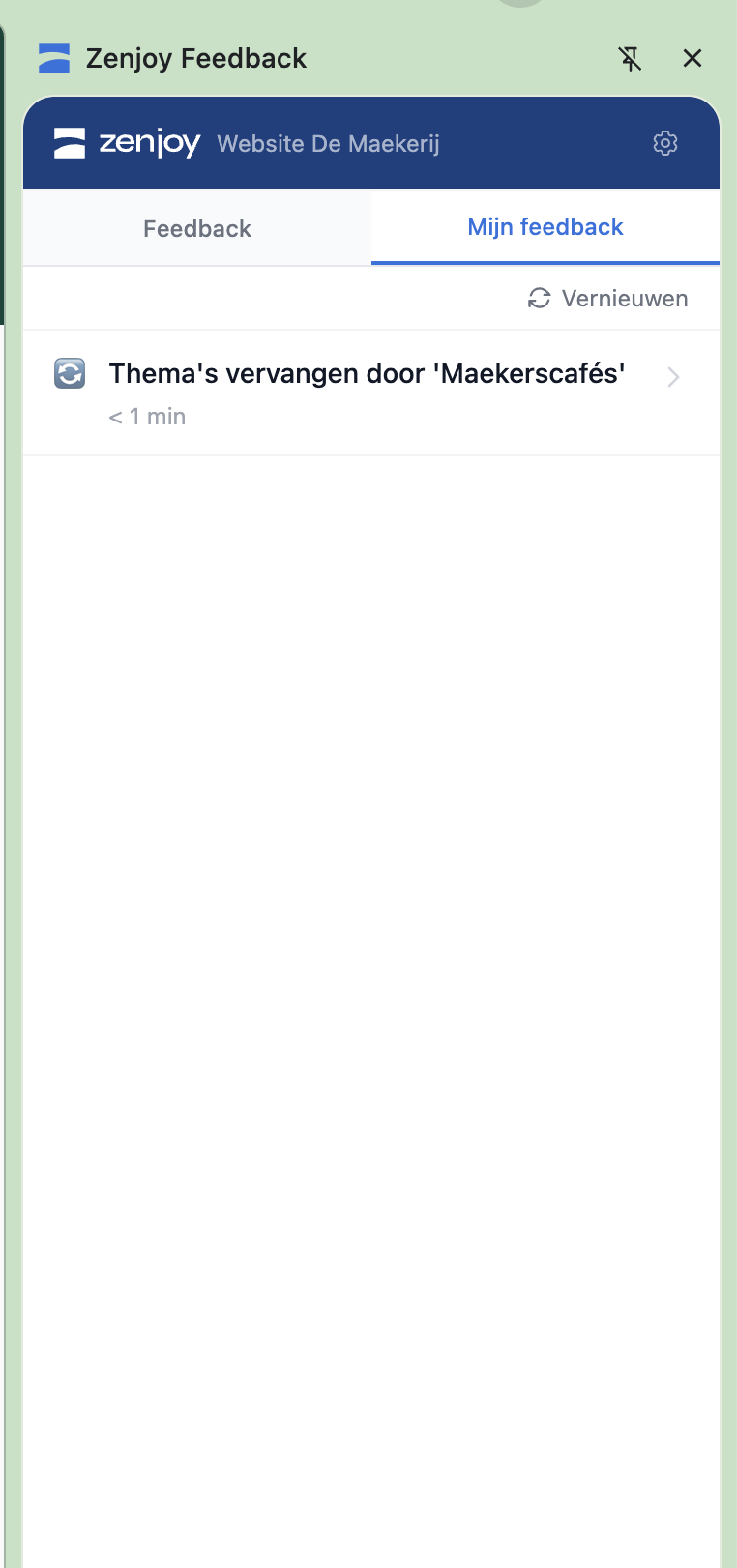
View all your sent-in feedback: you can revise all feedback you sent in.