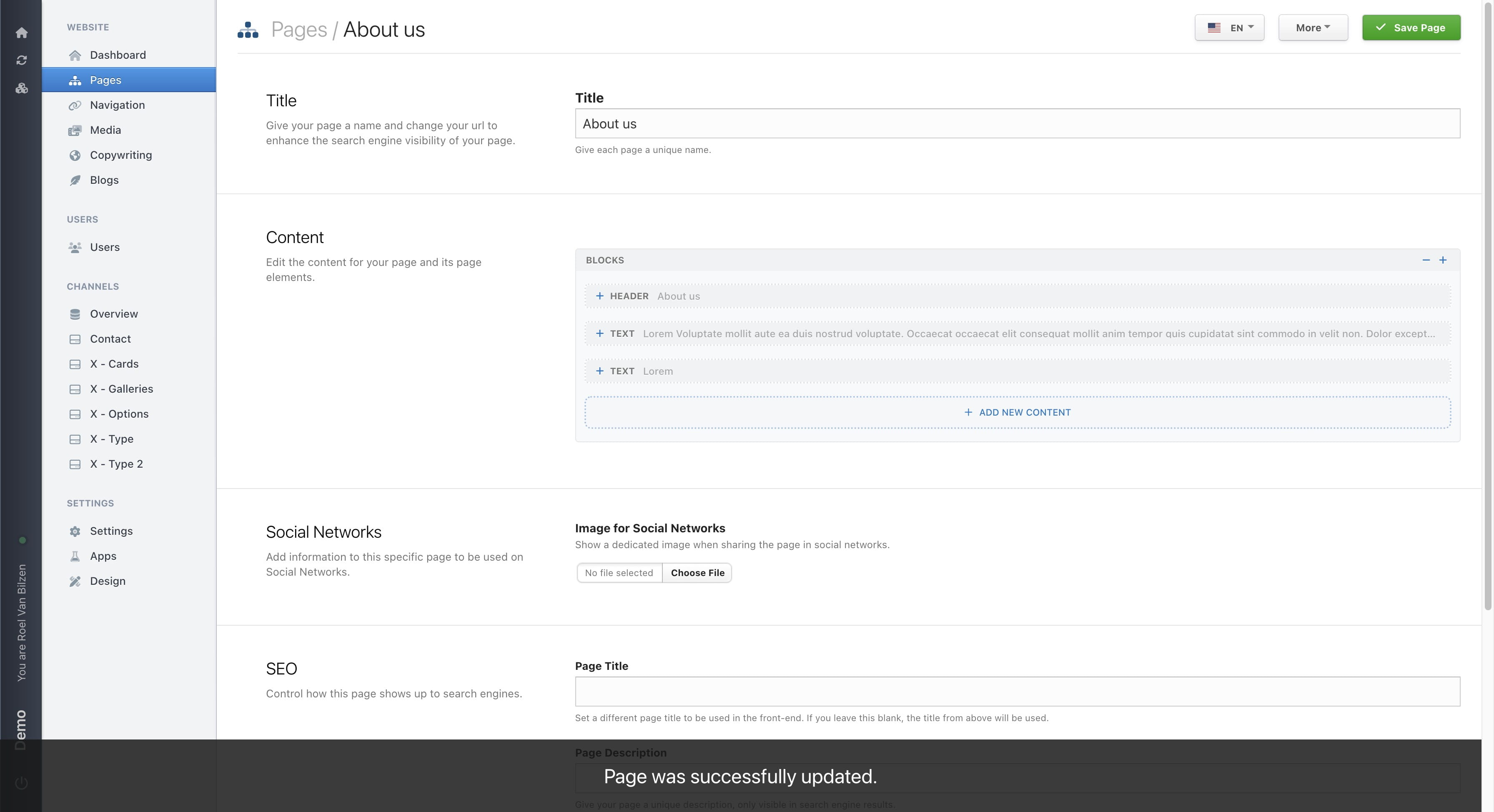
Blocks - Repositioning
How to reposition your blocks on a page.
Navigate to https://[YOUR DOMAIN].nimbu.io/admin/pages and select a page you want to structure.
Click on "-" or the gray box of the block will collapse the block for a better overview. Clicking the "+" or the bock when collapsed will open the block.
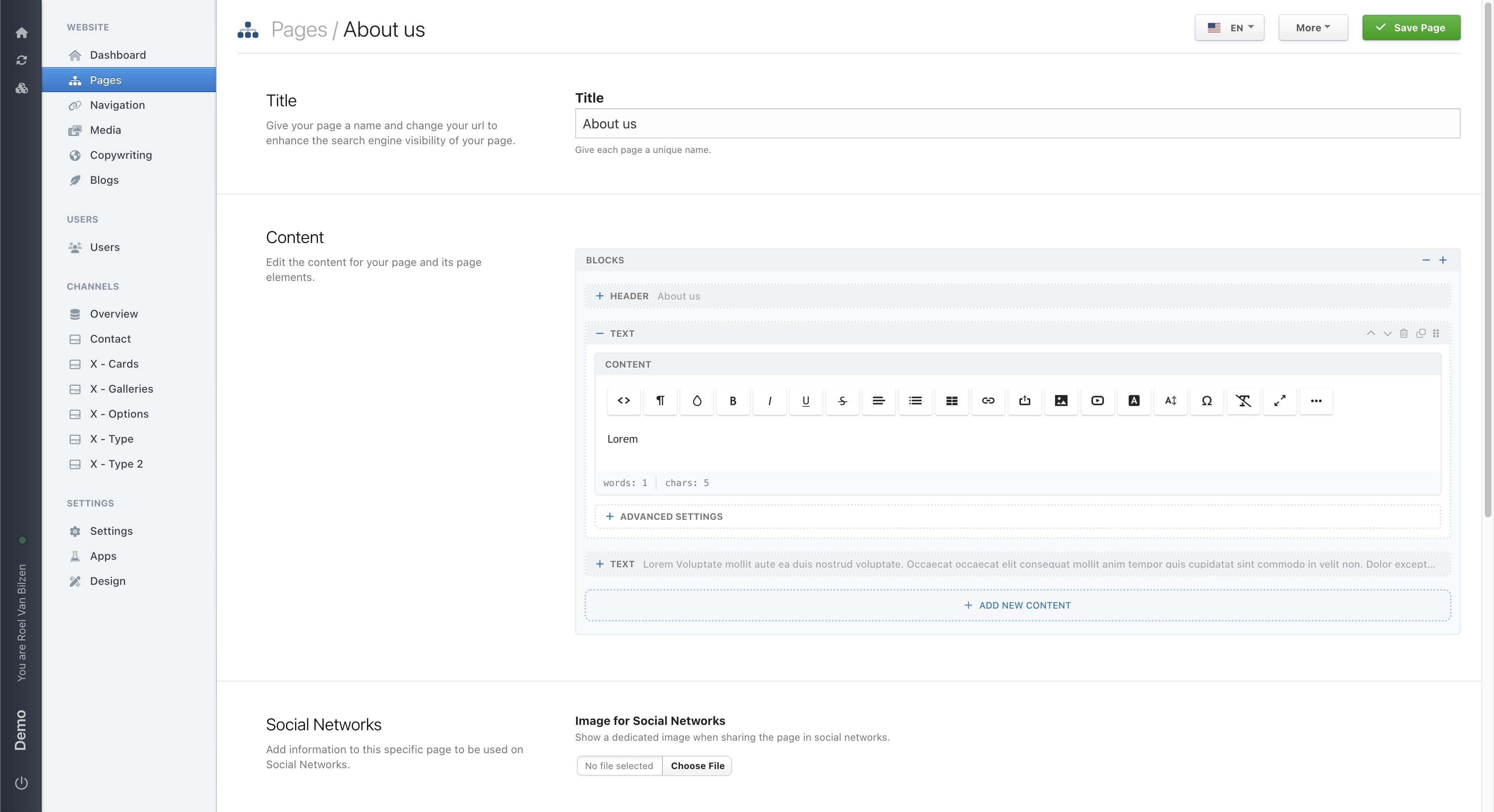
Click on "-" or "+" will collapse or open all blocks on the page.
Blocks can be reordered by dragging the symbol up or down.
Move a block one place up or down with the up and down chevron.
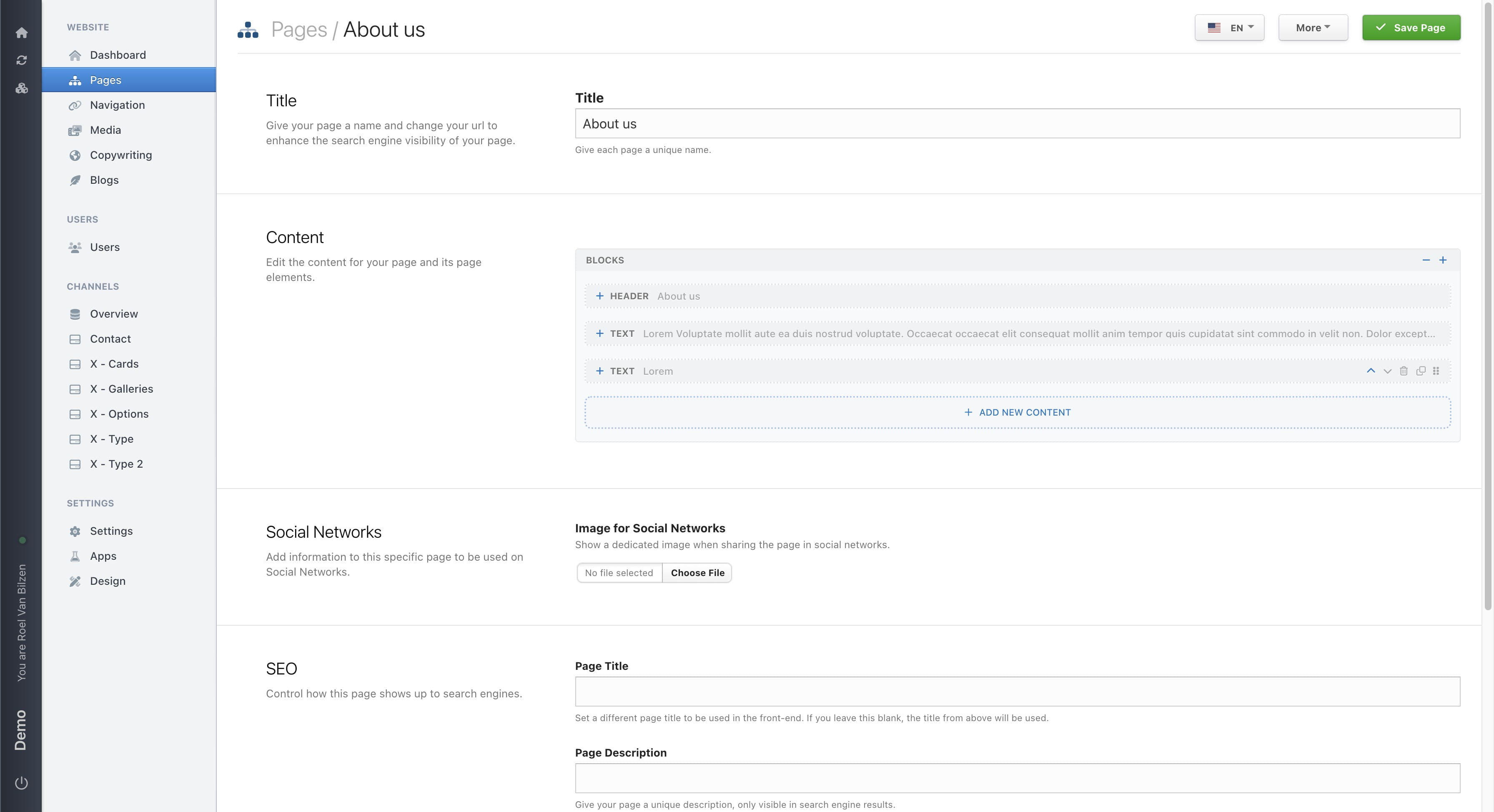
All the changes that were made, are not yet saved. Only after clicking "Save page" will all changes be saved. This includes reordening blocks, changing settings and textual changes.
Do not forget to save the page after any change is made.
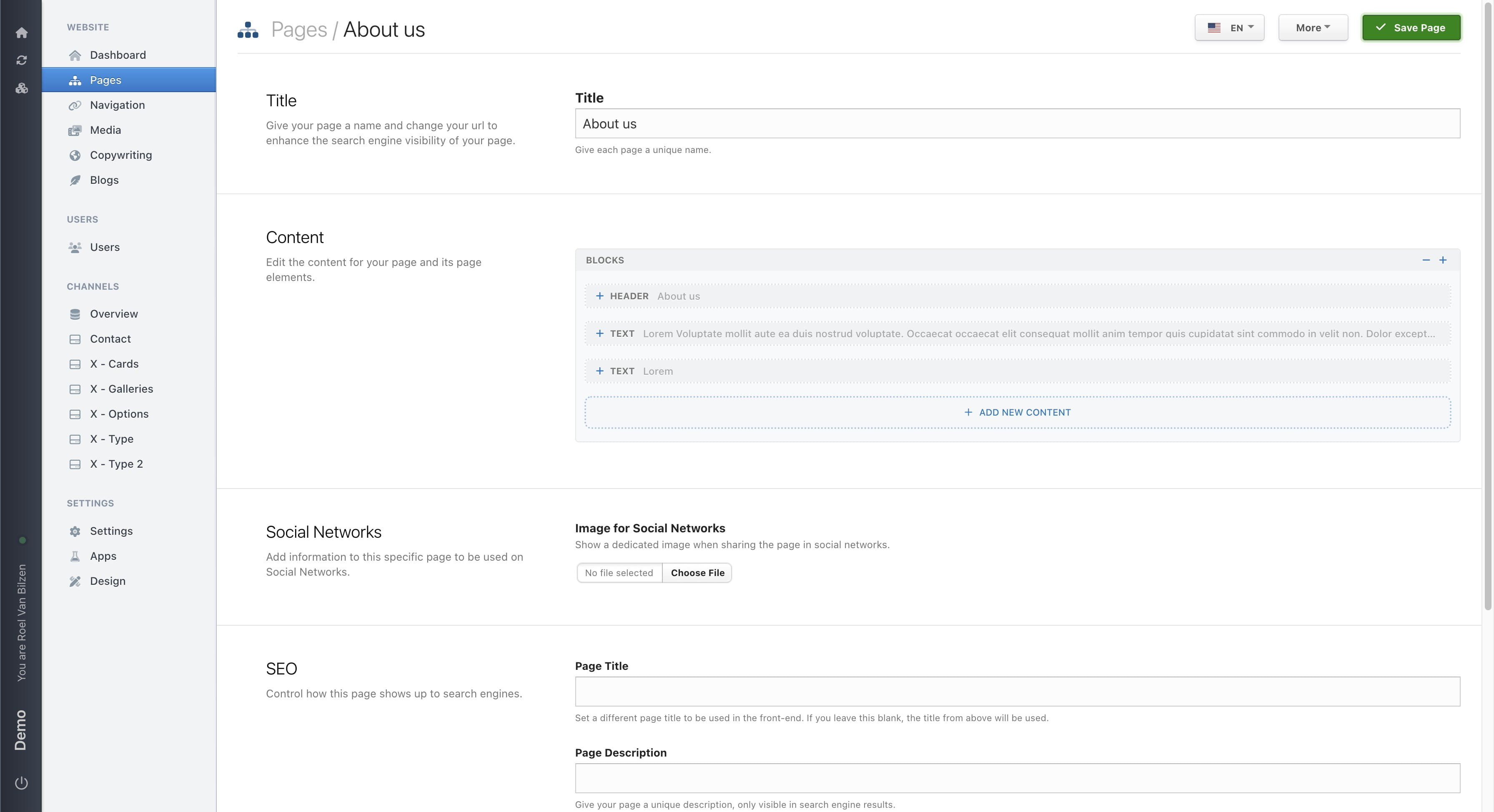
Your page was successfulle updated and can be viewed onine.