Gift Cards
Add gift cards to your shop.
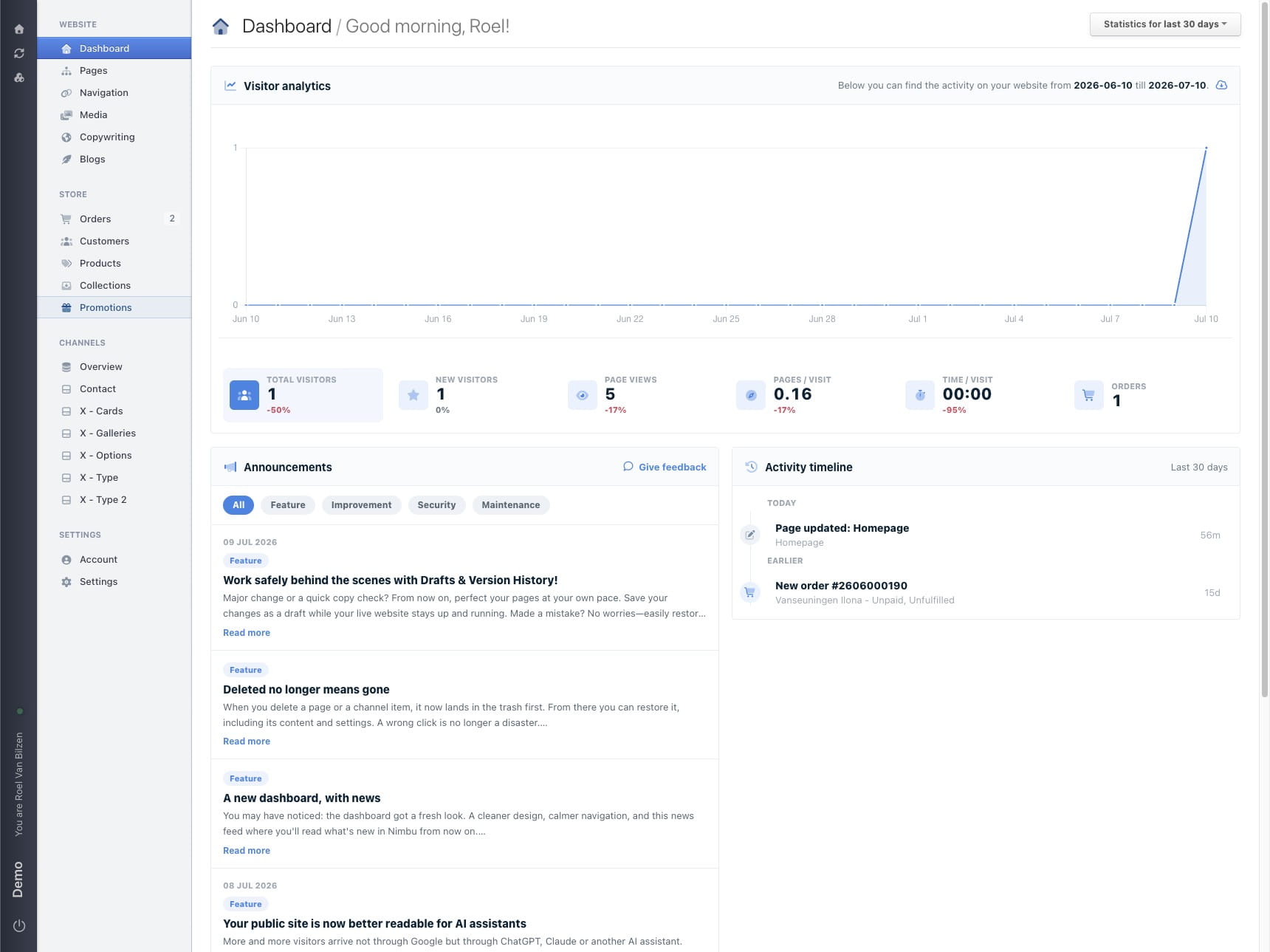
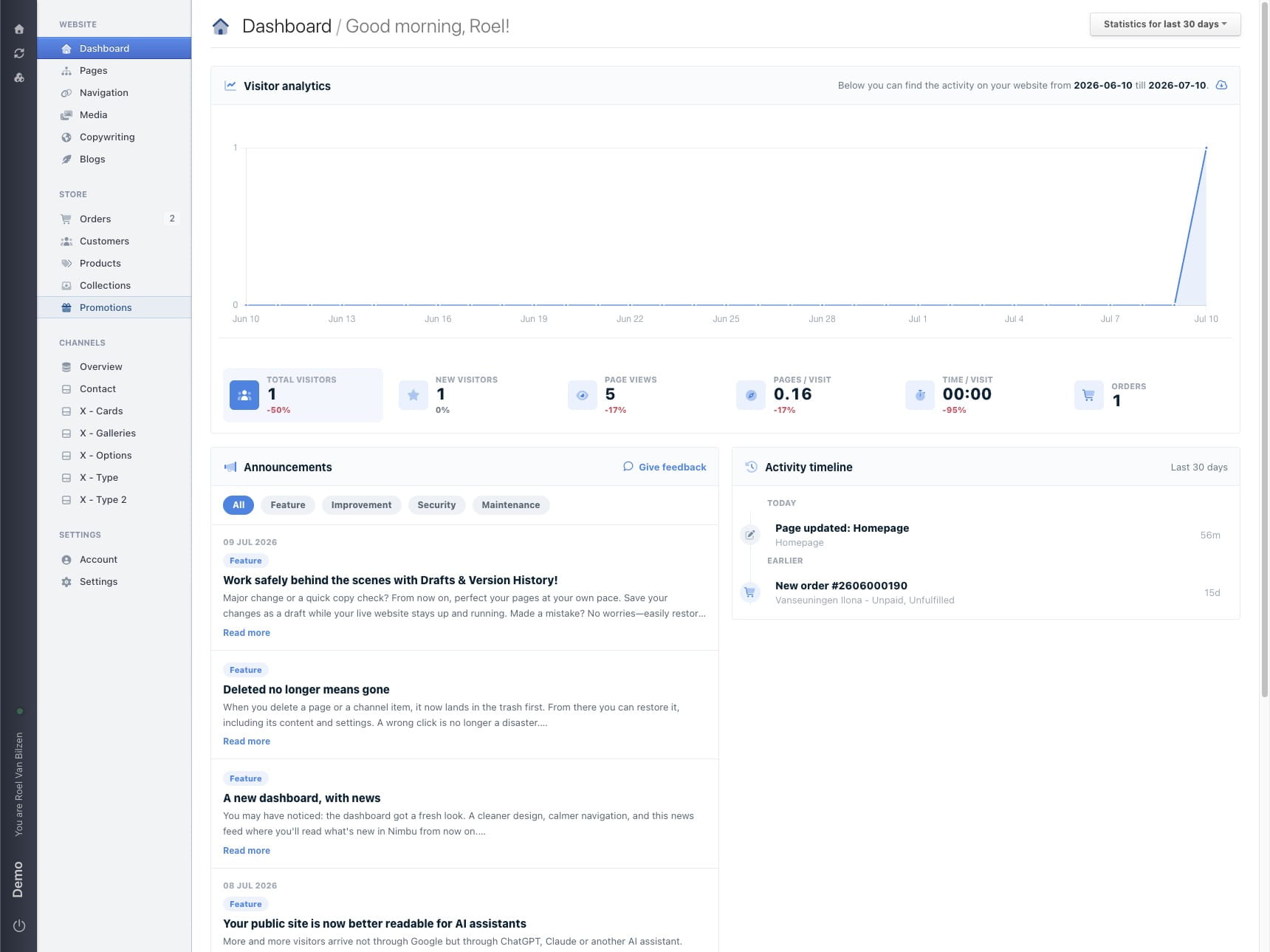
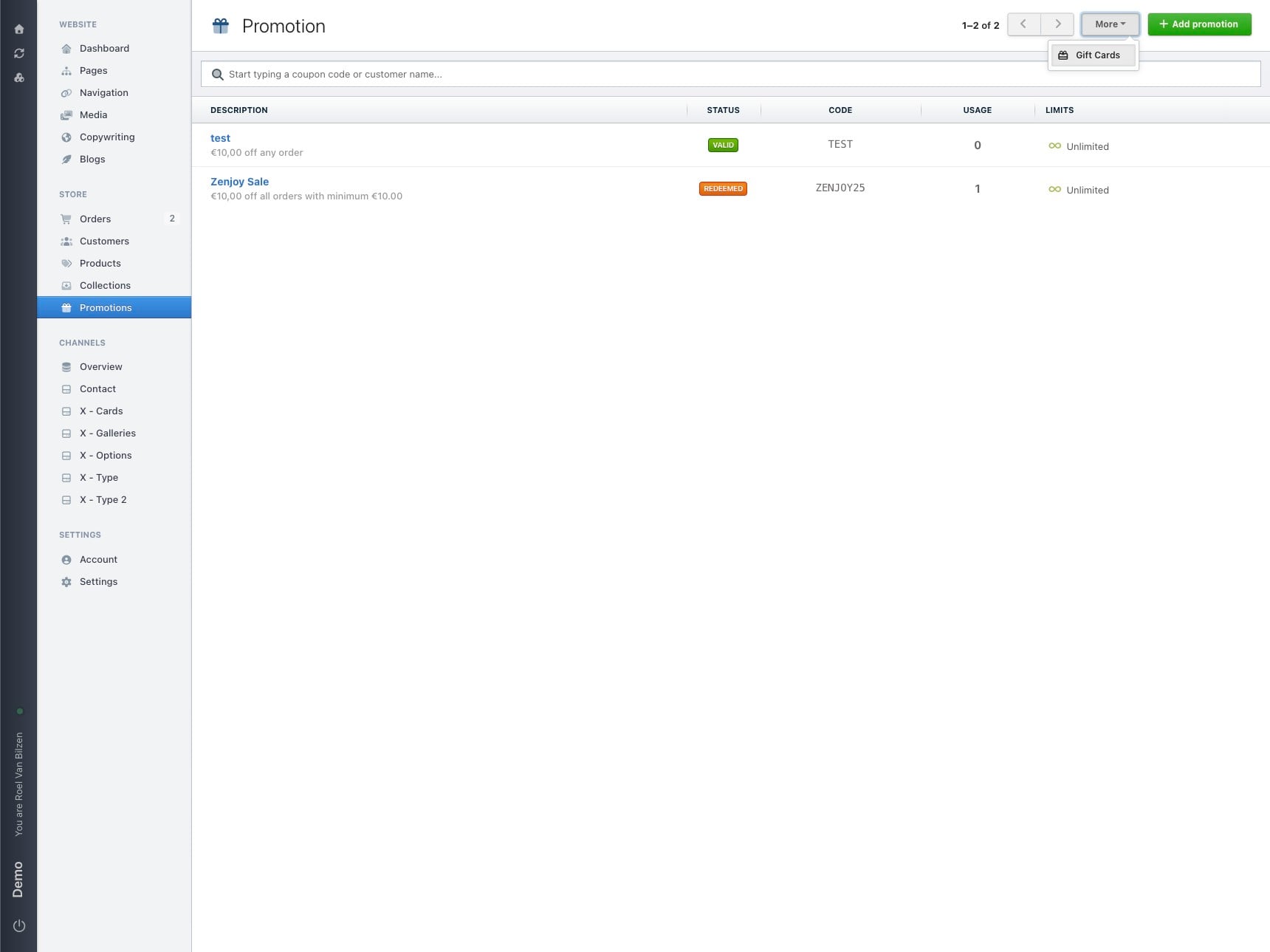
Click "Promotions"
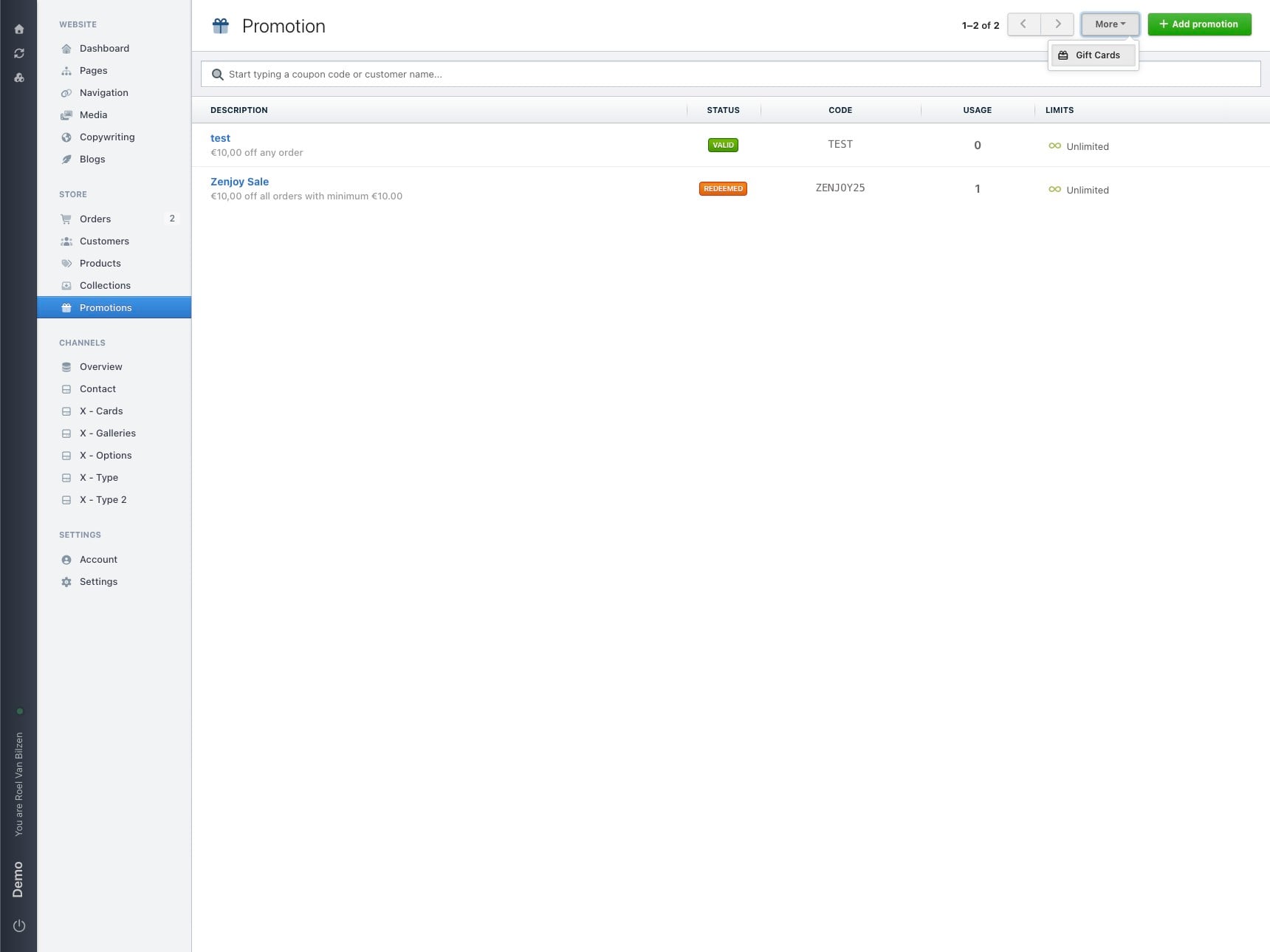
Click "More", then "Gift Cards"
In this overview shows all gift cards that have been bought.
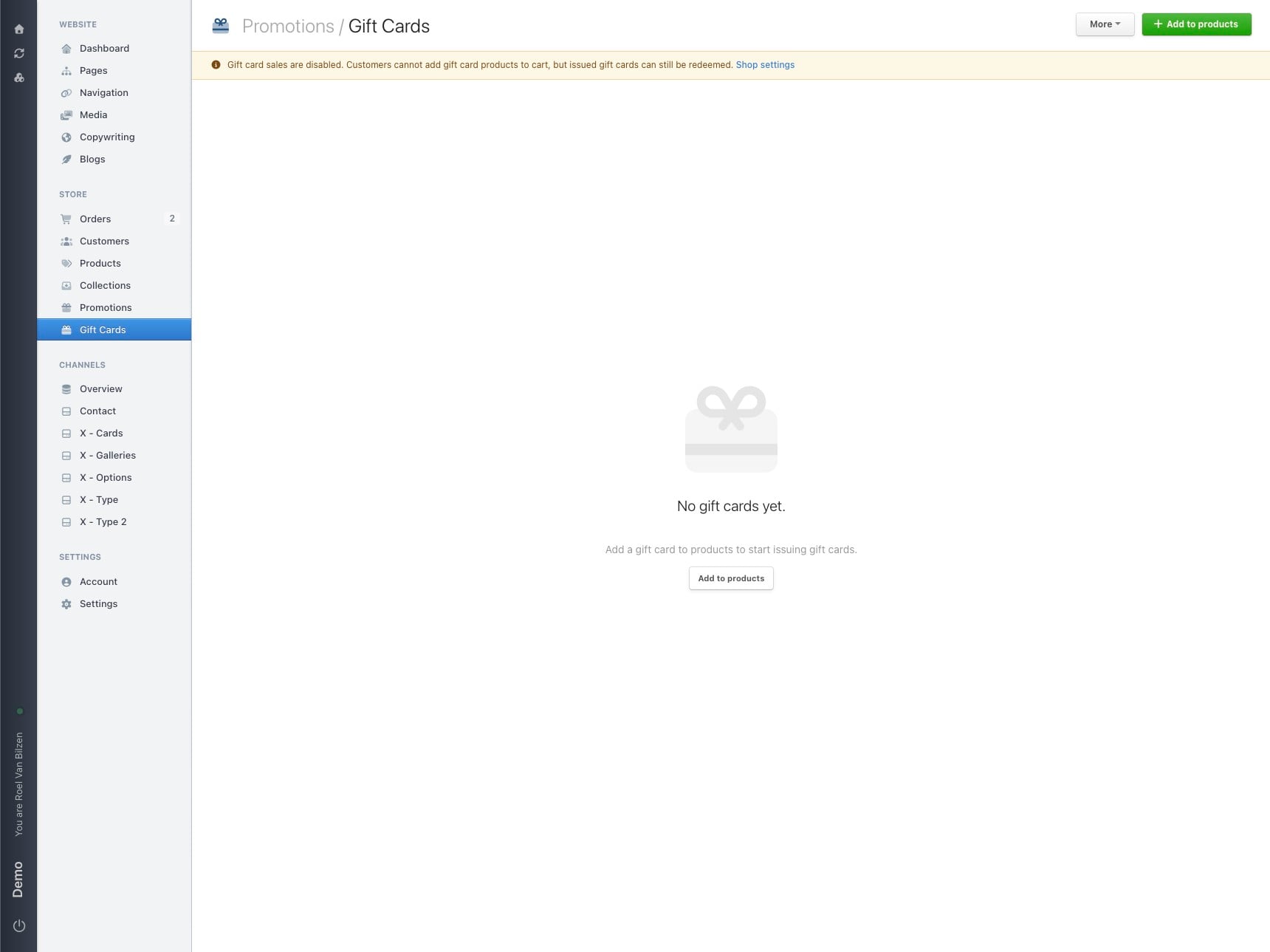
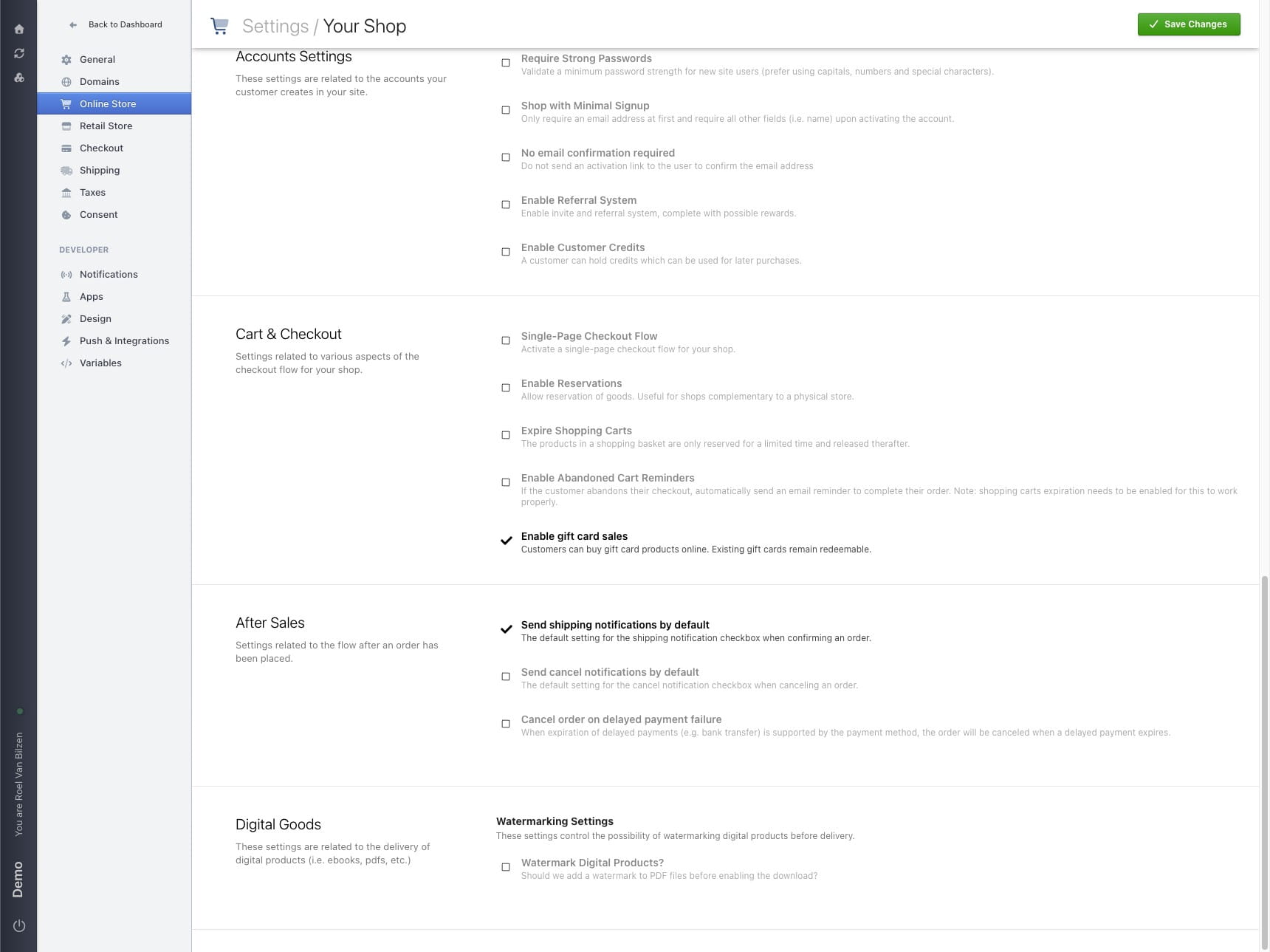
Gift cards are disabled by default. In the shop settings it can be activated.
Under "Cart & Checkout" check "Enable gift card sales"
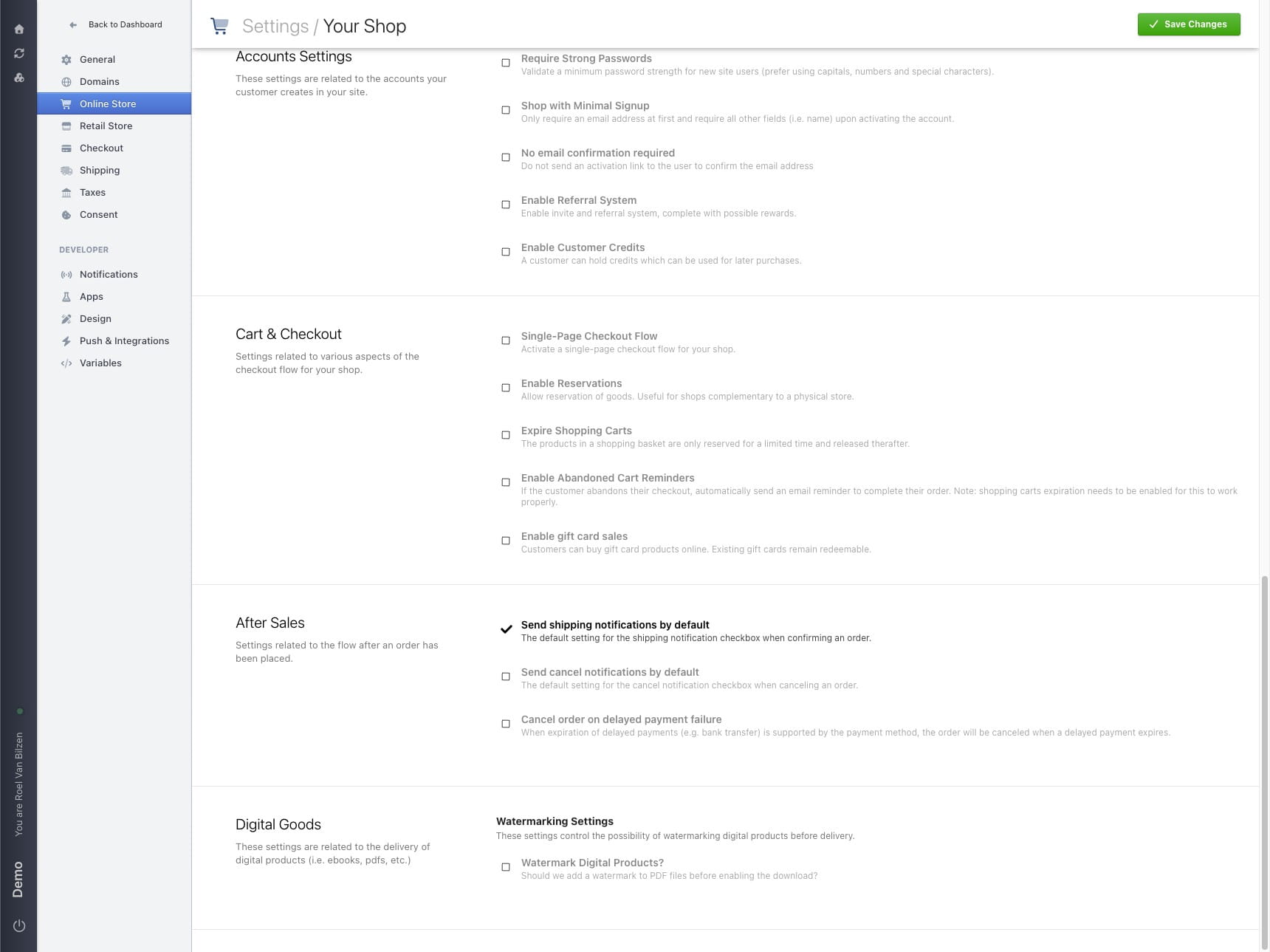
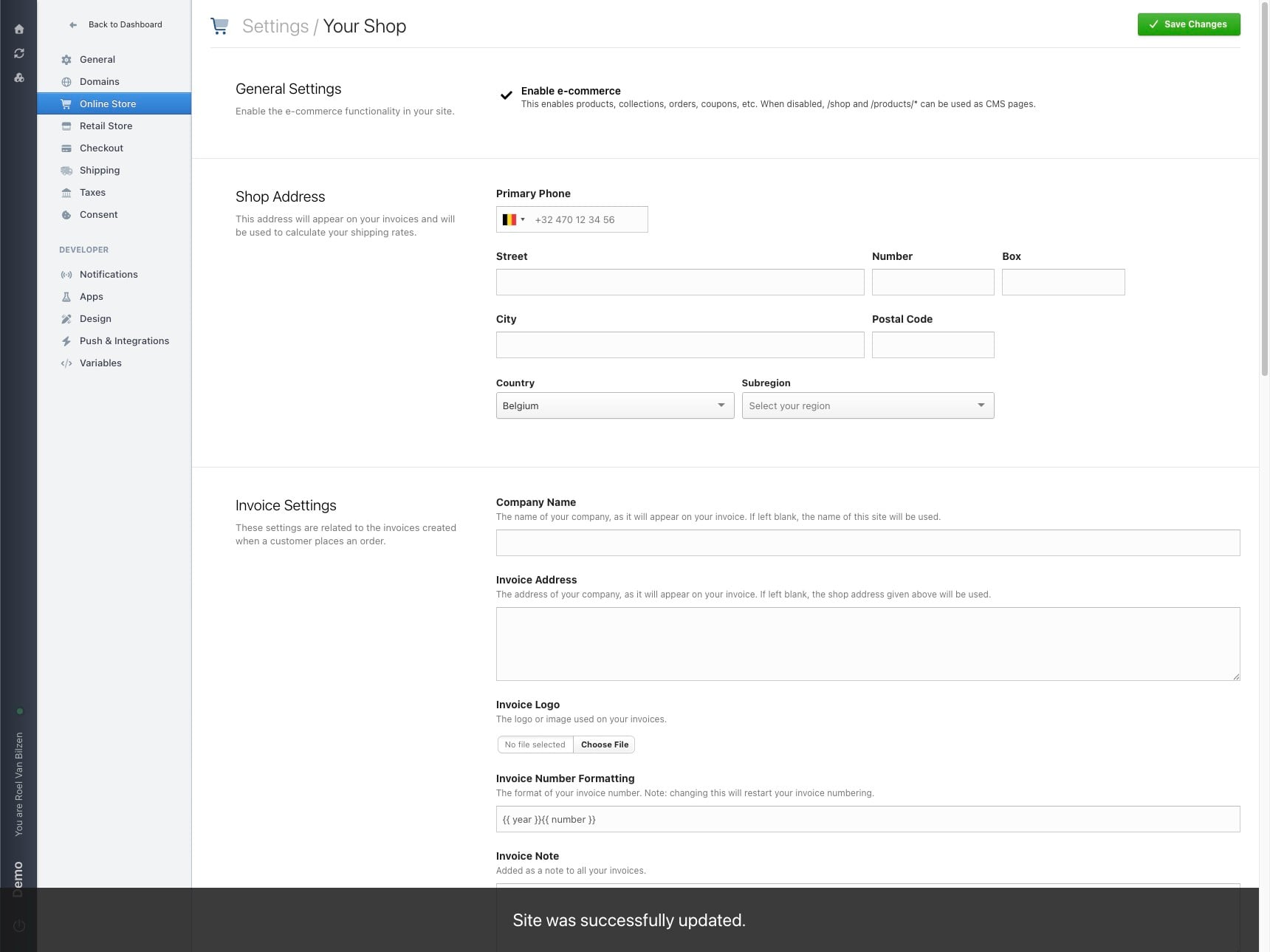
As always click "Save Changes" to save.
Go back to gift cards to create a new gift card.
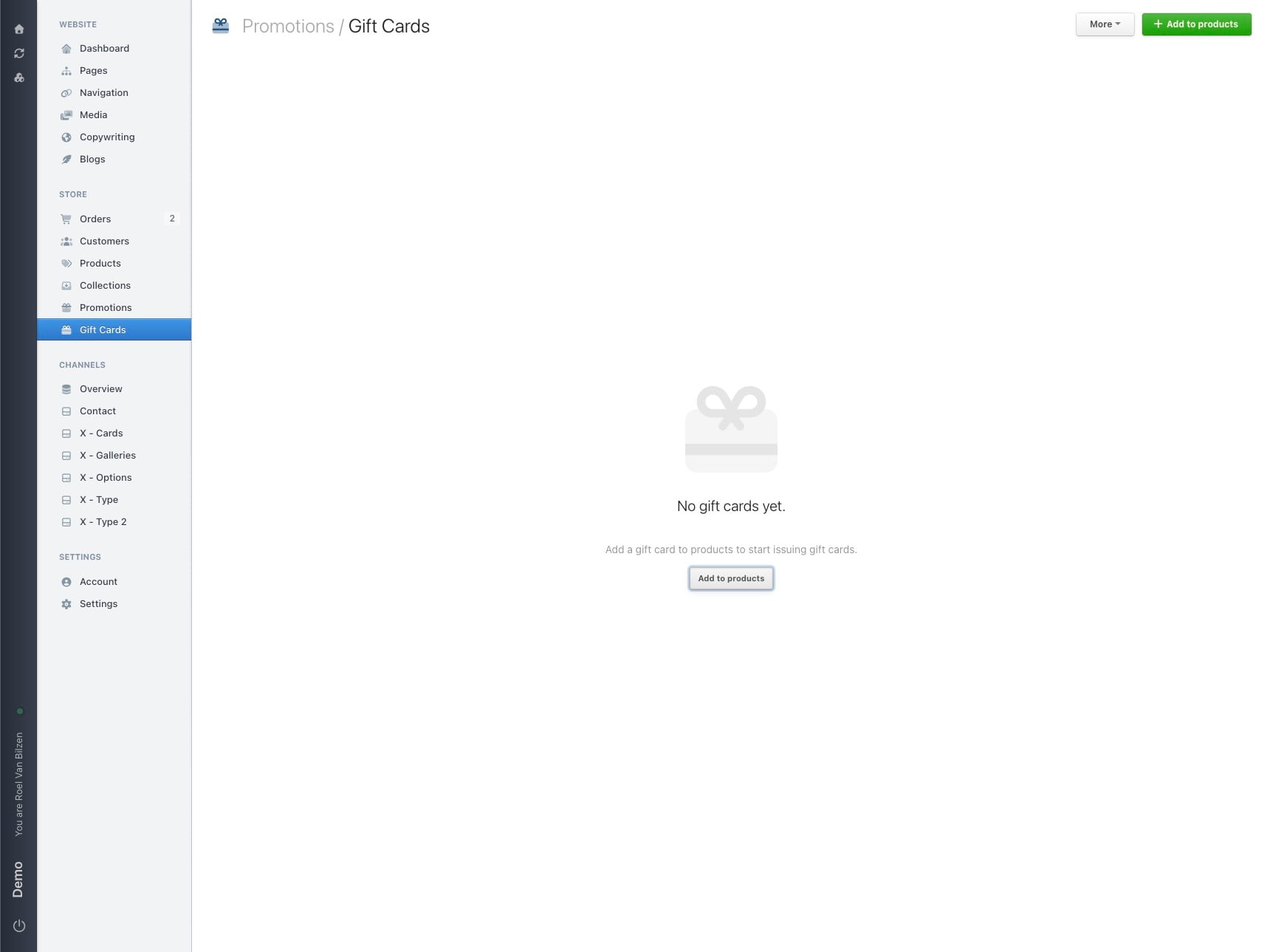
Create a new gift card by clicking on "Add to products".
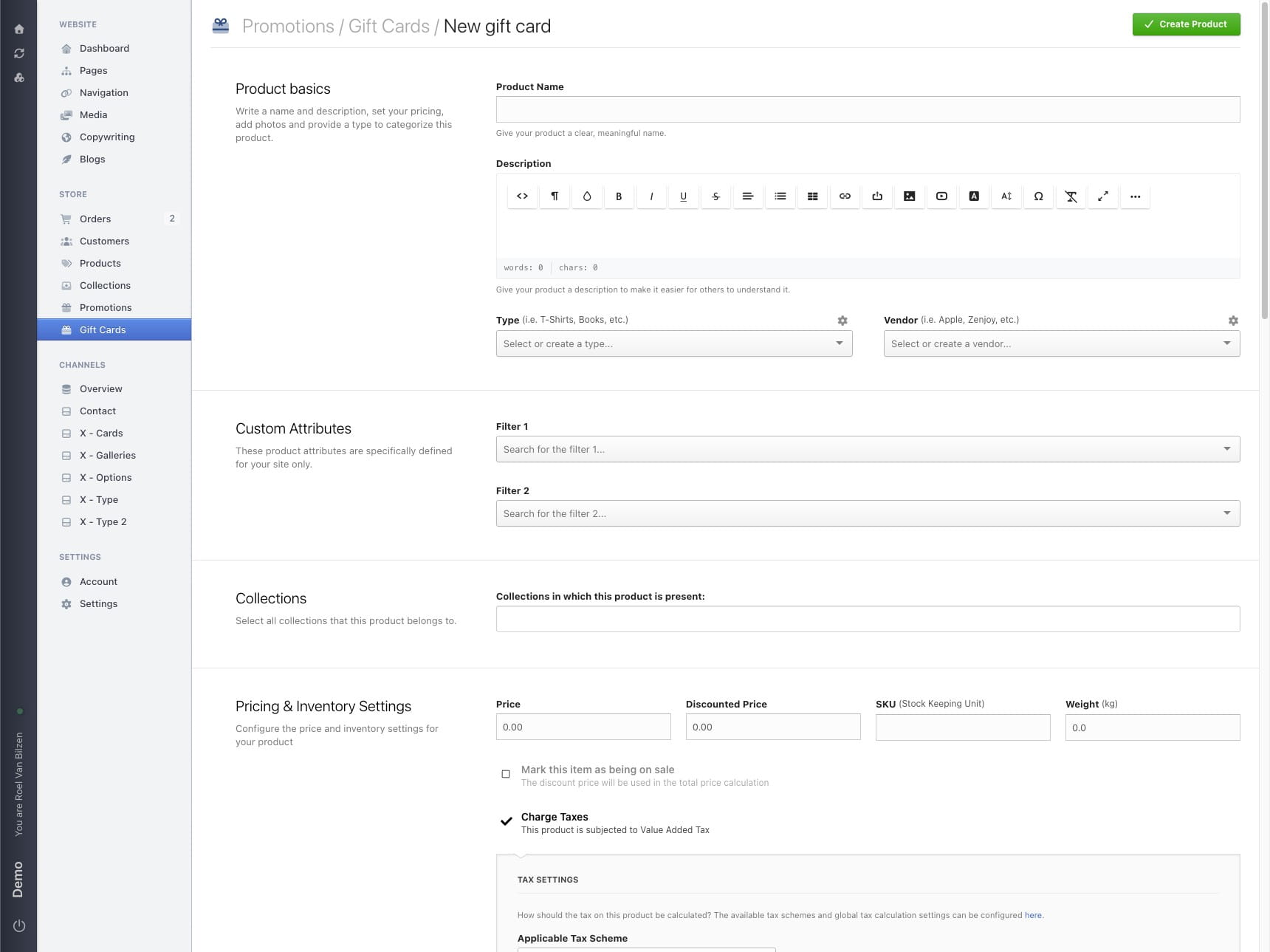
Fill out the information and pice of the gift card the same way you would make a product.
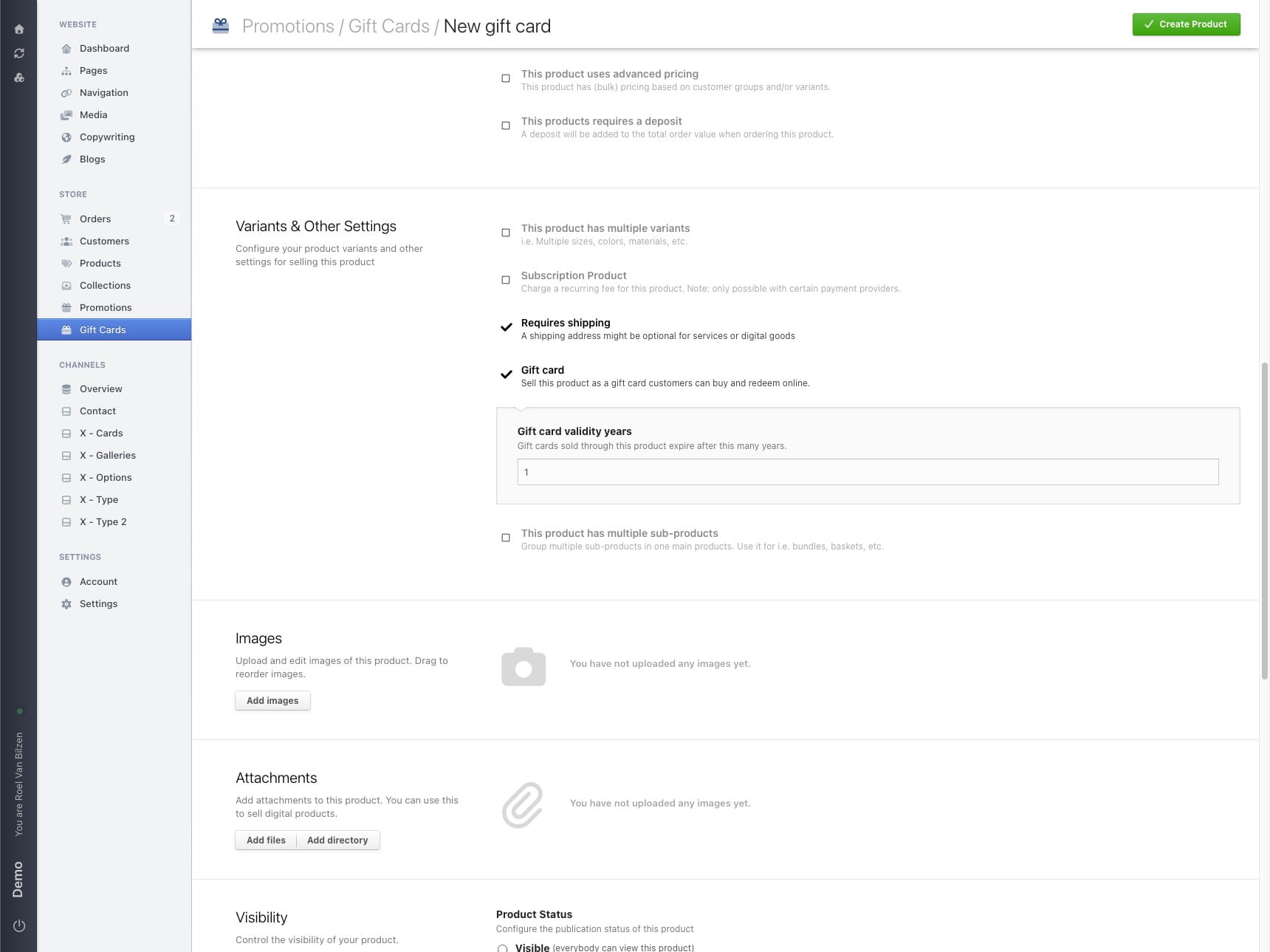
It is possible to determine the years of validity of the gift card. By default is this 1 year.
Click "Create Product" to create the gift card.
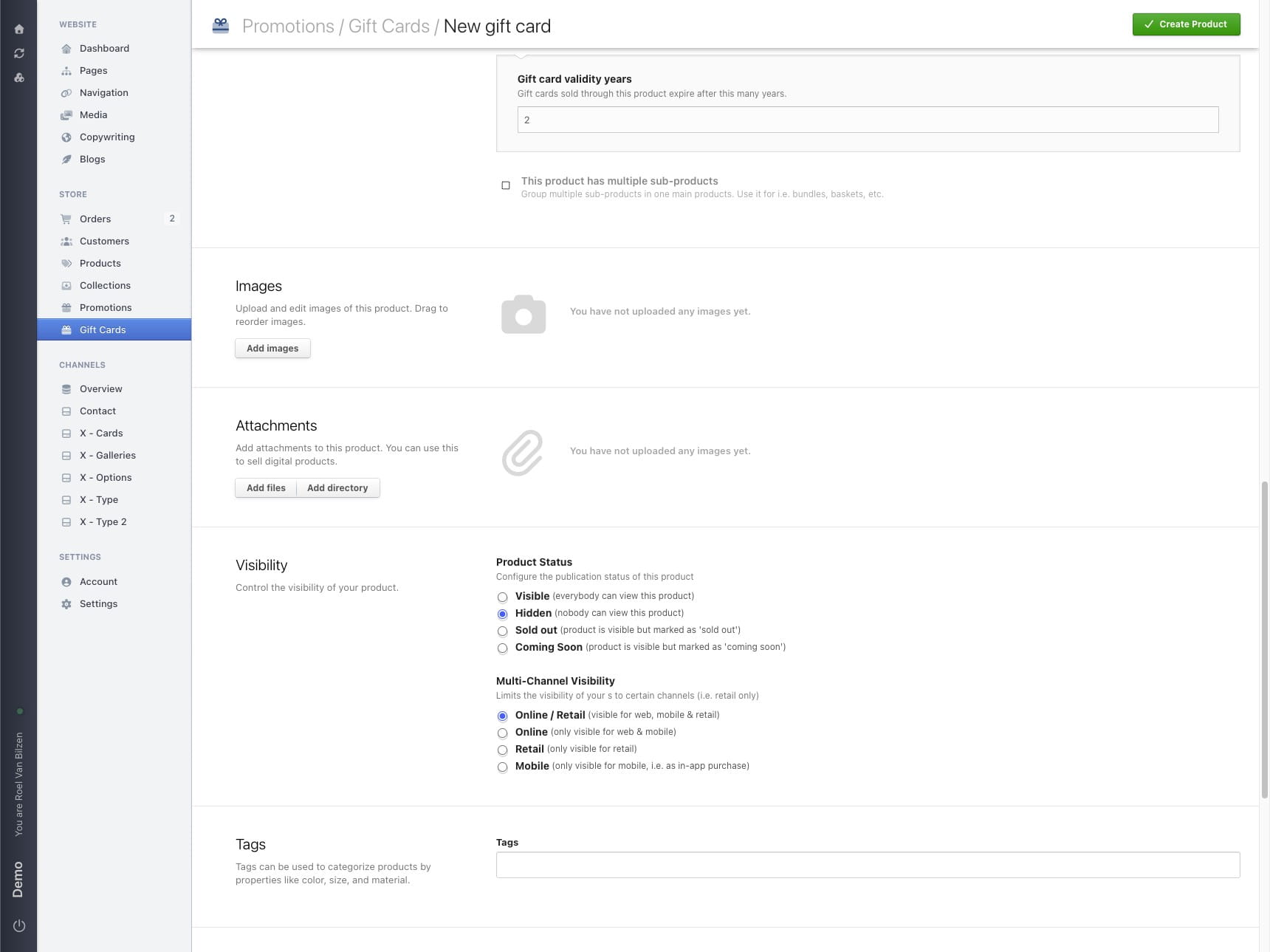
Gift card is created.
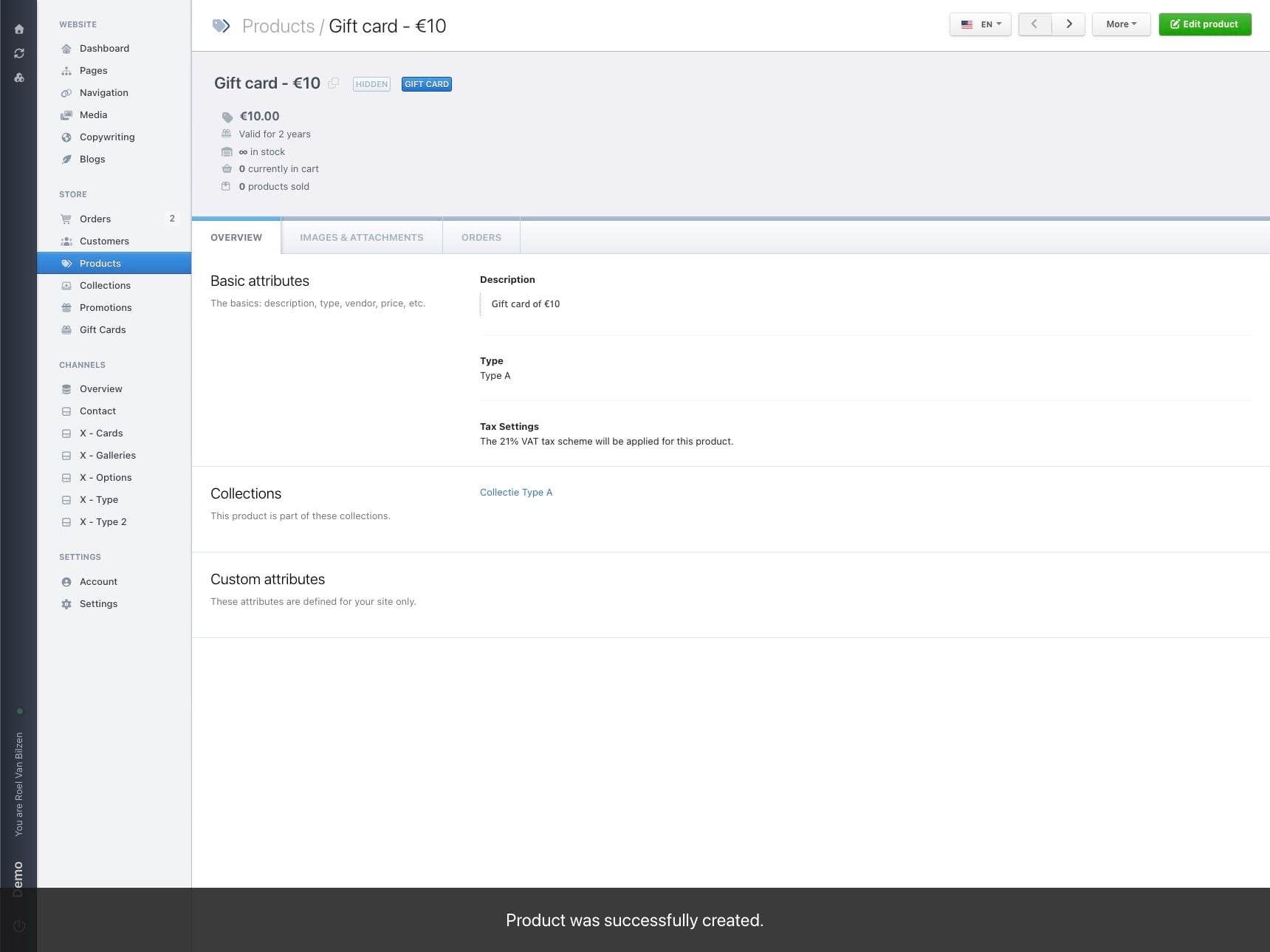
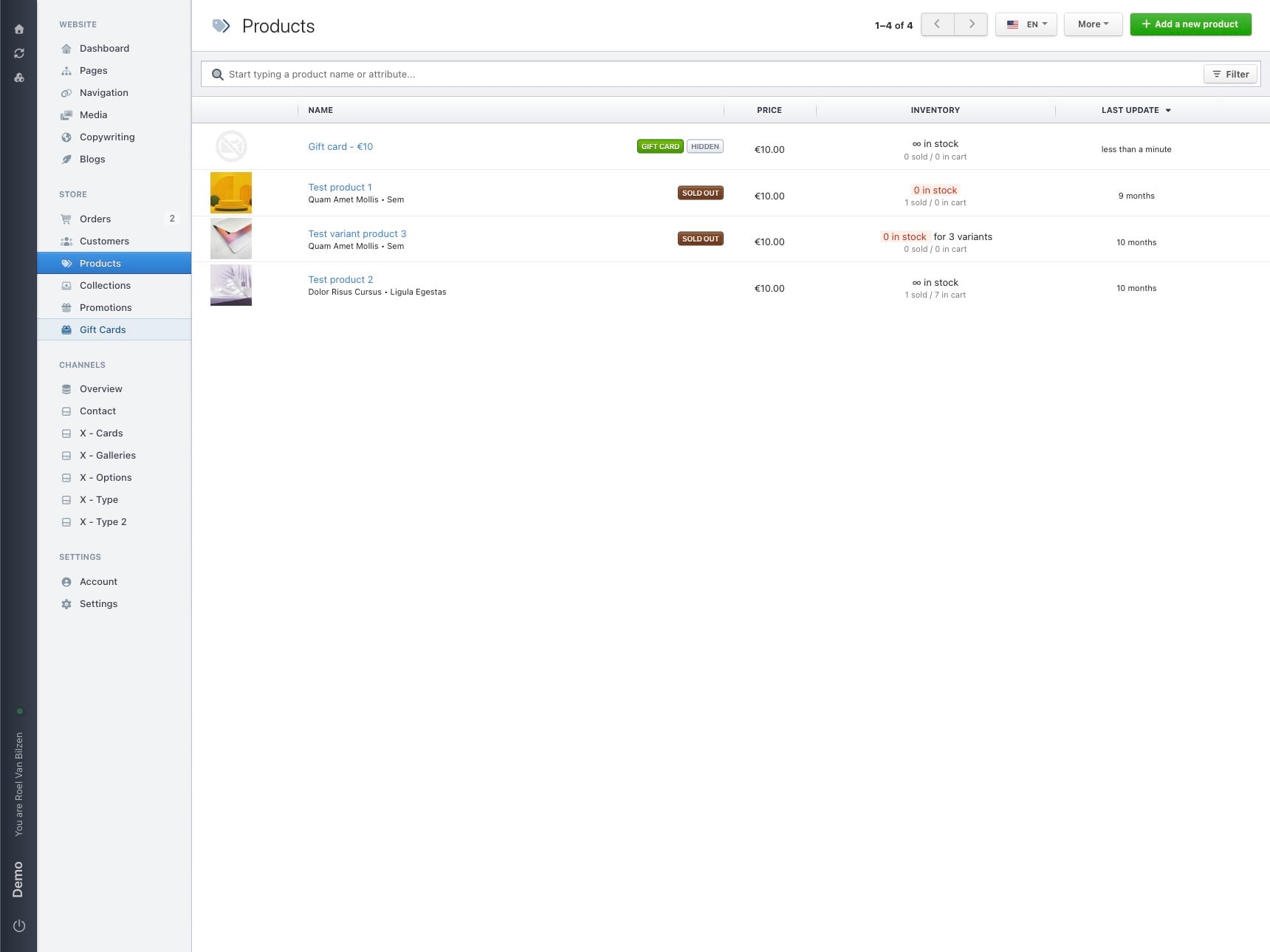
Gift cards are products. They are visible in the overview of products.
It is possible to directly create a gift card from products by selecting "Gift card" under "Variants & Other Settings".
The gift cards page will show an overview of all bought gift cards.
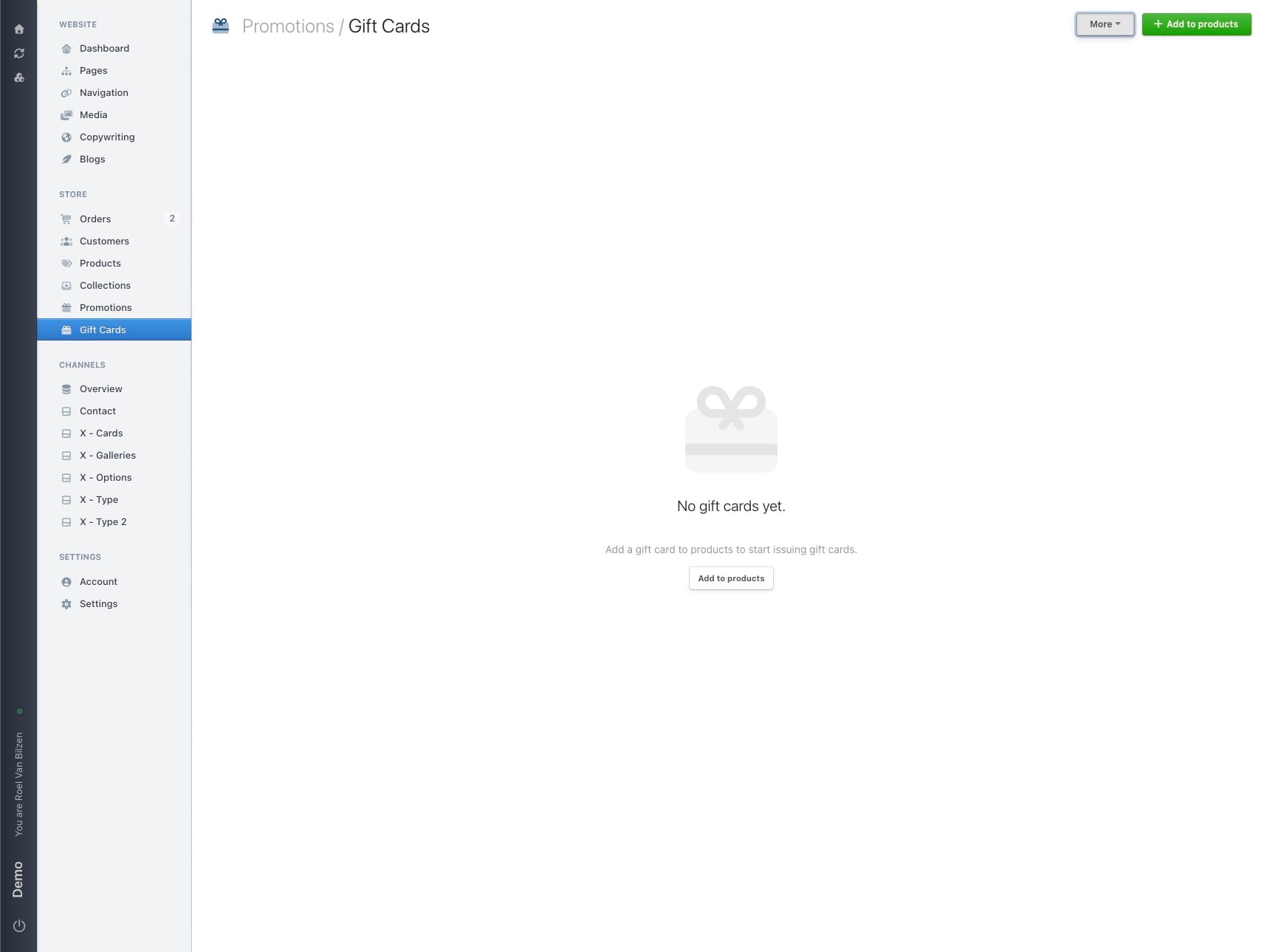
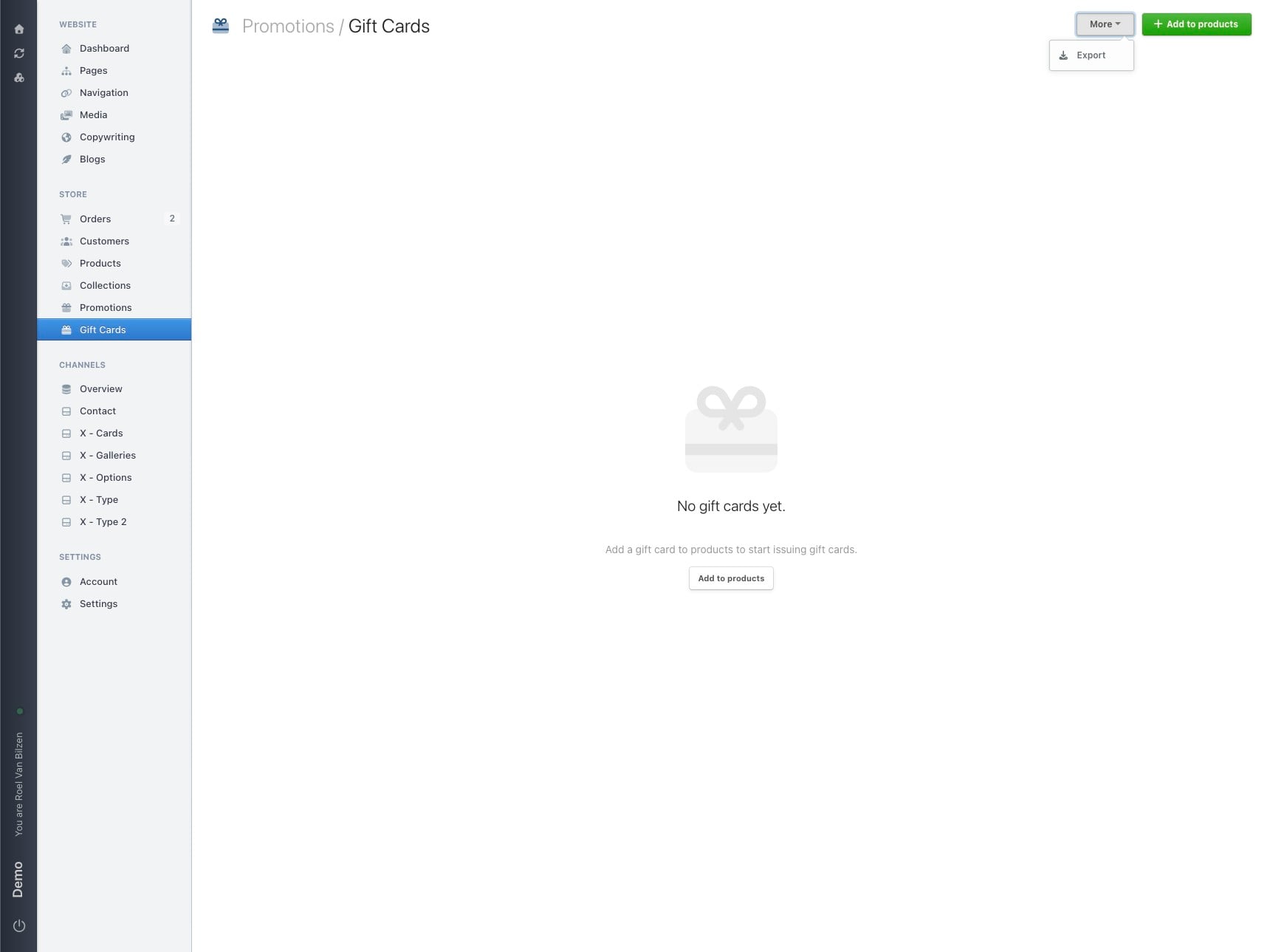
Click "More", then "Export" to download a csv-file of all the bought gift cards.