How to edit the receiver of a channel notification
Jul 08, 2025●
1
Navigate to your admin area https://yourwebsite.be/admin
2
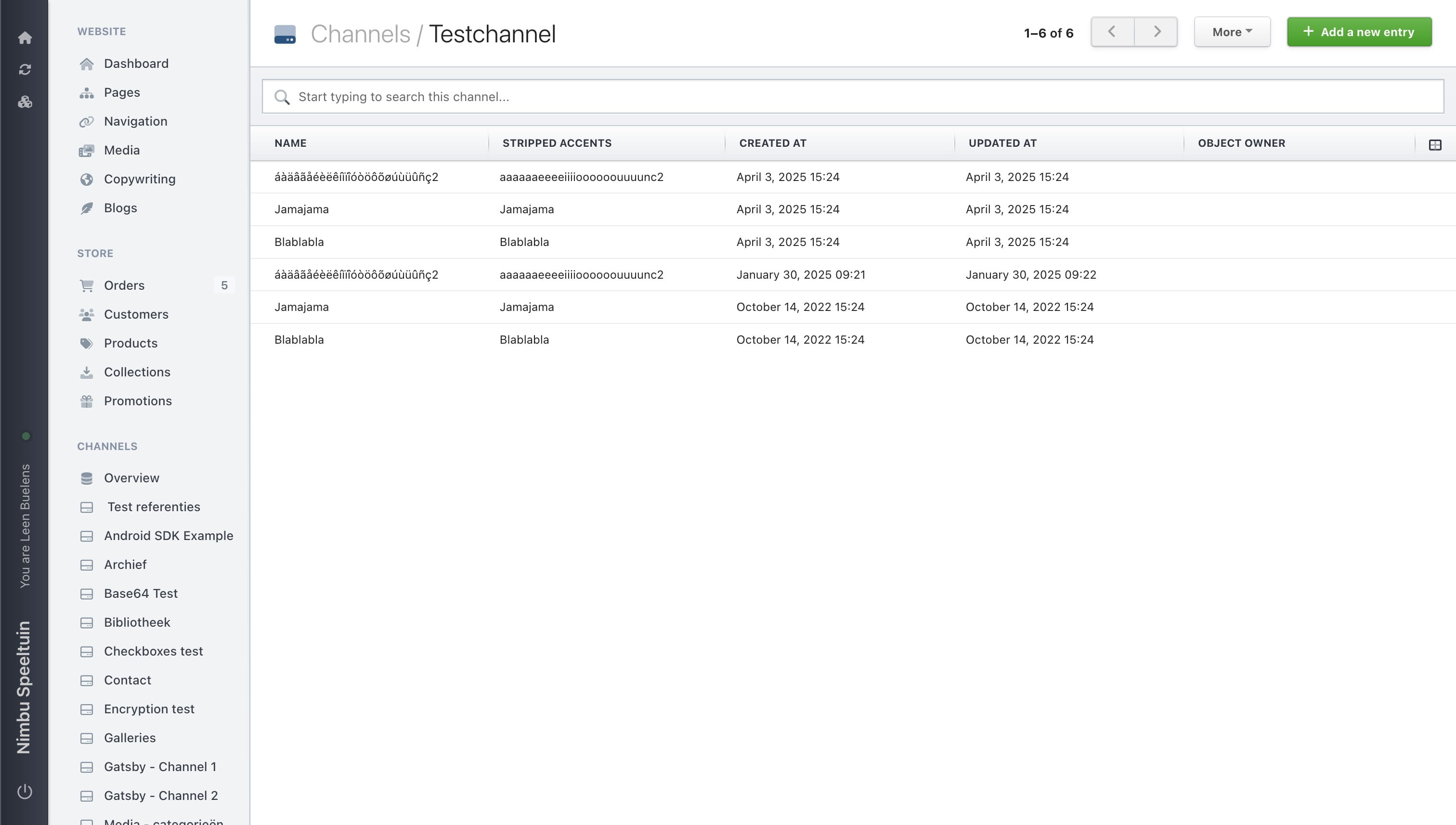
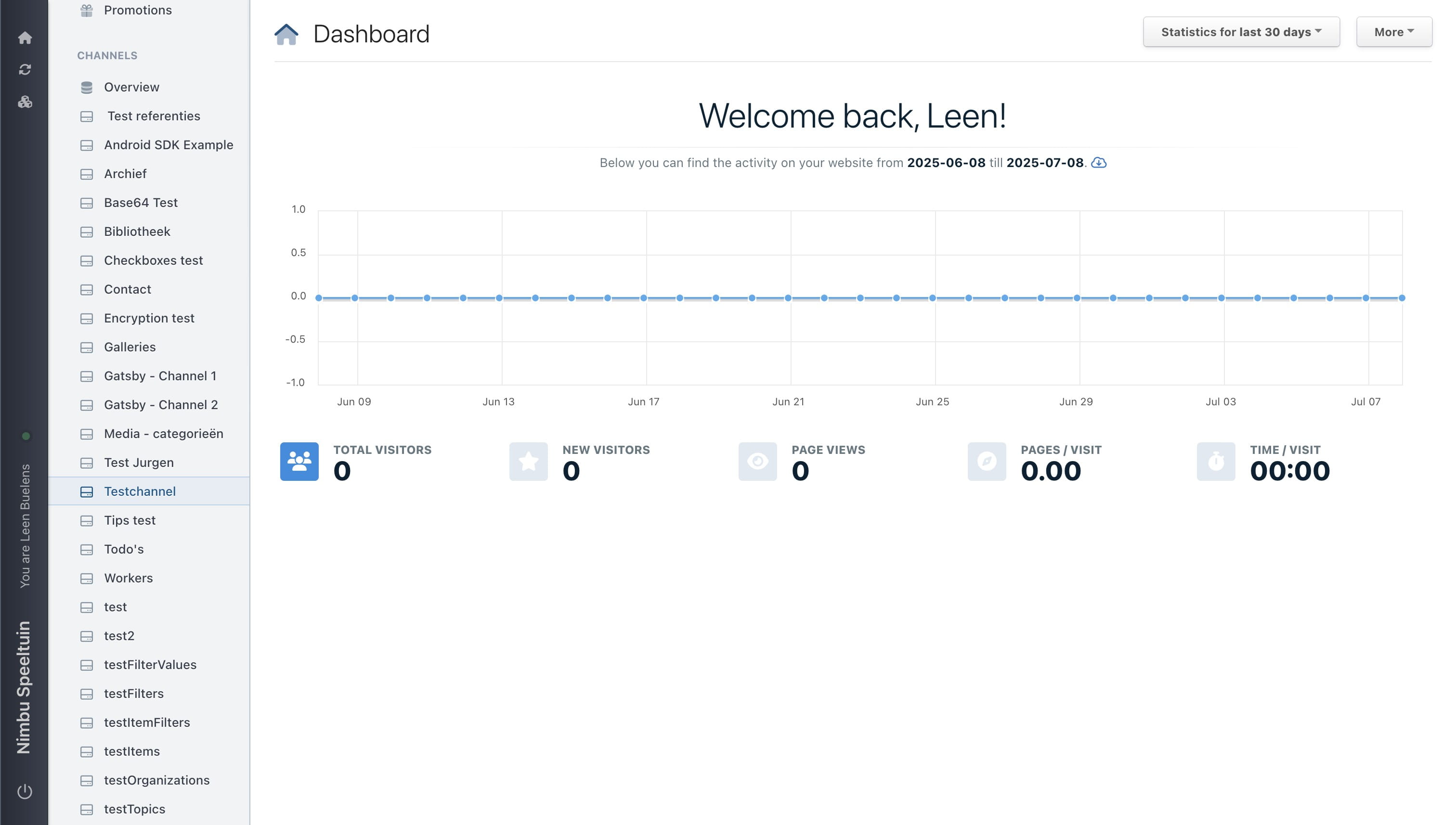
Go to the channel you want to edit.
3
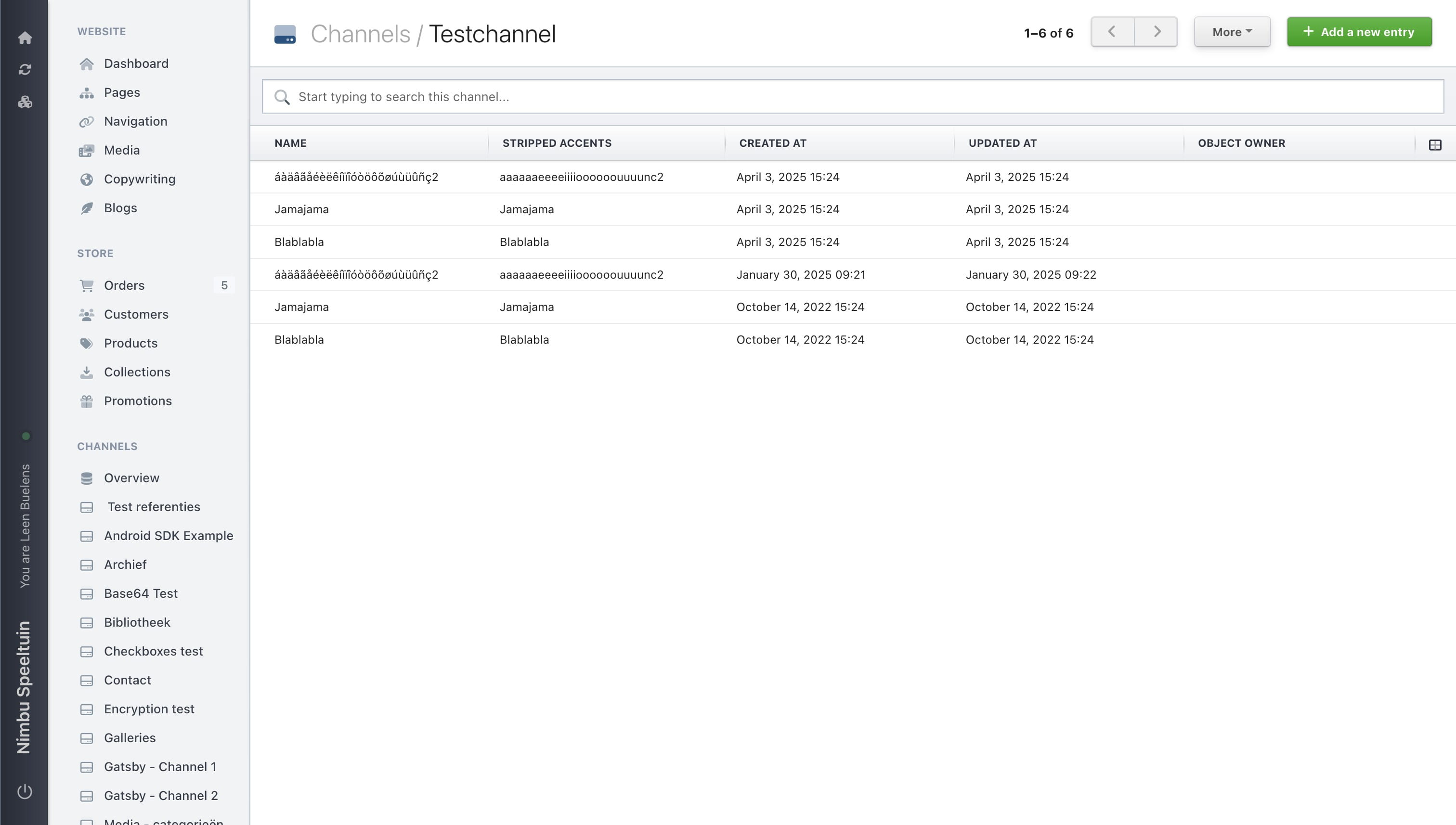
Click on "More"
4
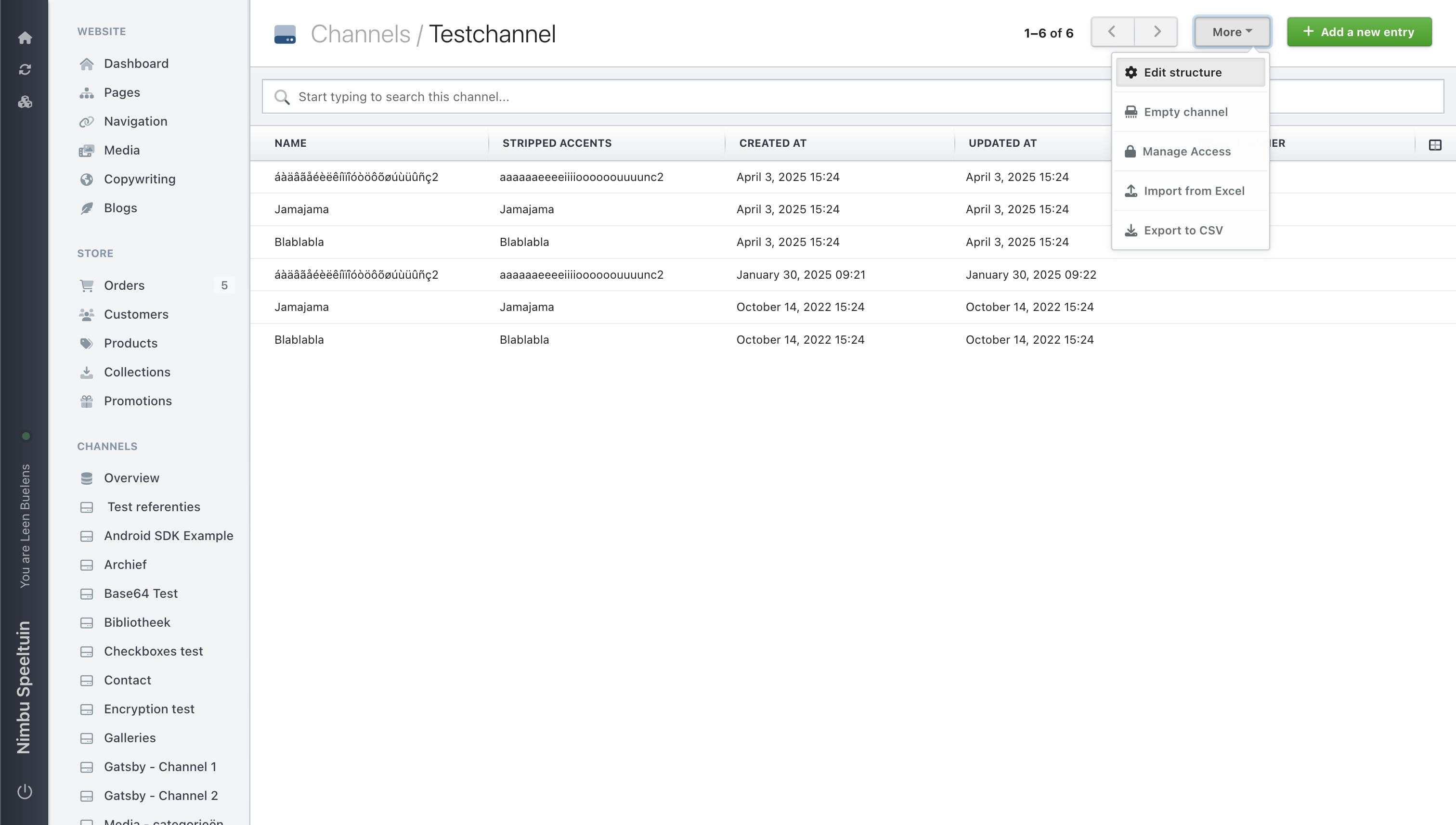
Choose 'edit structure'
5
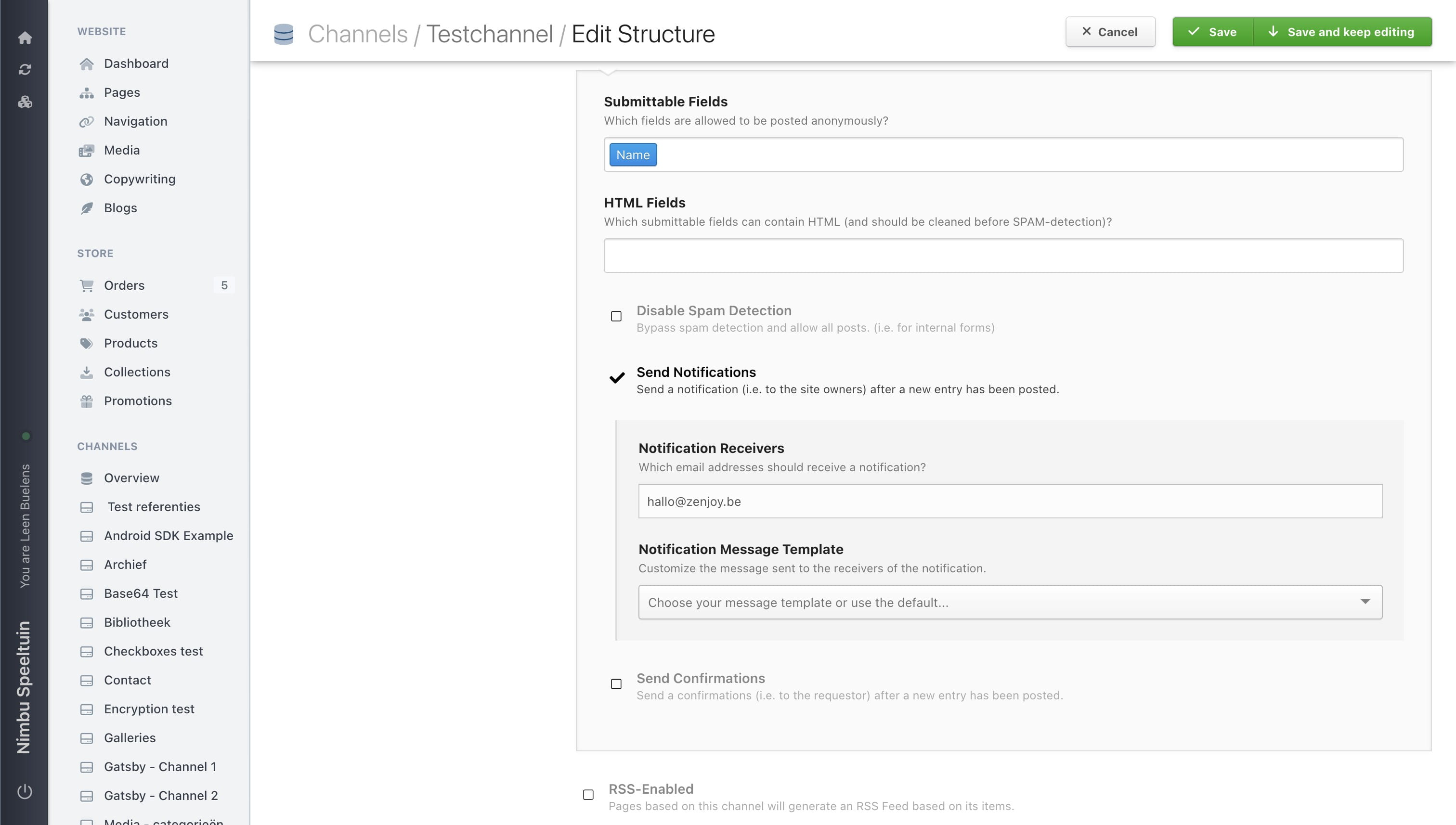
Scroll down to the notifications section and edit the receivers.
6
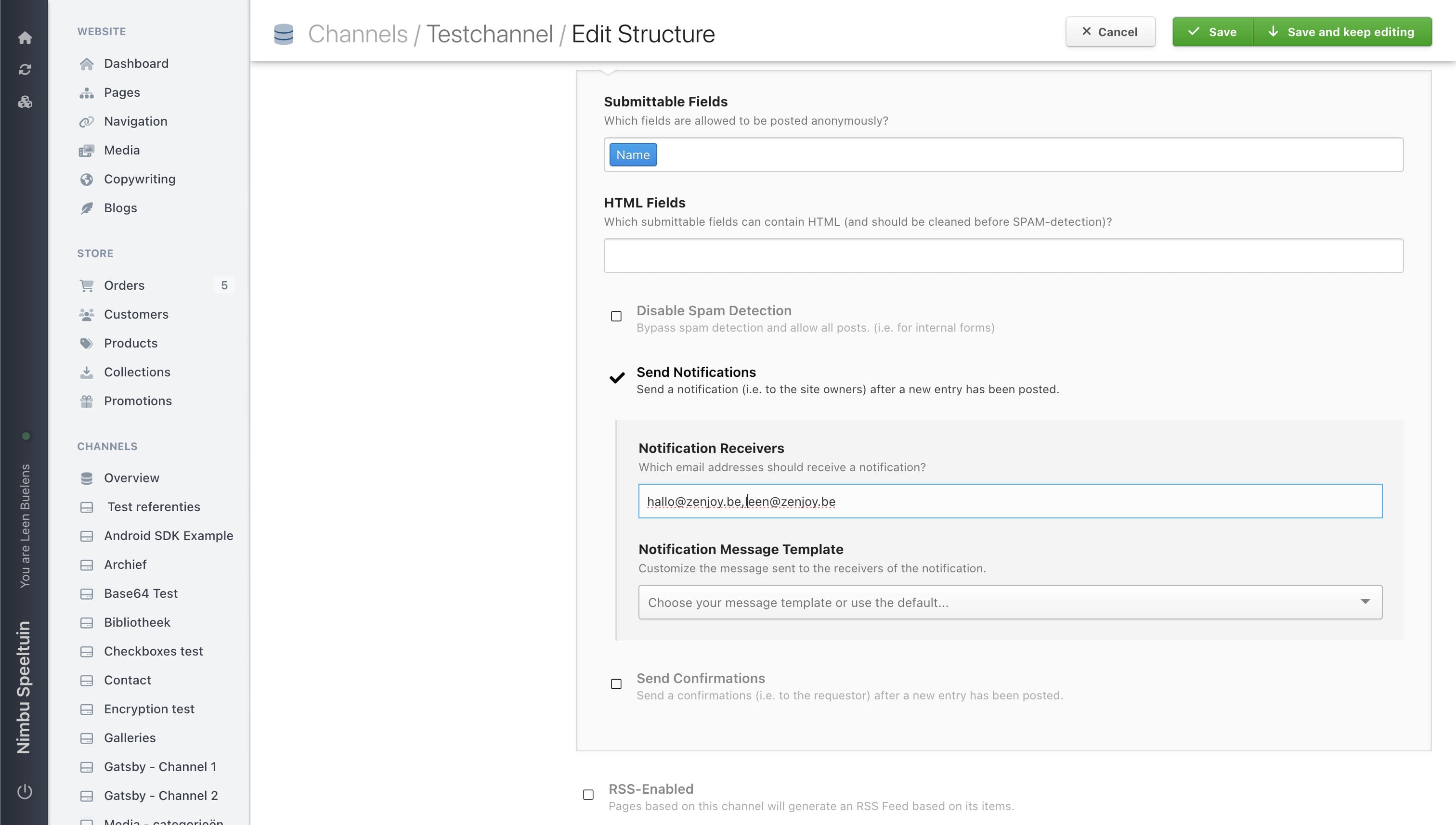
Type the address you want to receive a notification on. You can add multiple addresses, separated by only a comma.
7
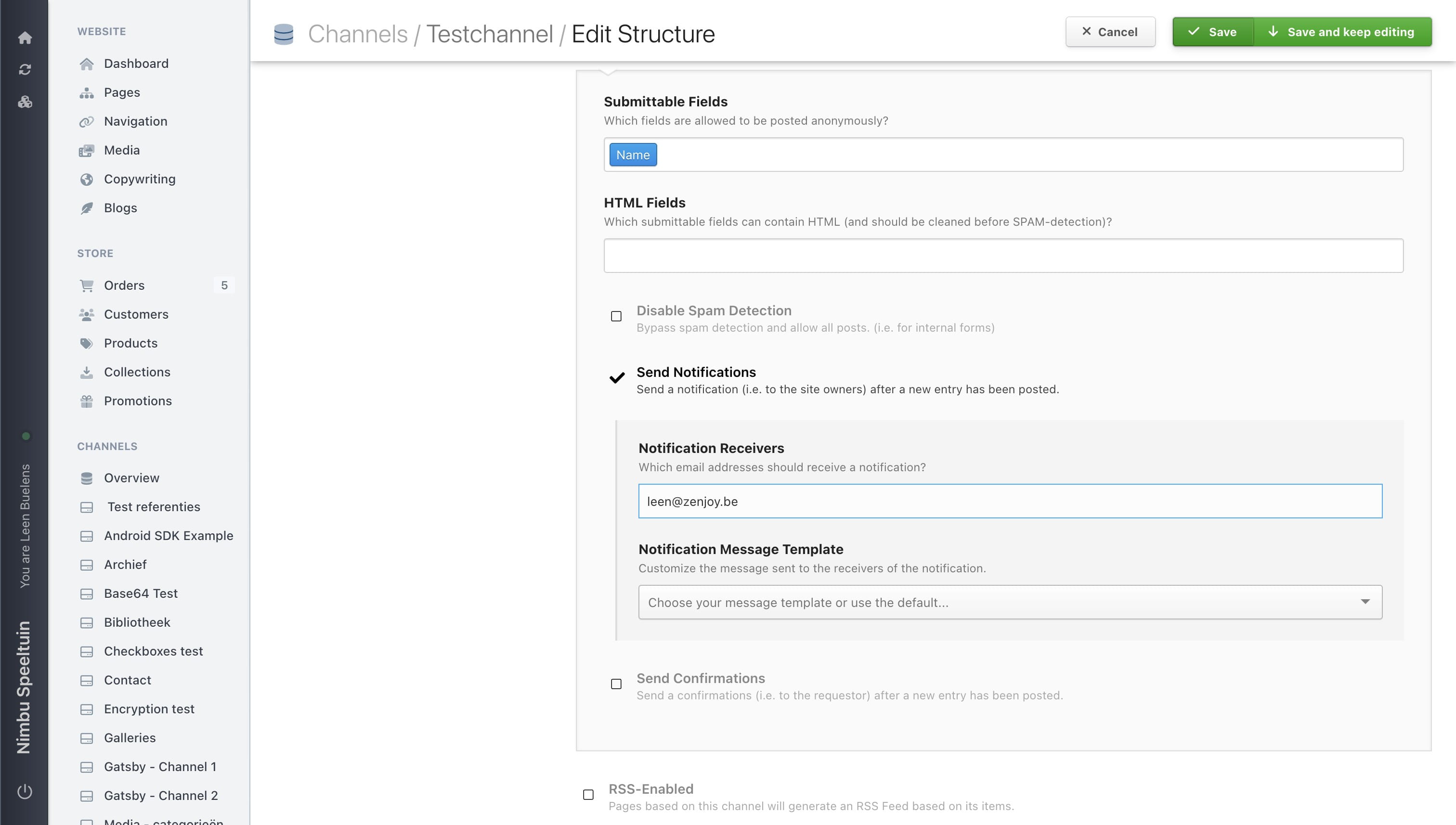
Save the settings by clicking on the 'save button' in the top right of the screen.
8
Done 🚀