Adding / removing a language
Navigate to https://[YOUR DOMAIN].nimbu.io/admin/pages and select a page you want to structure.
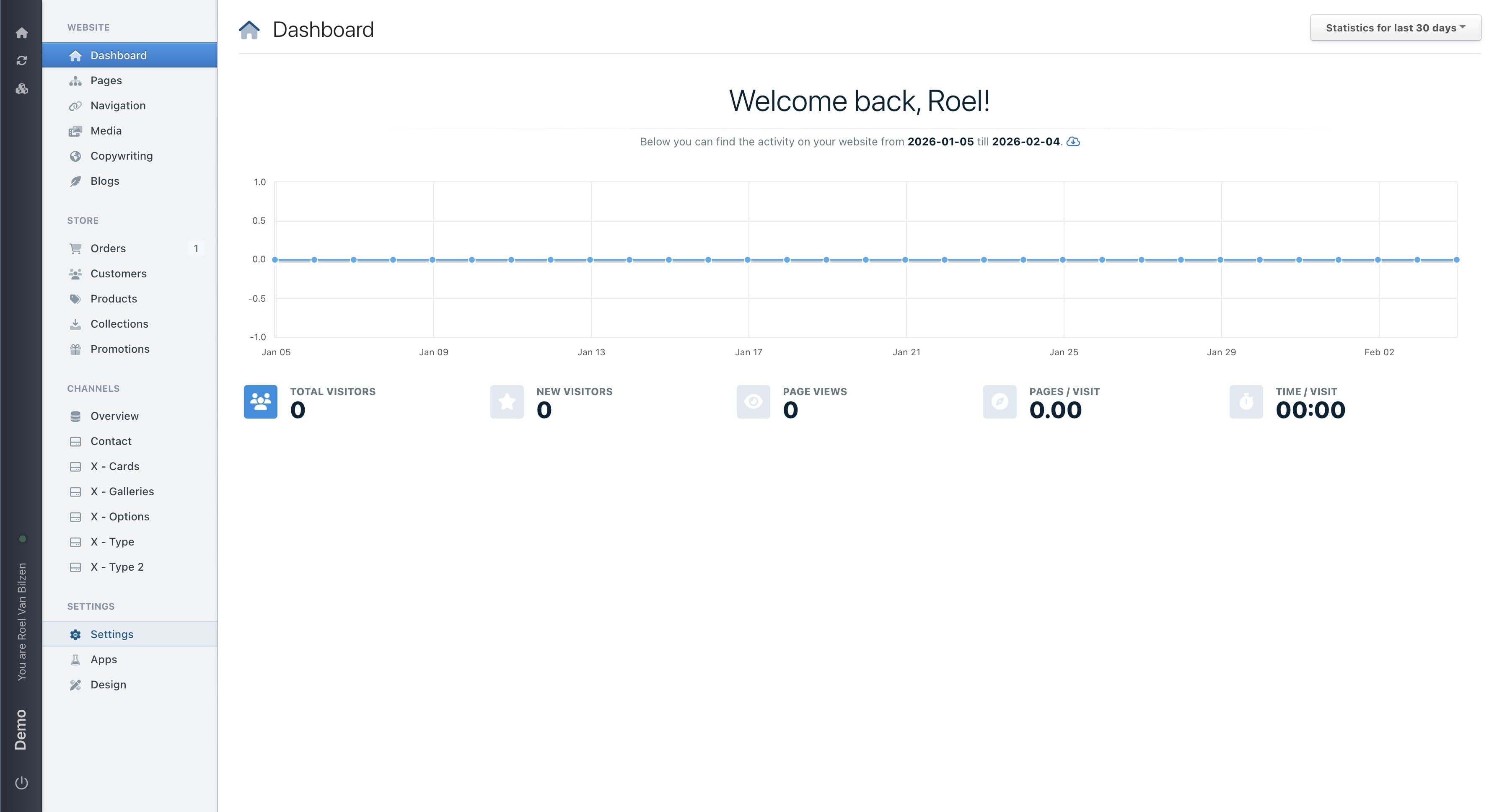
Open "Settings" menu
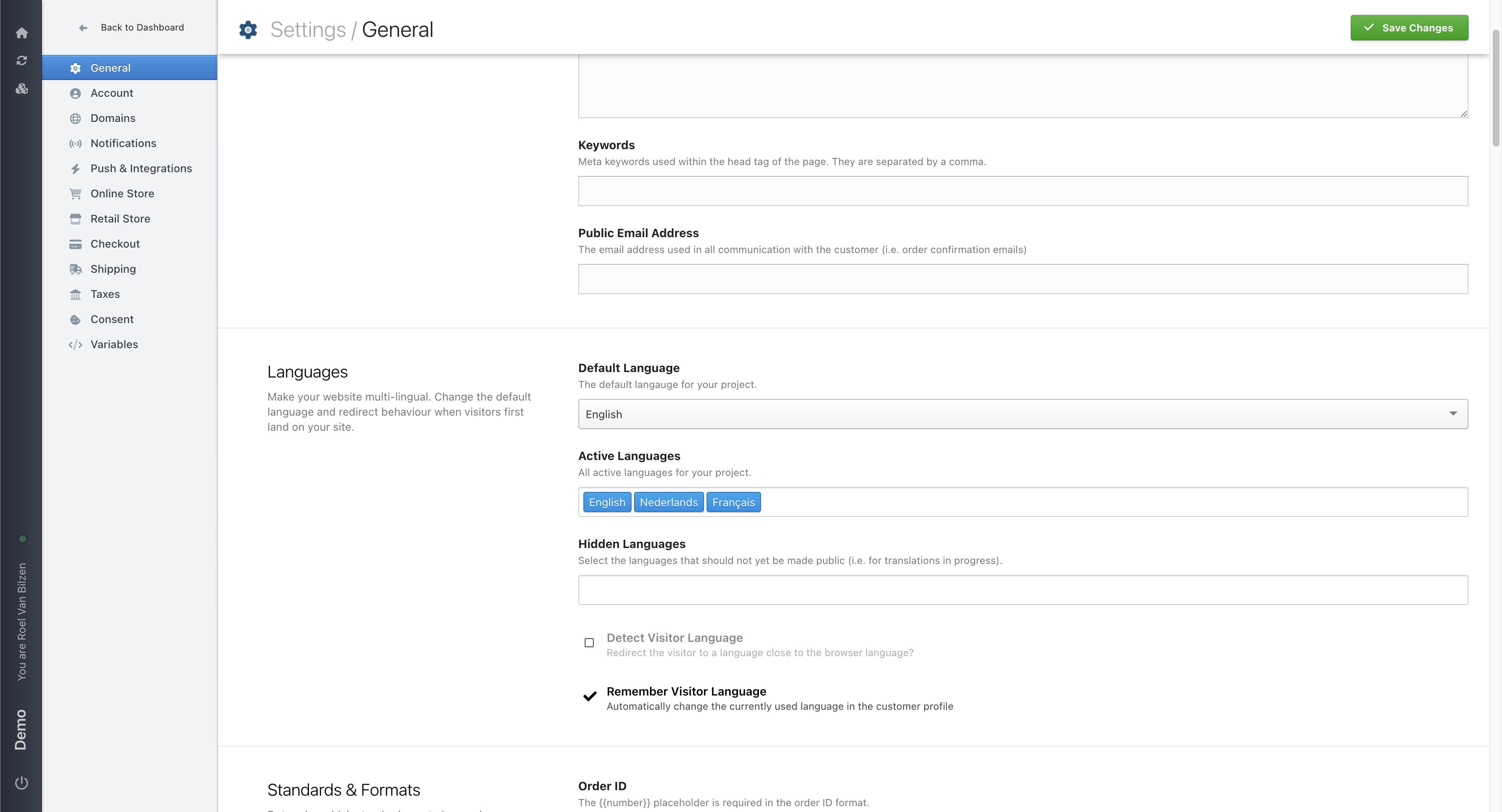
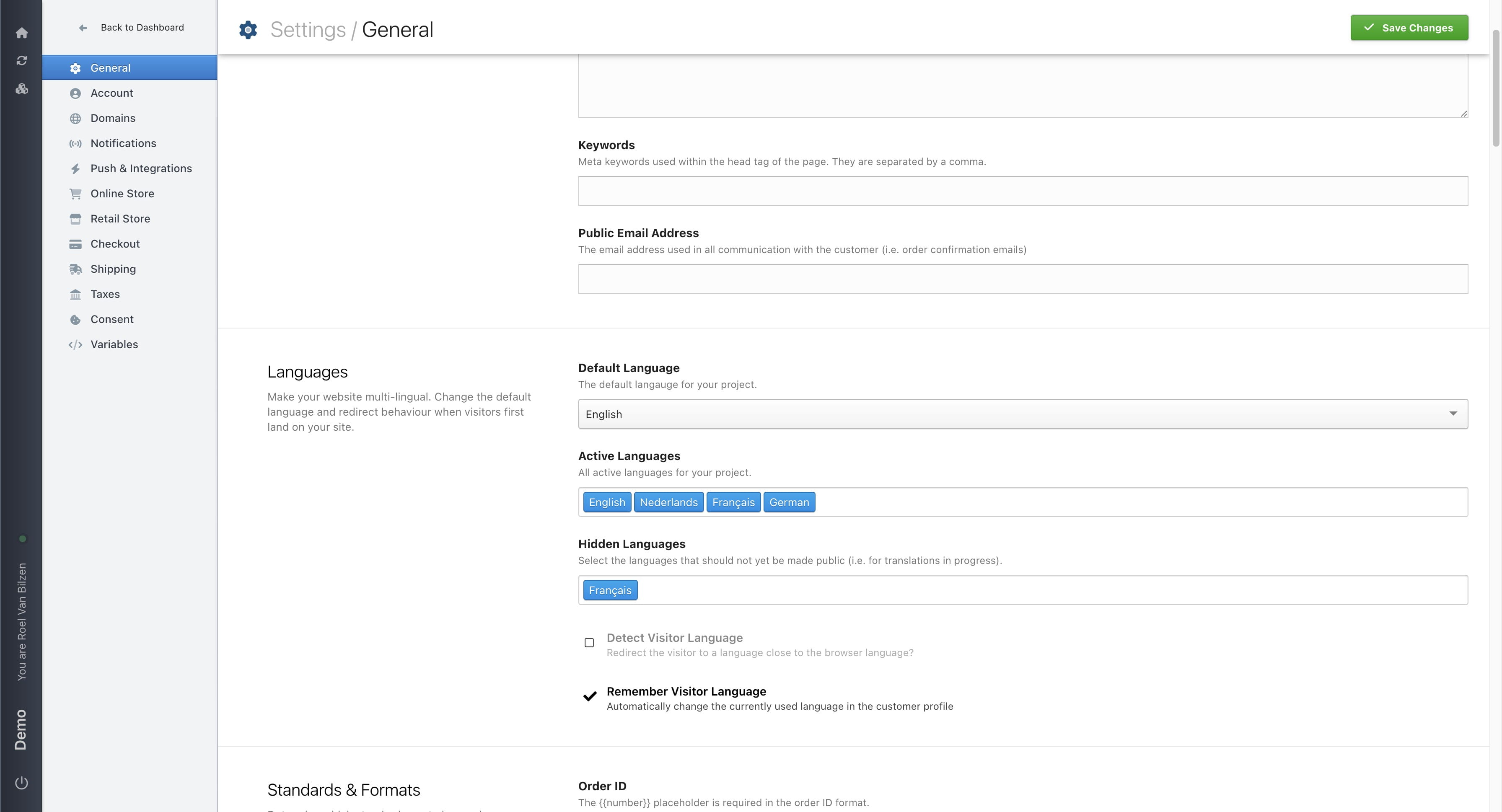
Under "Languages" you can select active and hidden languages
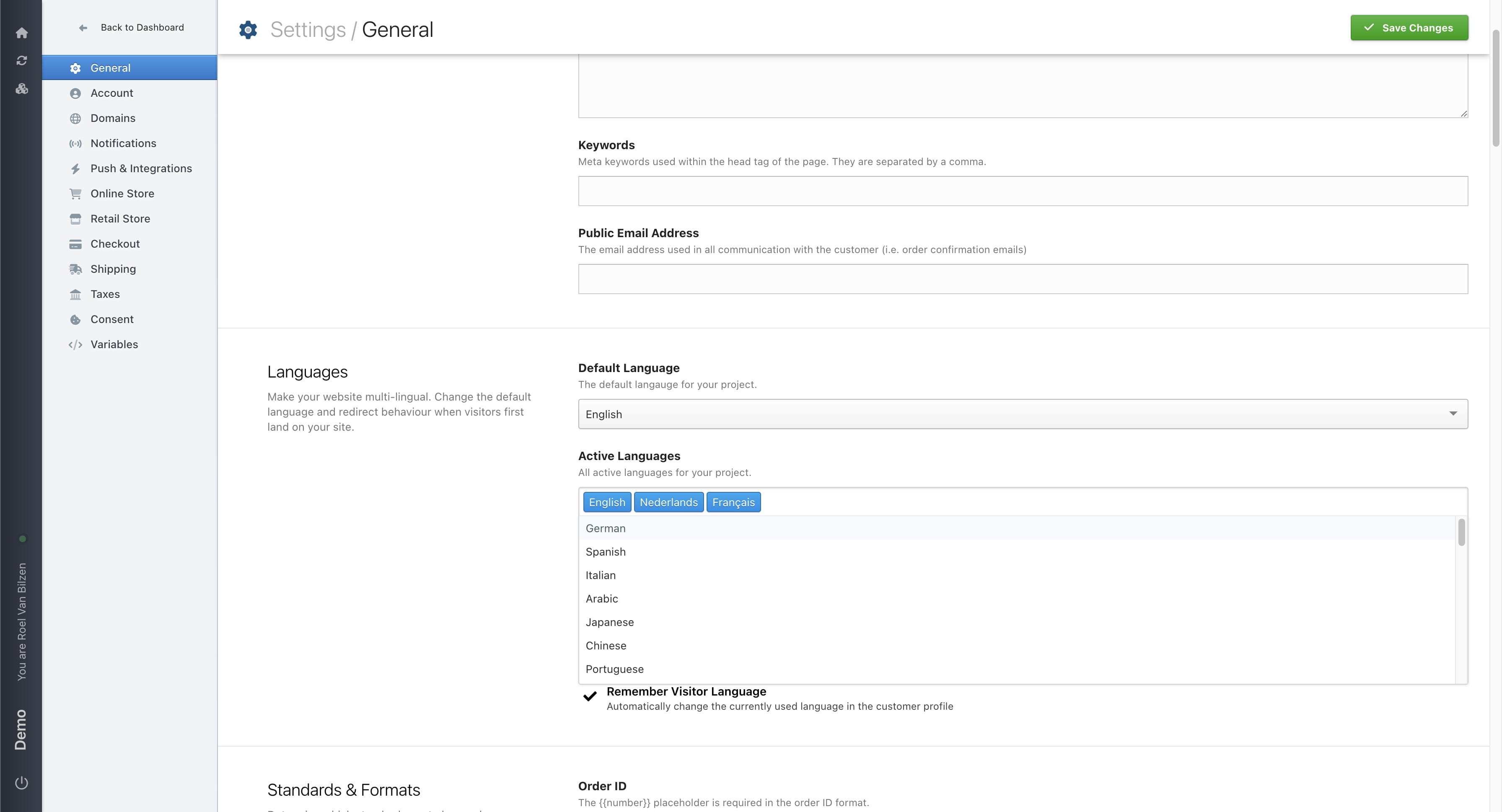
Active languages are all the languages used on your site. Select or start typing to filter languages you can add. Use backspace/delete and the arrow buttons to remove languages that have been selected.
Select hidden languages the same way as active languages. All hidden languages are hidden on the website, but can be used in Nimbu. Primary use is for translating the site to a new languages without it being visible on the website.
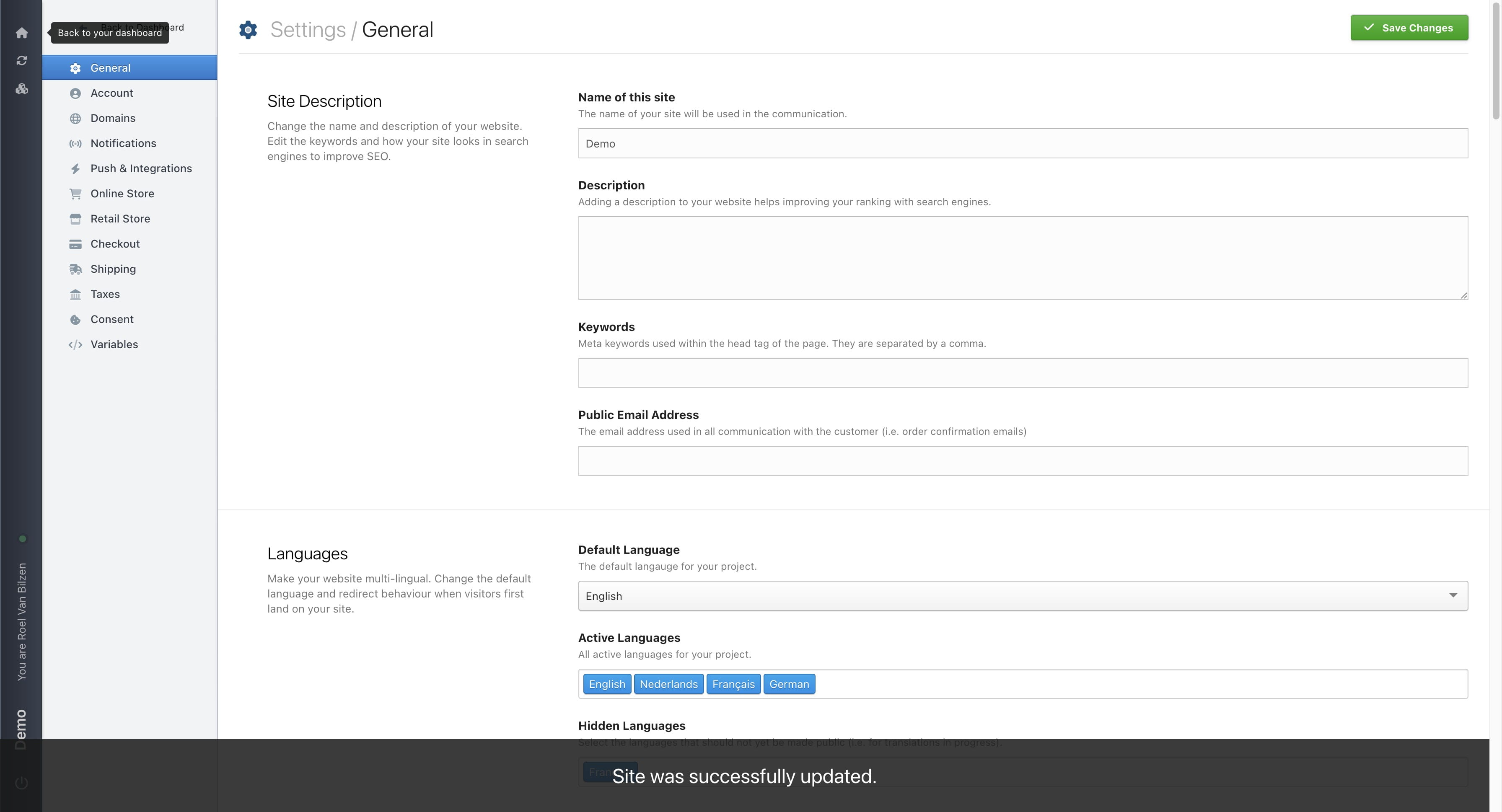
Click "Save changes" when finished editing
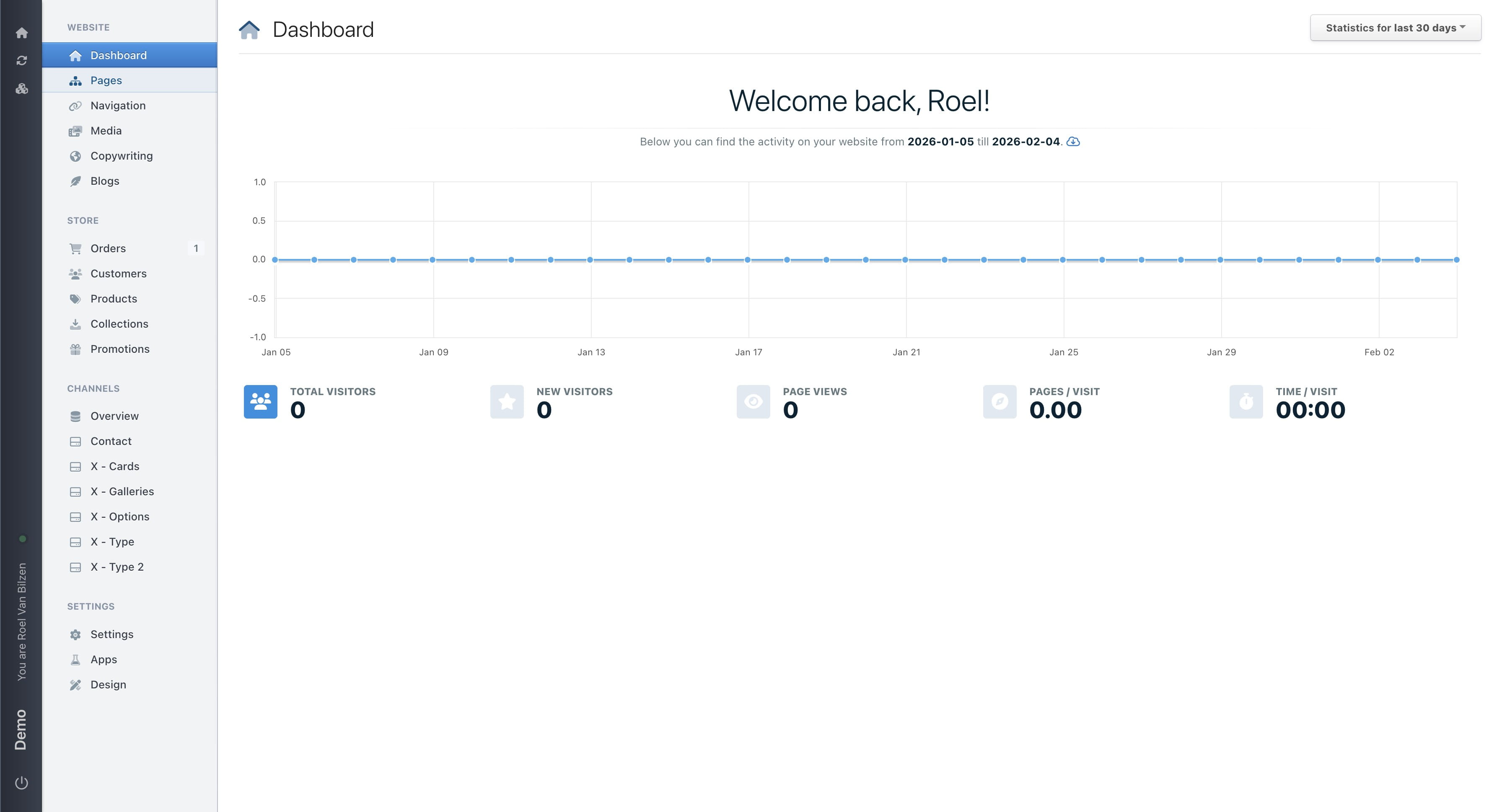
All the active languages can be found throughout Nimbu
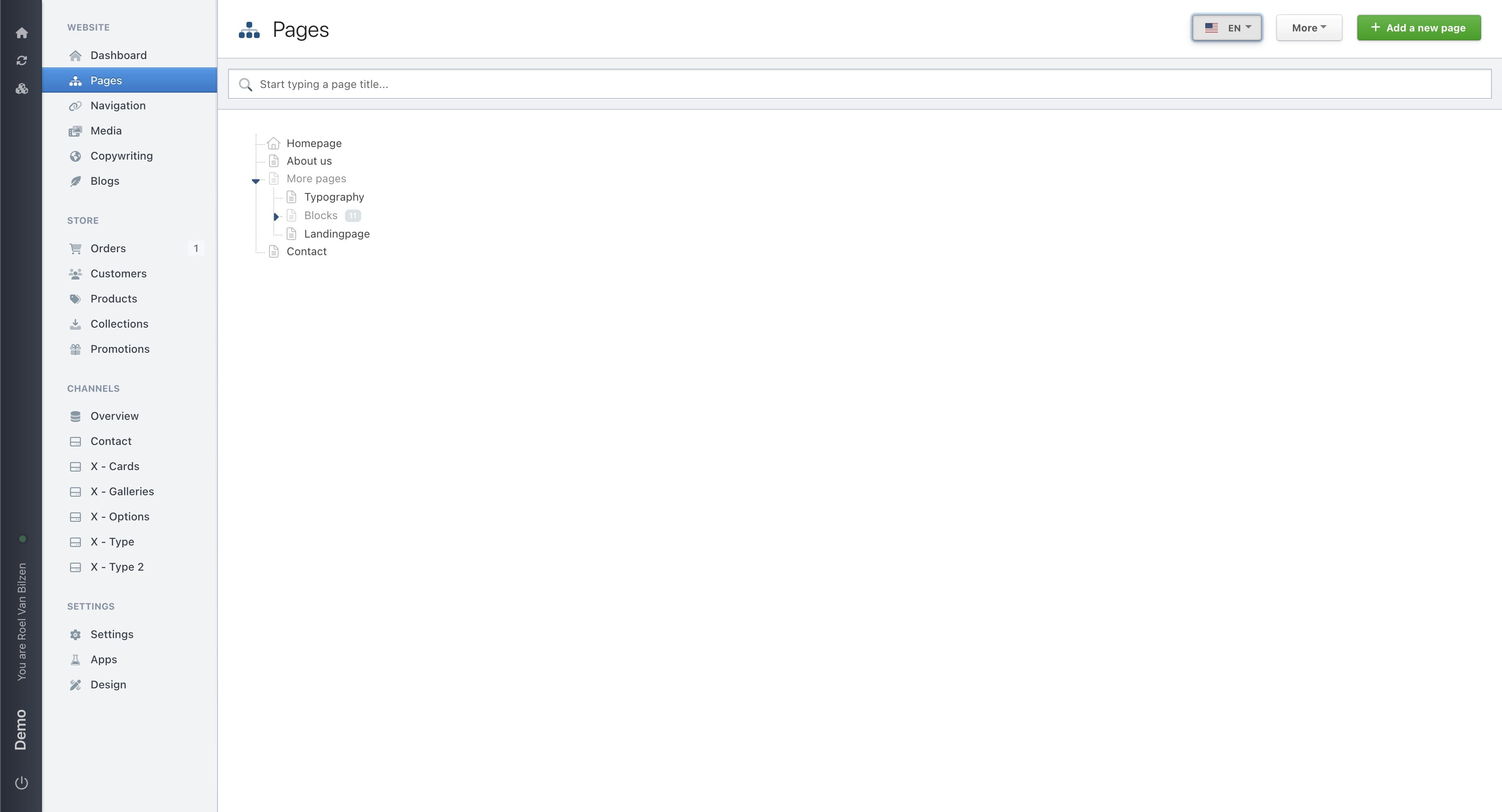
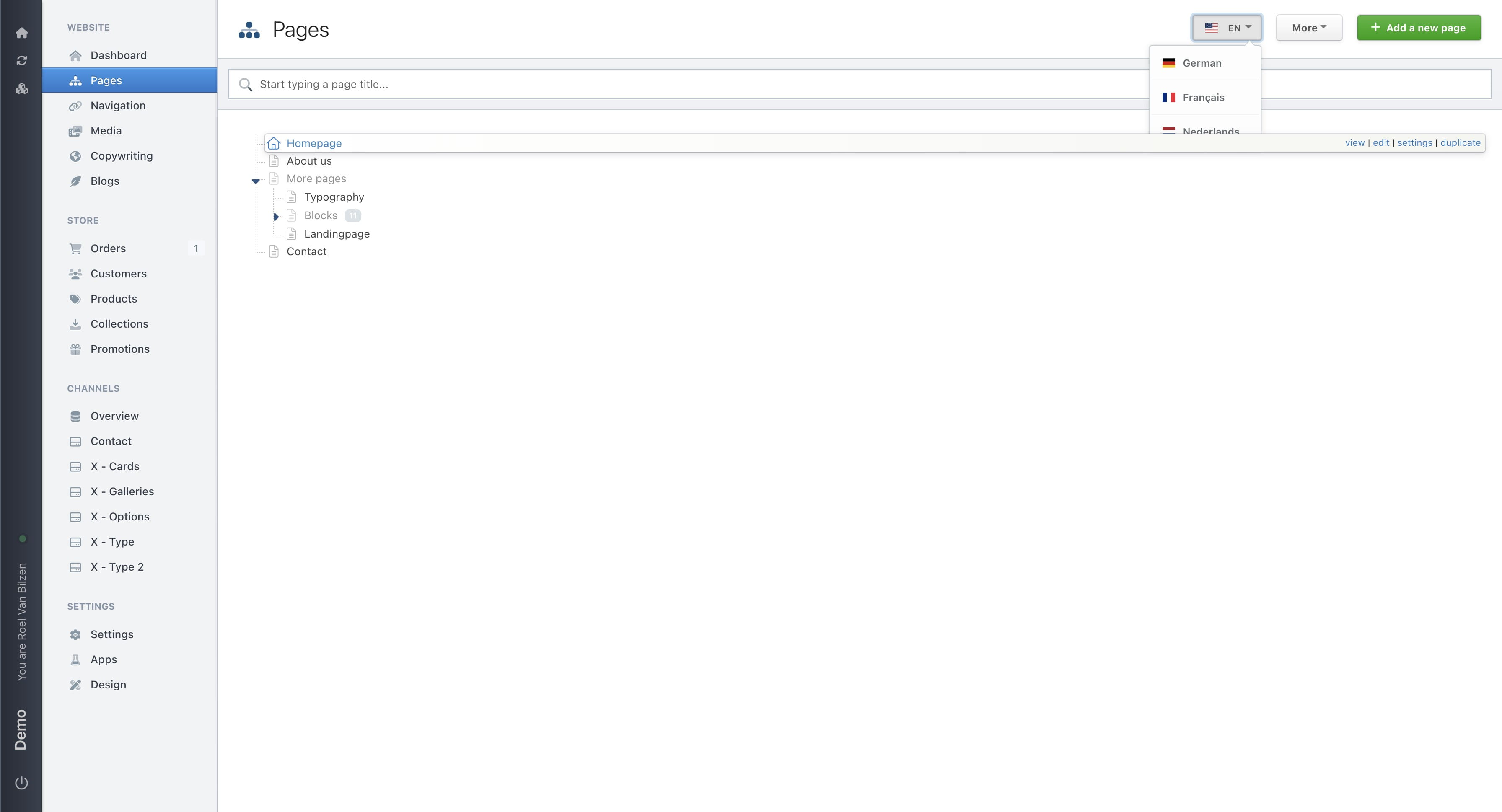
On pages
This is visible with a flag and abbreviation of the language. With the dropdown you can change the language
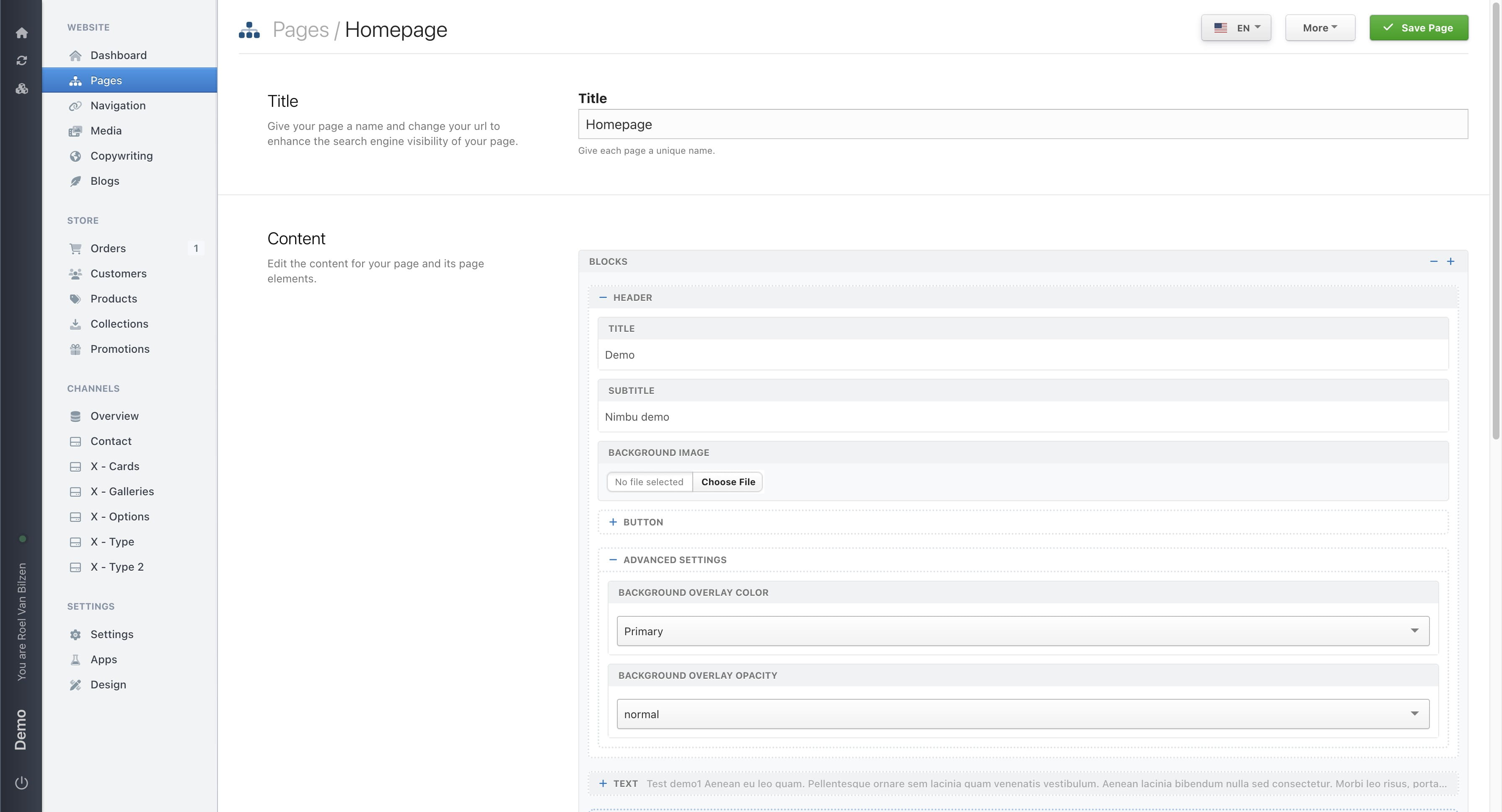
On a specific page
When changing the language on a page it is important to remember to first save any changes before changing the language
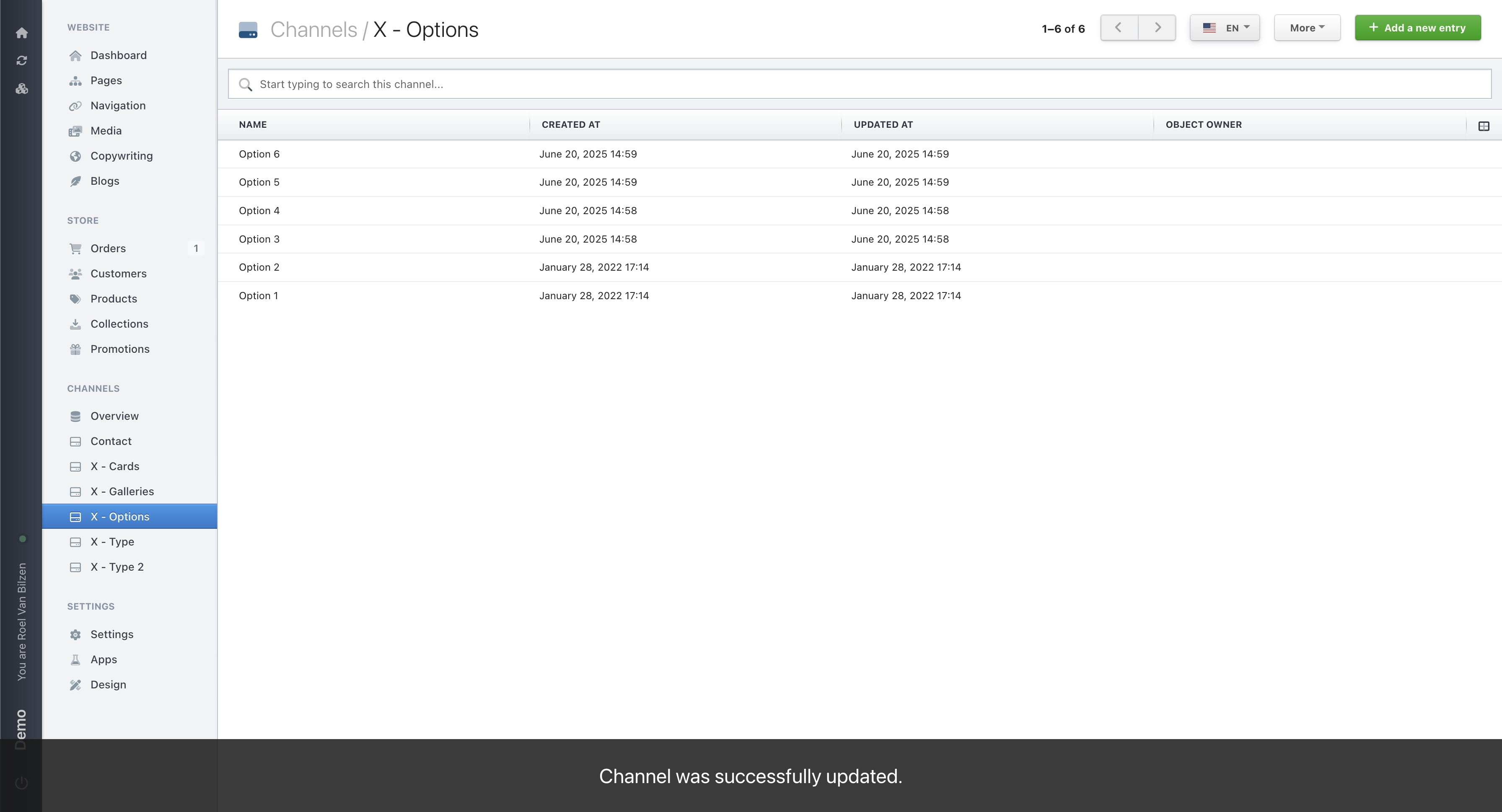
When a channel has fields that can be translated, it shows the dropdown in the channel.
The dropdown is also visible for an entry
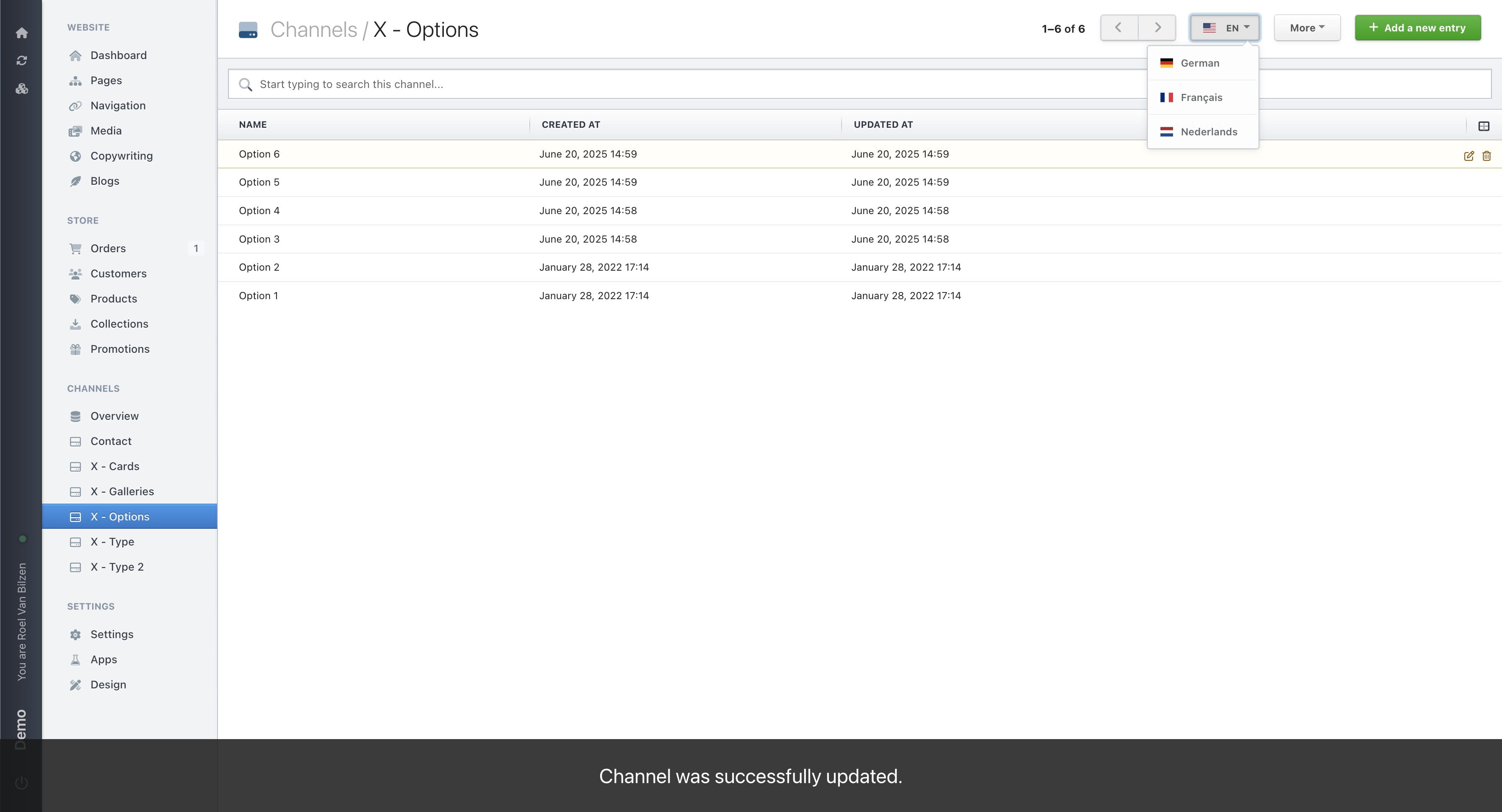
When editing an entry it is important to remeber to first save any changes before changing the language. Otherwise the changes will be lost.