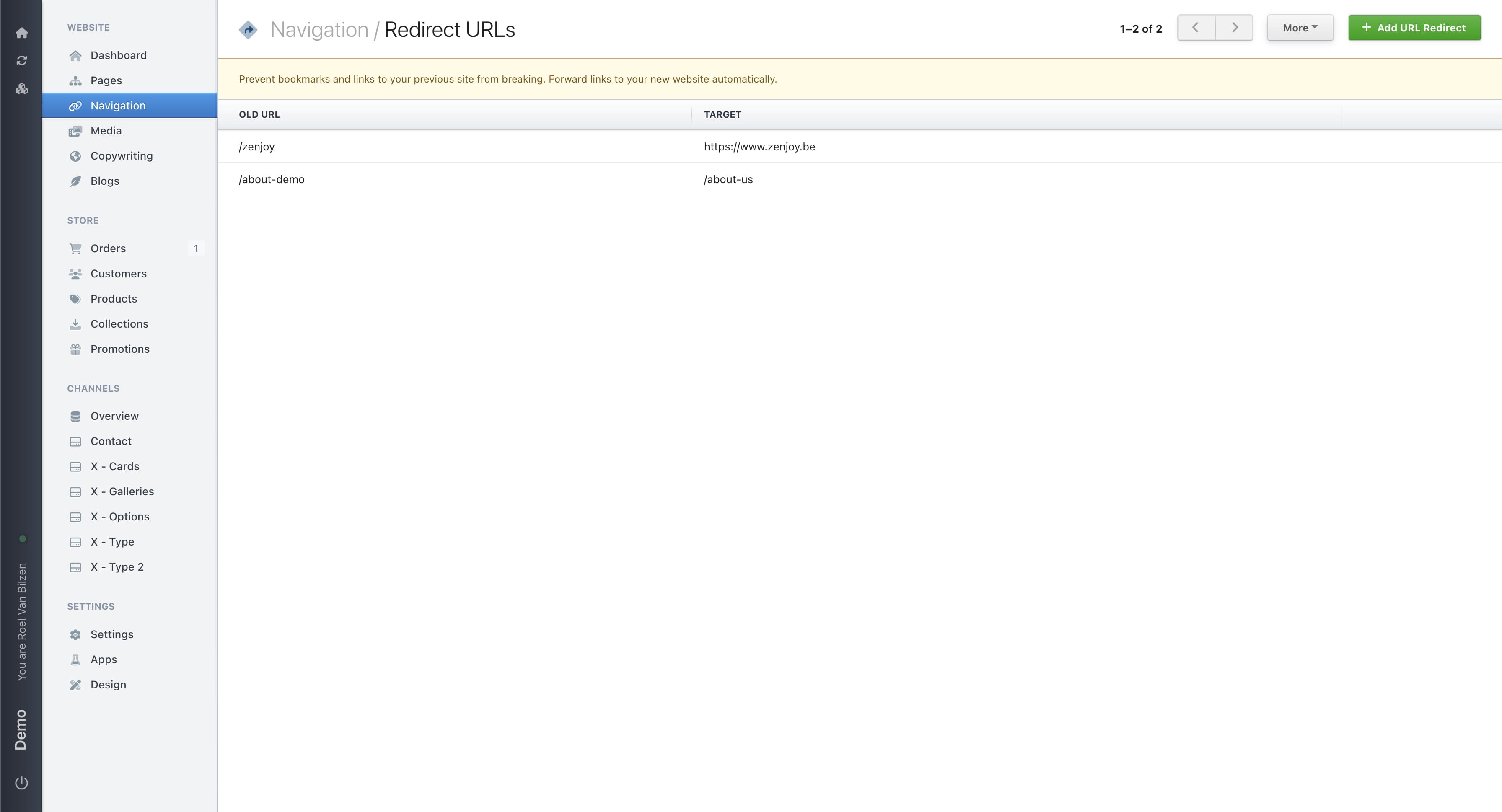
Redirects
Change the destination of an URL to another URL or website
Navigate to https://[YOUR DOMAIN].nimbu.io/admin/pages and select a page you want to structure.
Click "Navigation"
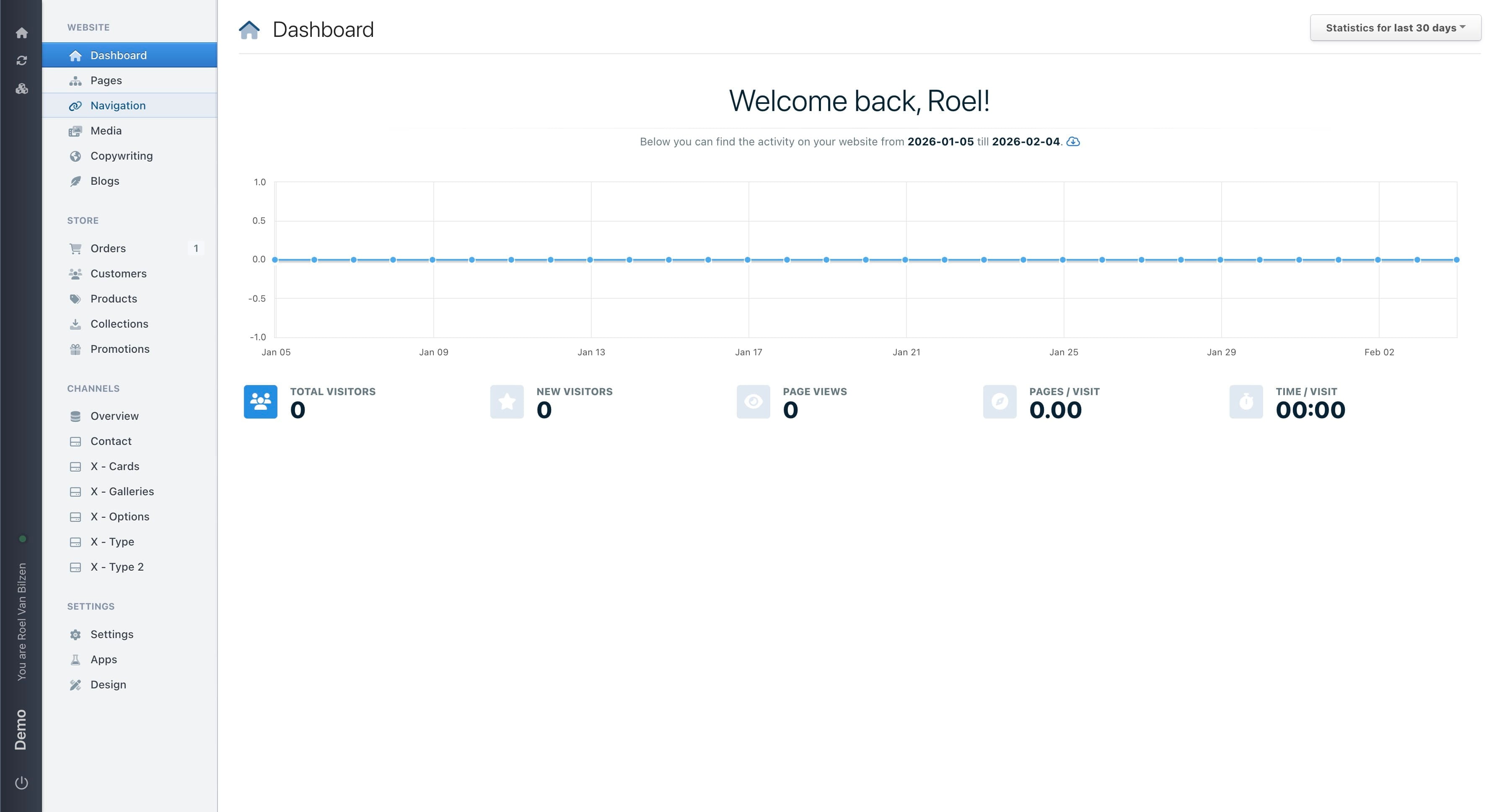
Click "Manage Redirects" to get the overview of all the redirects
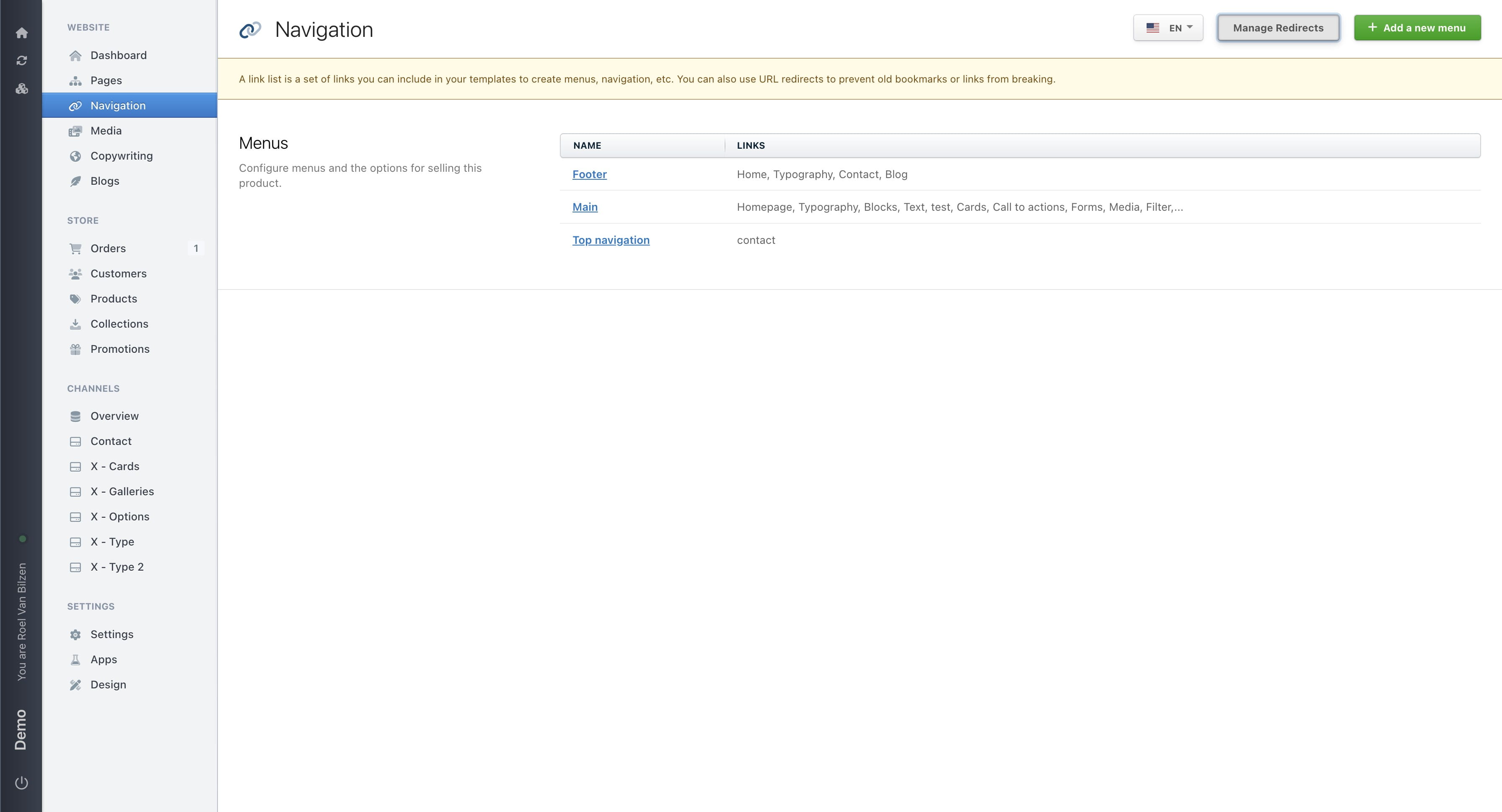
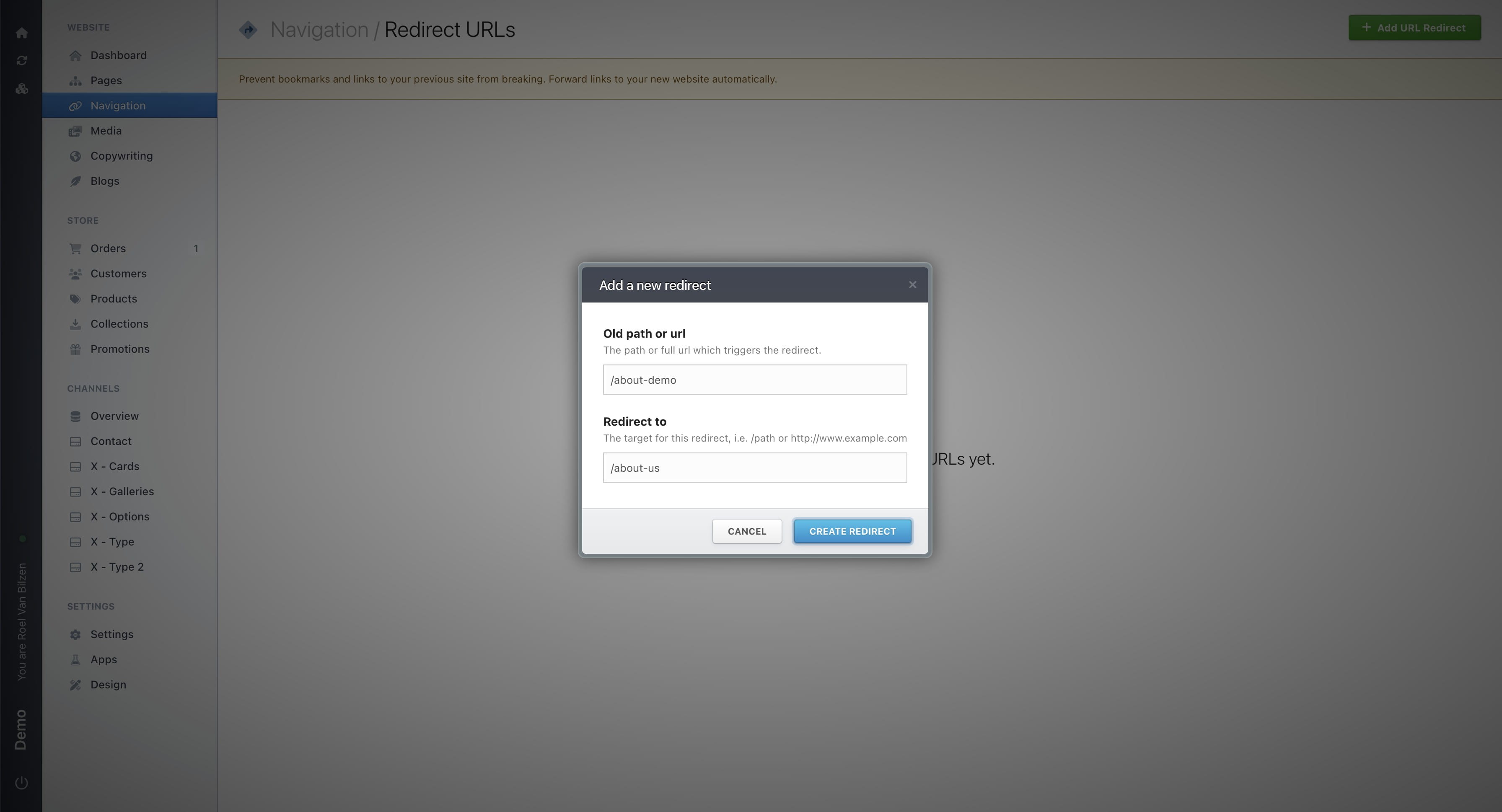
Click "Add URL Redirect" to add a new redirect
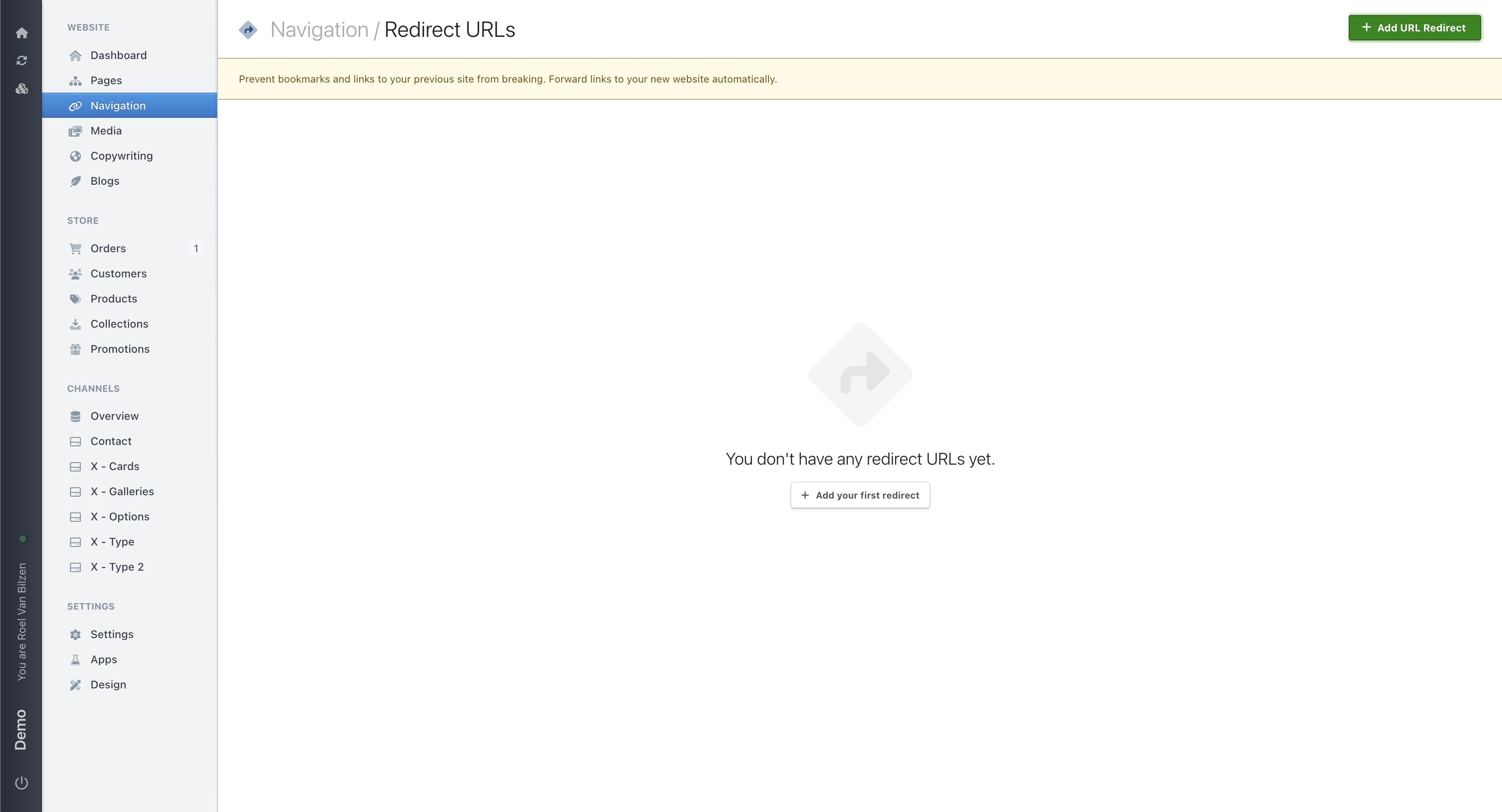
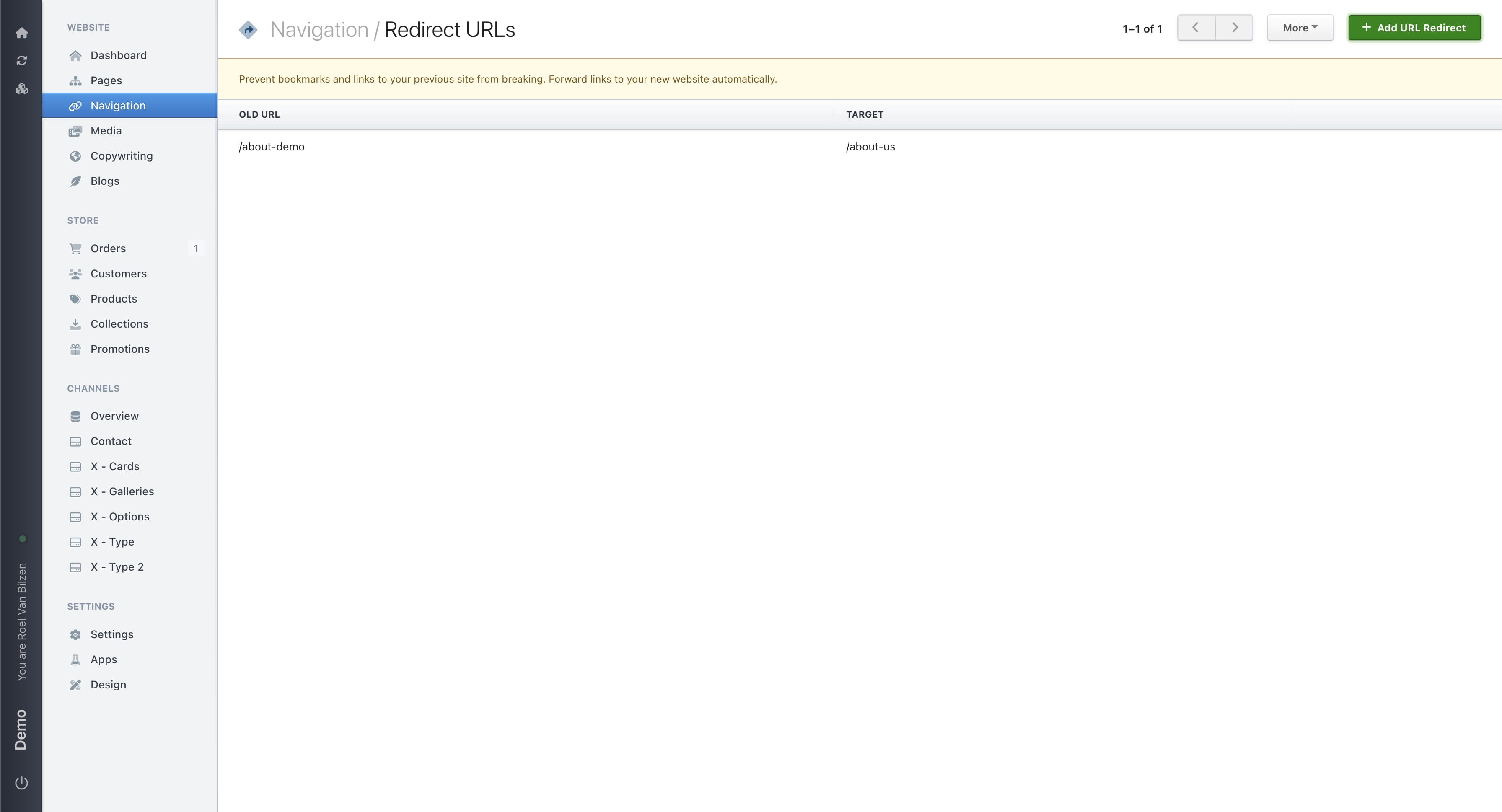
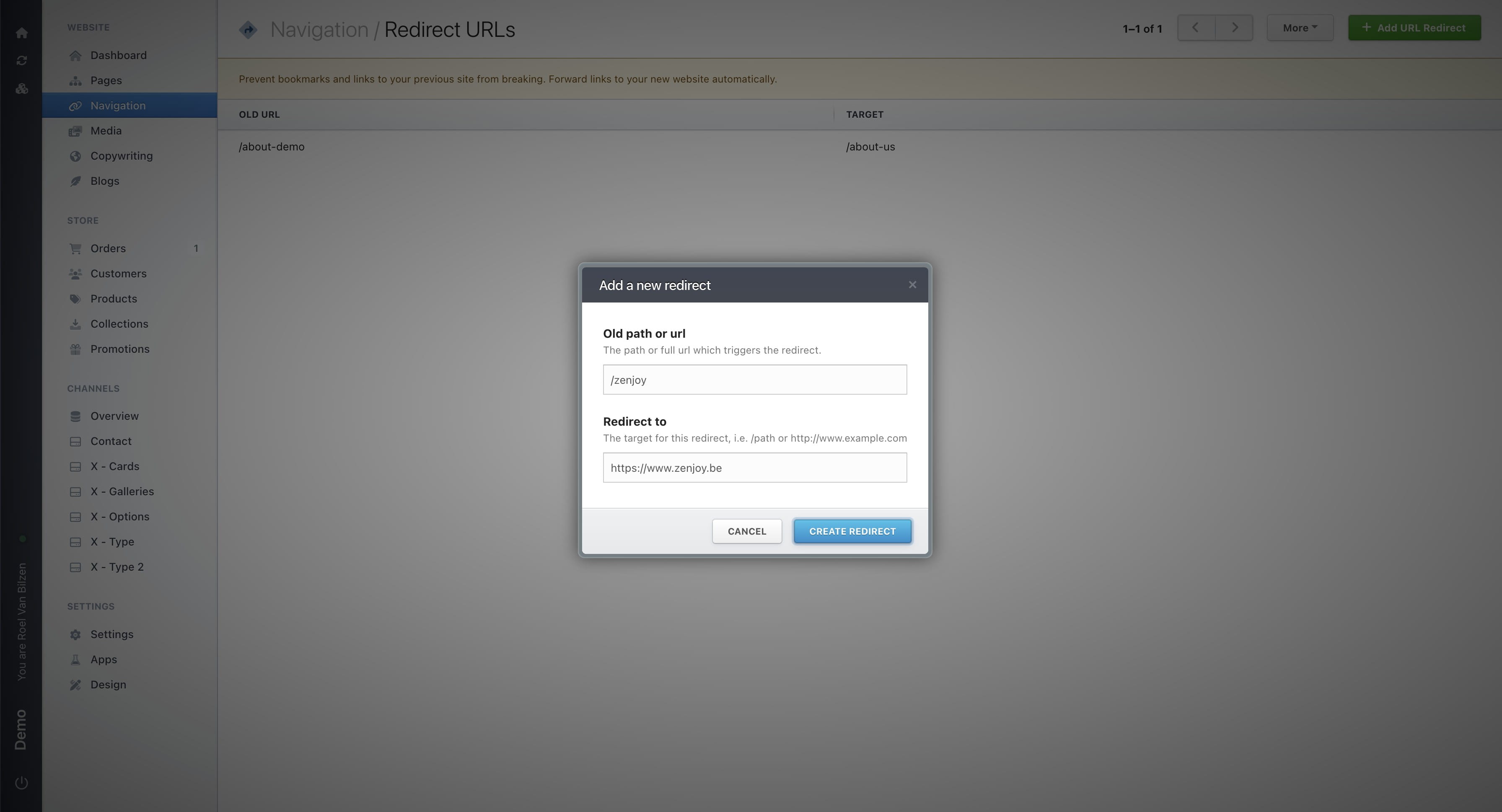
Fill out the old popup. Enter the current URL (or path) you want to redirect from. In most cases, this will be a path on your website (example: /about-demo). Enter the URL (or path) you want to redirect to. This can be a new path on your website (example: /about-us), or a link to another website. If you are redirecting to another website, make sure the URL starts with https:// Click "Create redirect" to save it.
The redirect is created
This is an example of a redirect to another website
Click the pencil icon to edit the redirect
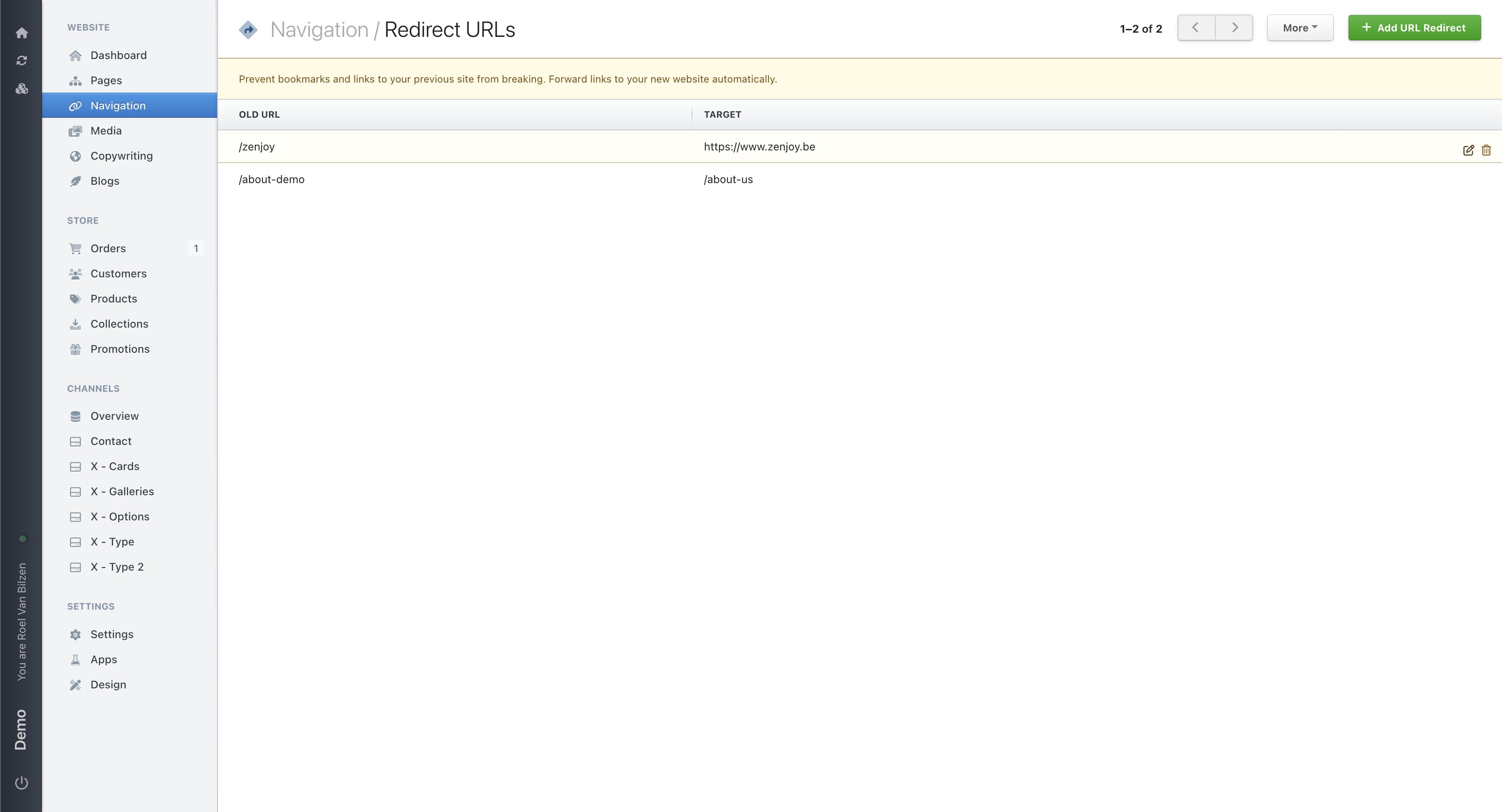
And the bin to remove the redirect
It is possible to import and export redirects under the "More" menu.