Change Homepage
How to change your homepage.
Dec 18, 2025●
1
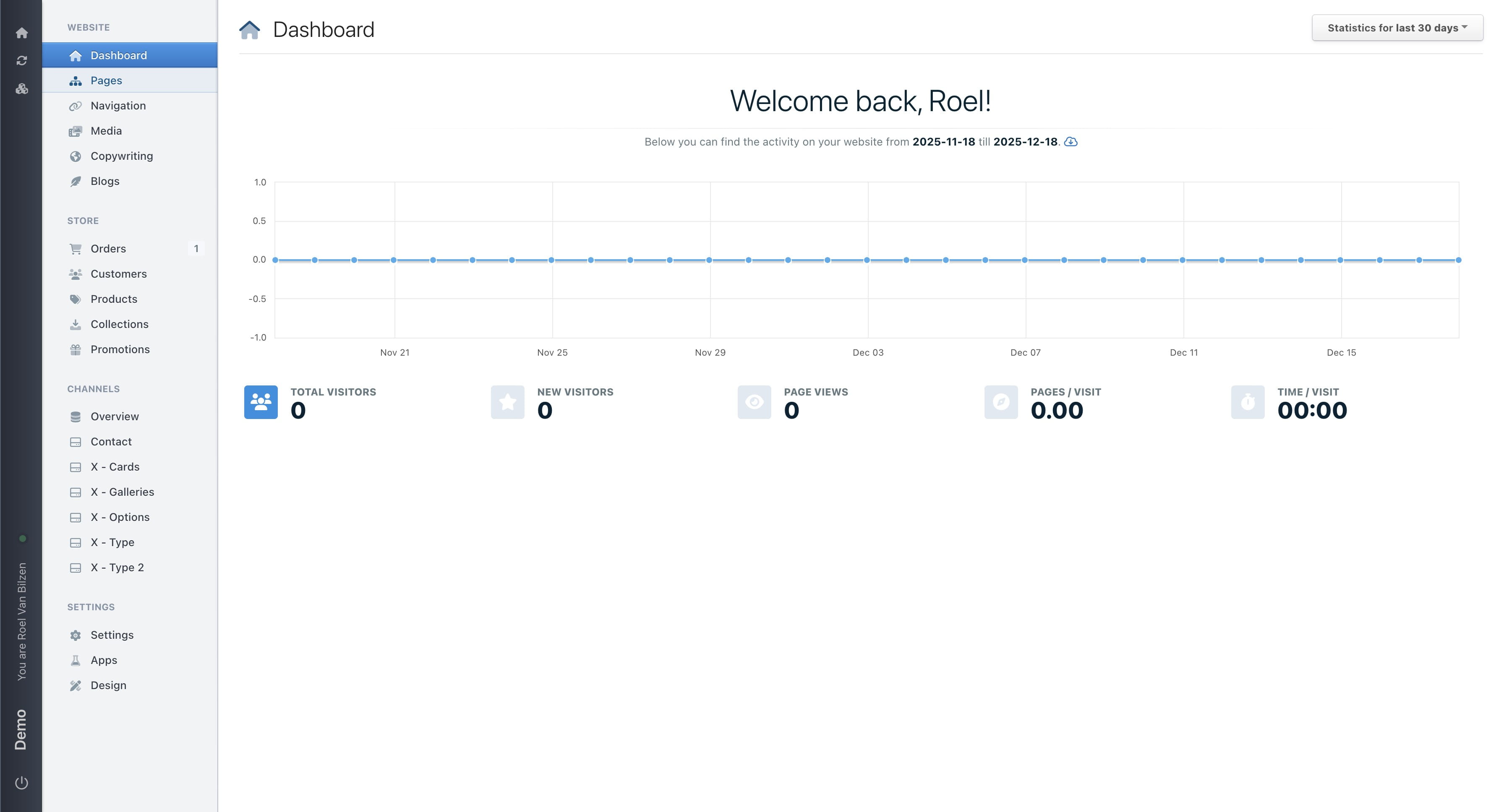
Navigate to https://[YOUR DOMAIN].nimbu.io/admin
2
Click on "Pages"
3
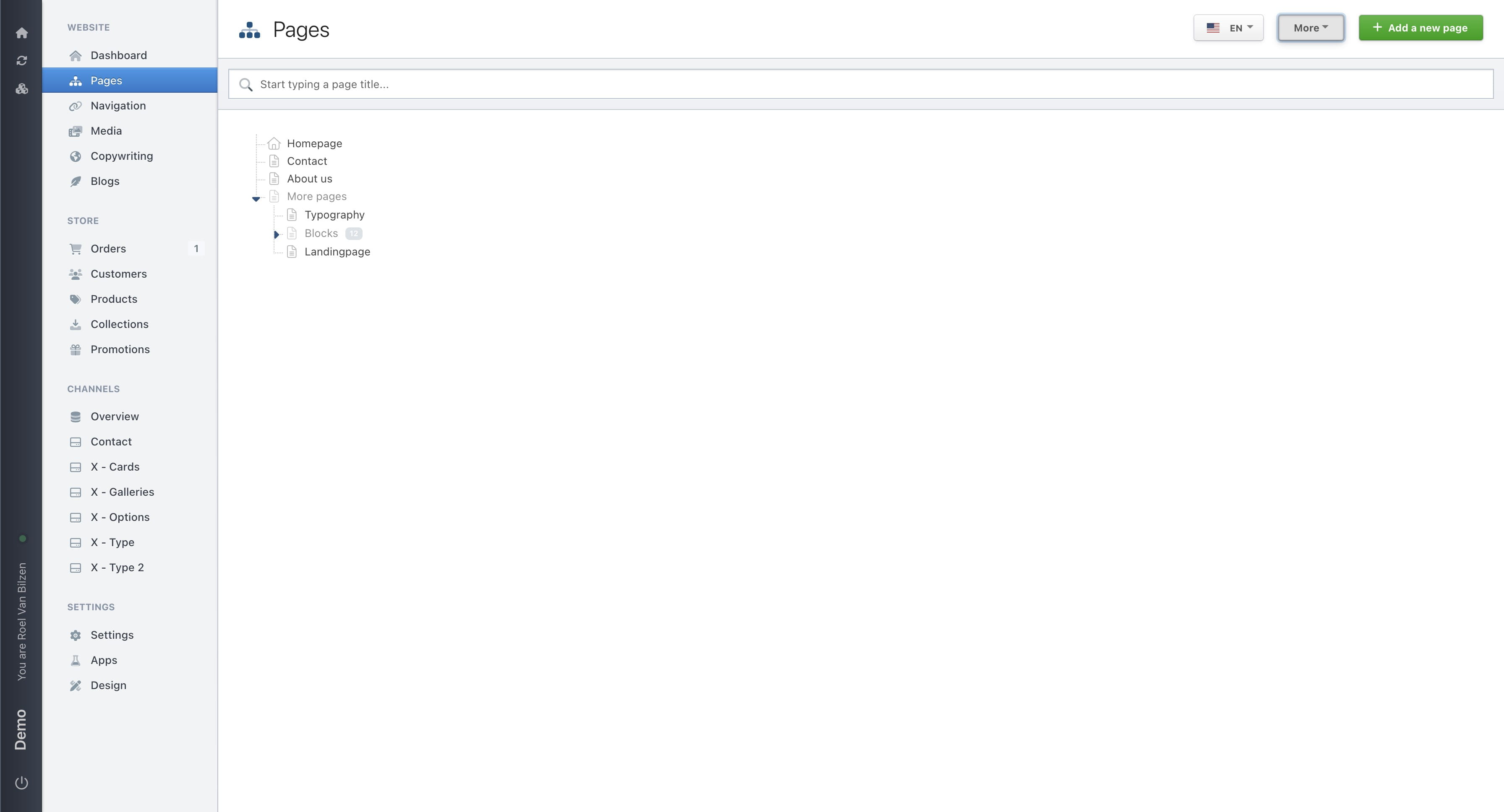
Click on "More"
4
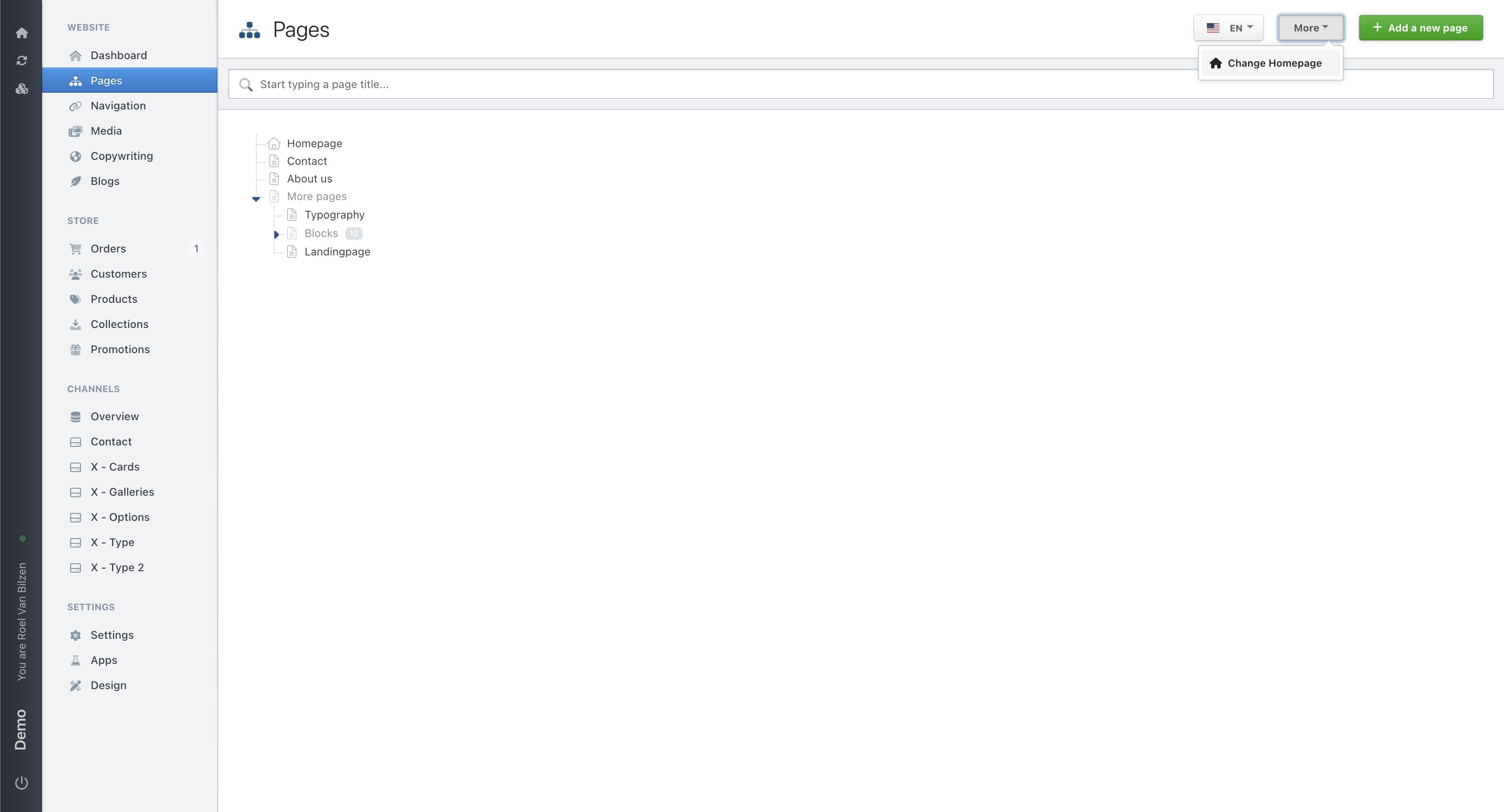
Click on "Change Homepage"
5
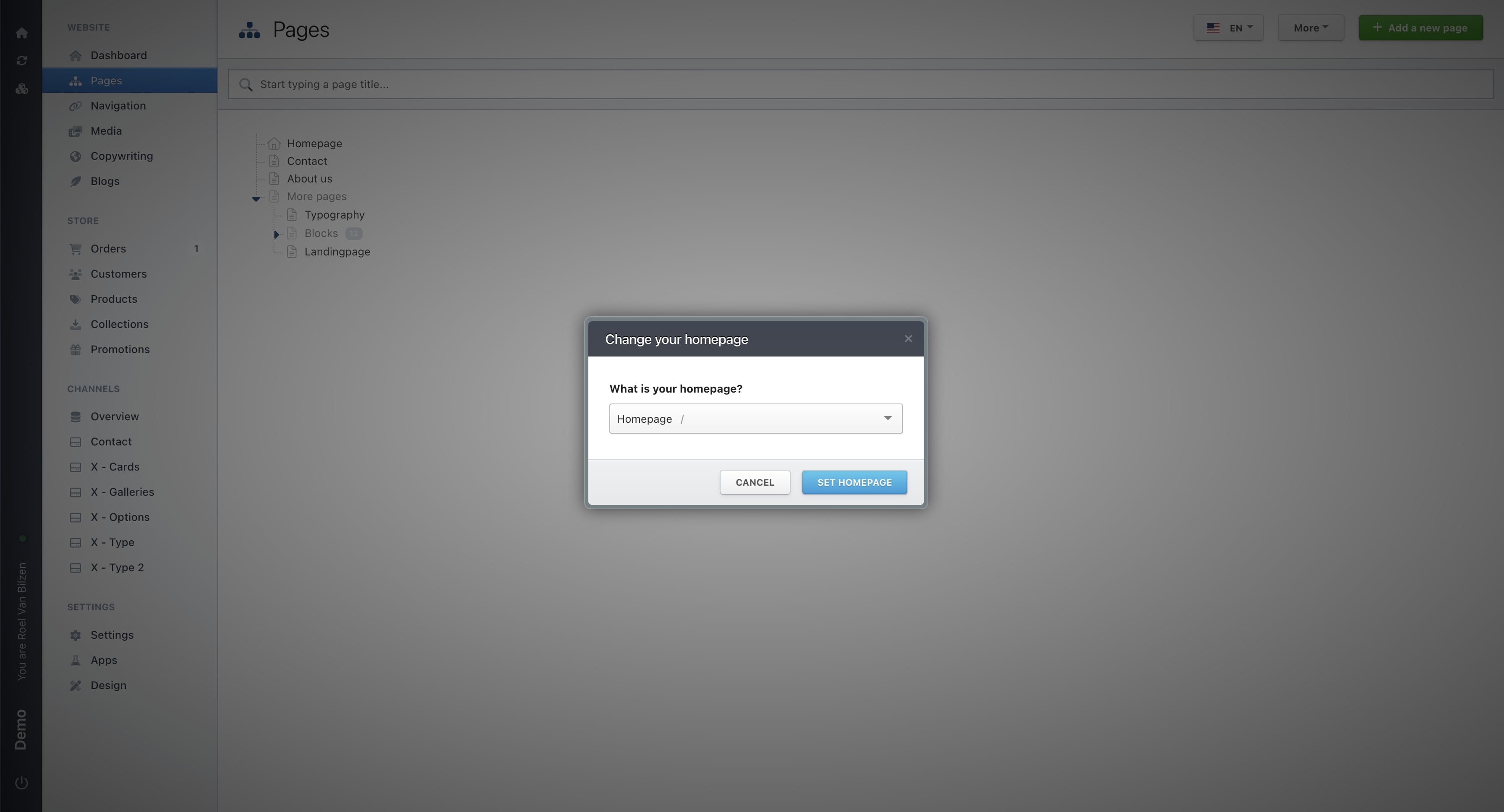
Select the new homepage from the list of existing pages.
6
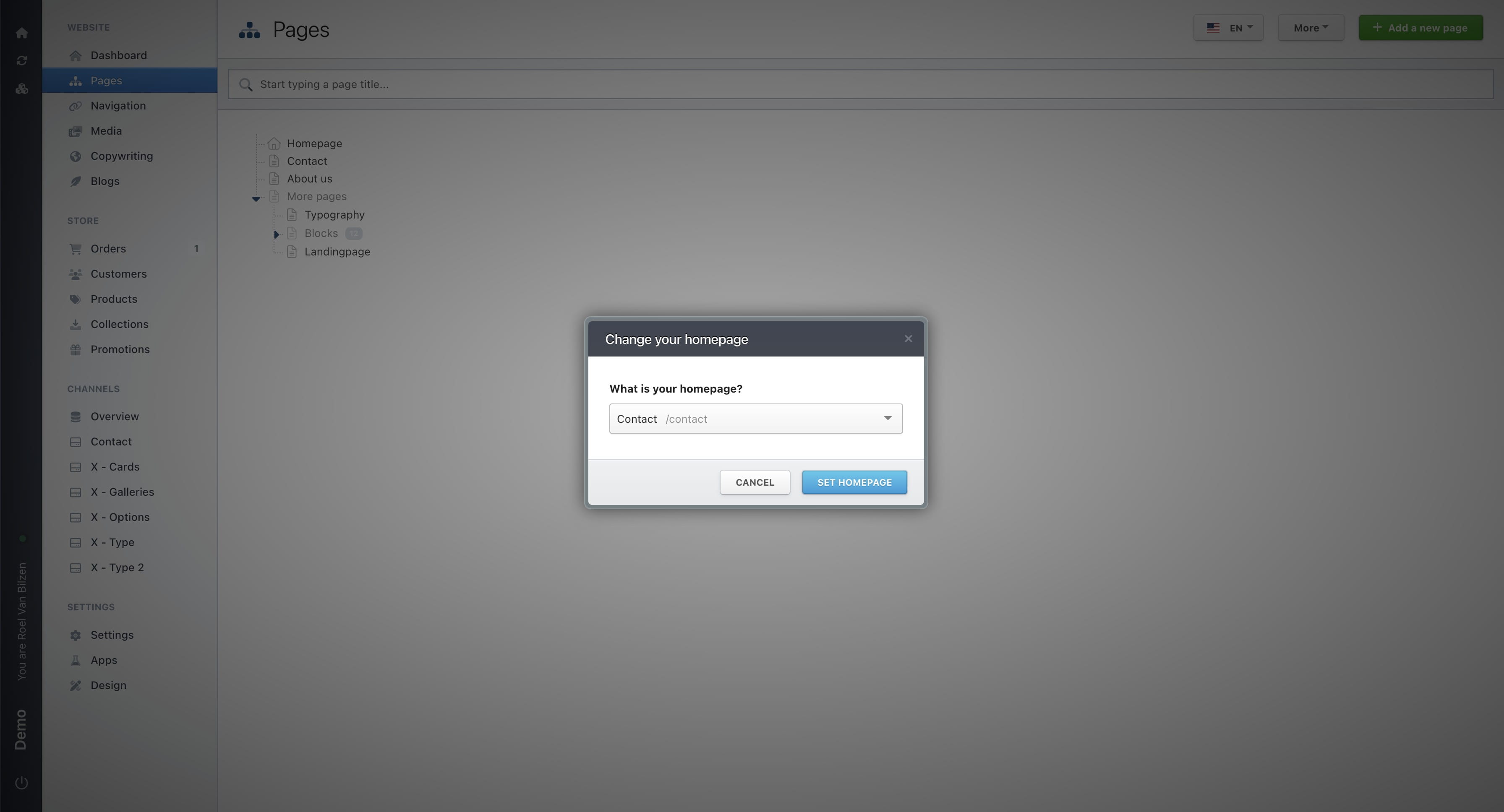
Click on "Set Homepage" to save the change.
7
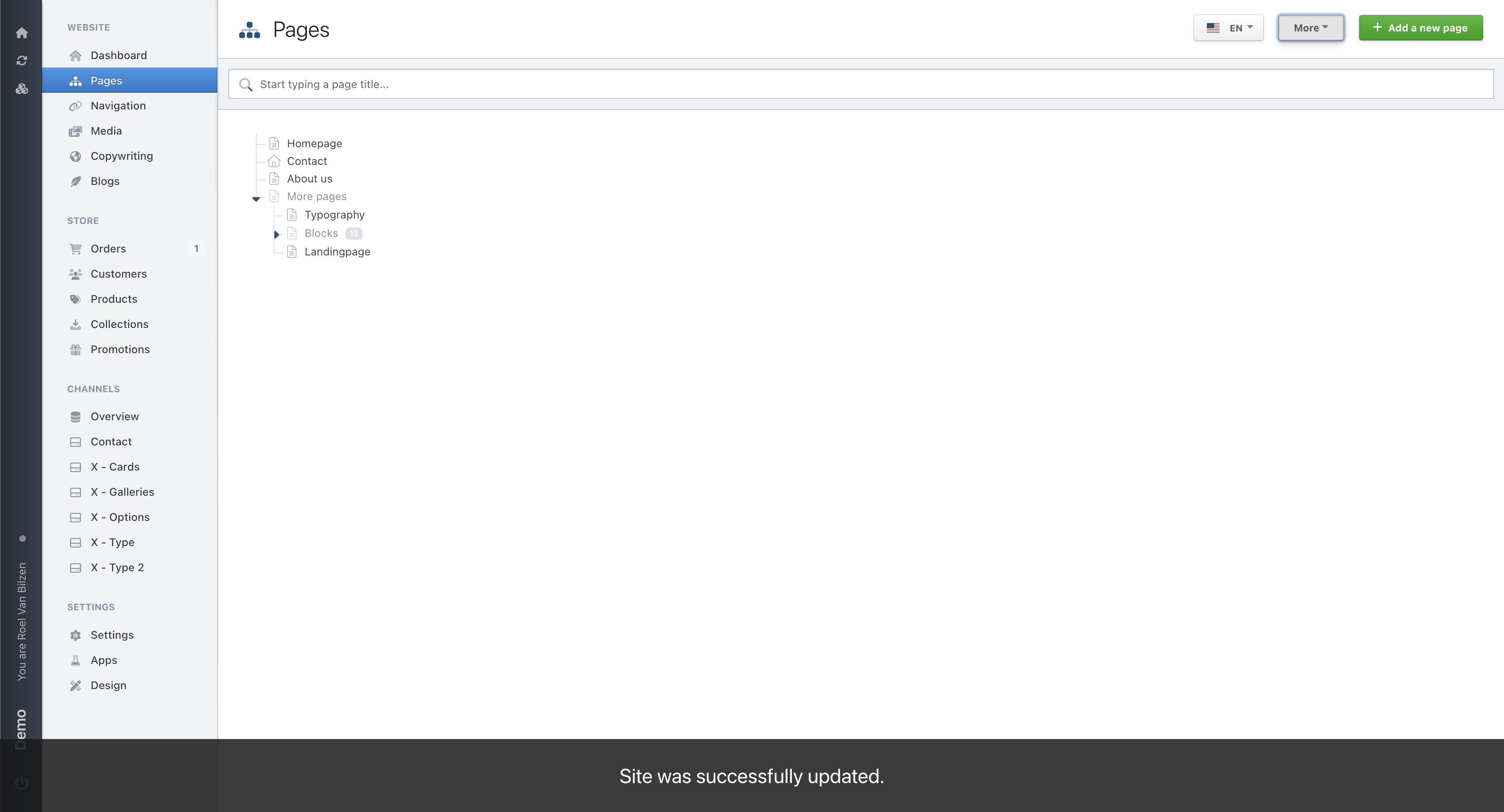
The house icon, which indicates the homepage, has been moved to the new homepage.