Pages - Repositioning
How to reposition your pages.
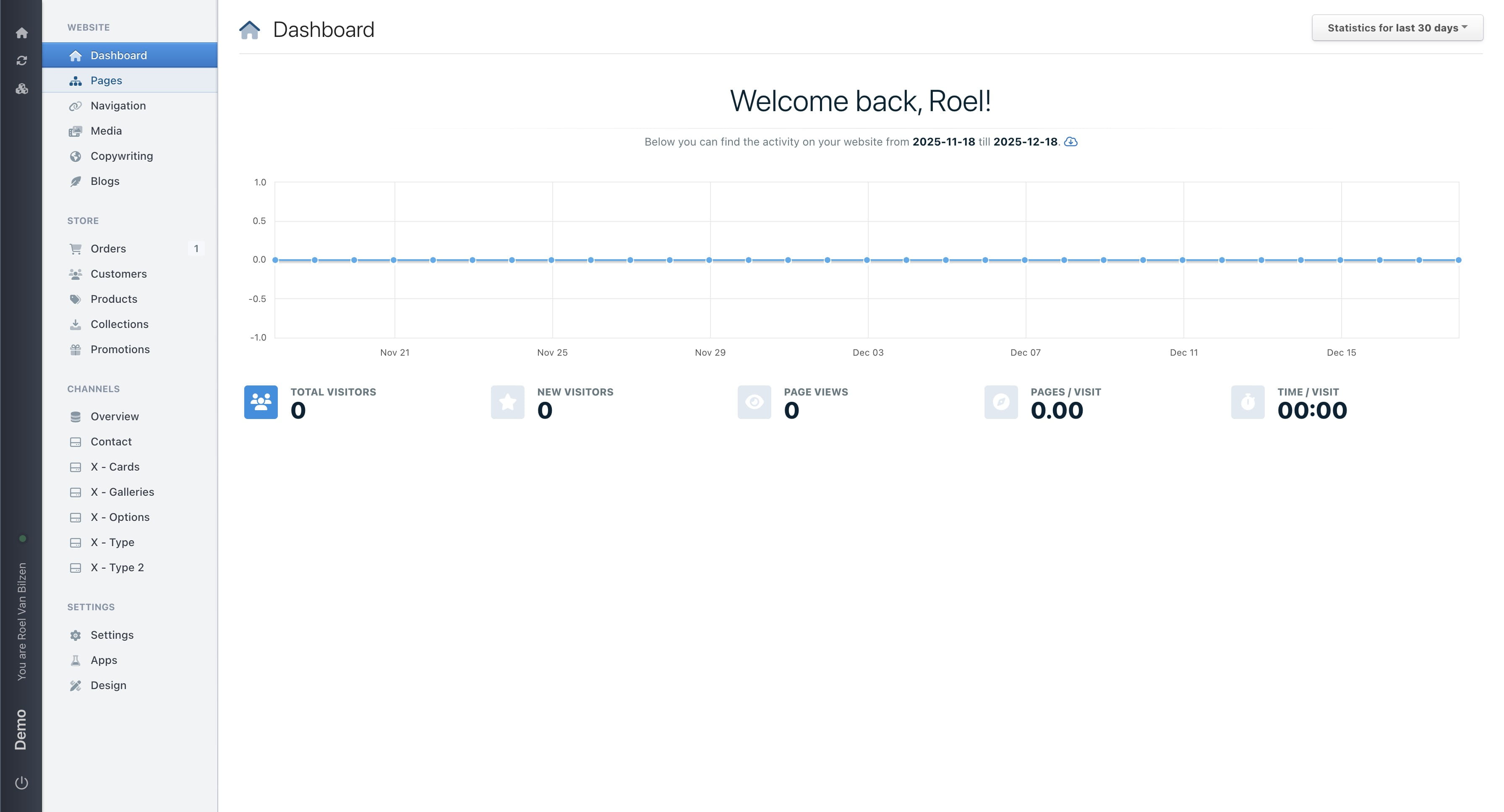
Navigate to https://[YOUR DOMAIN].nimbu.io/admin
Click on "Pages"
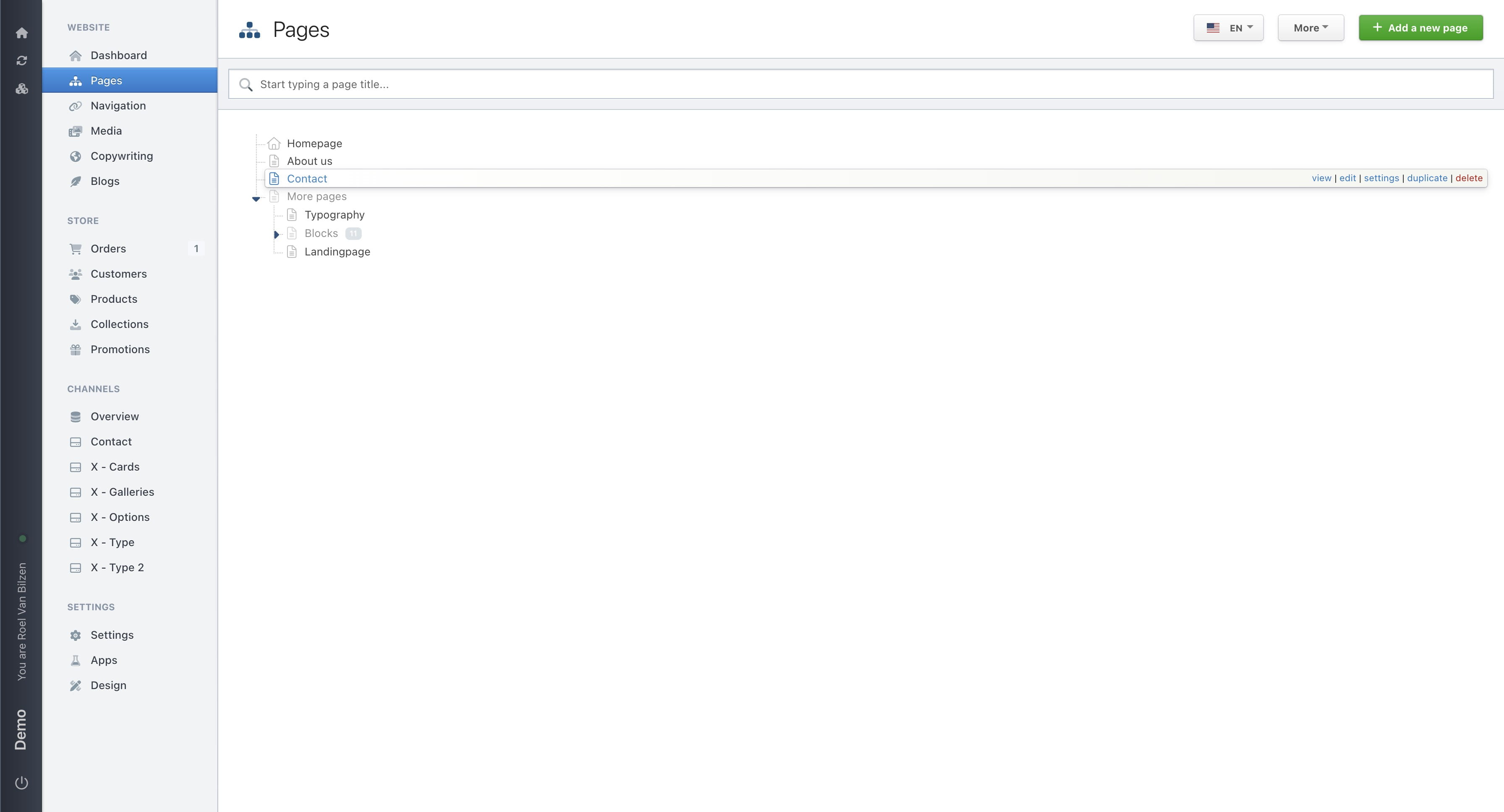
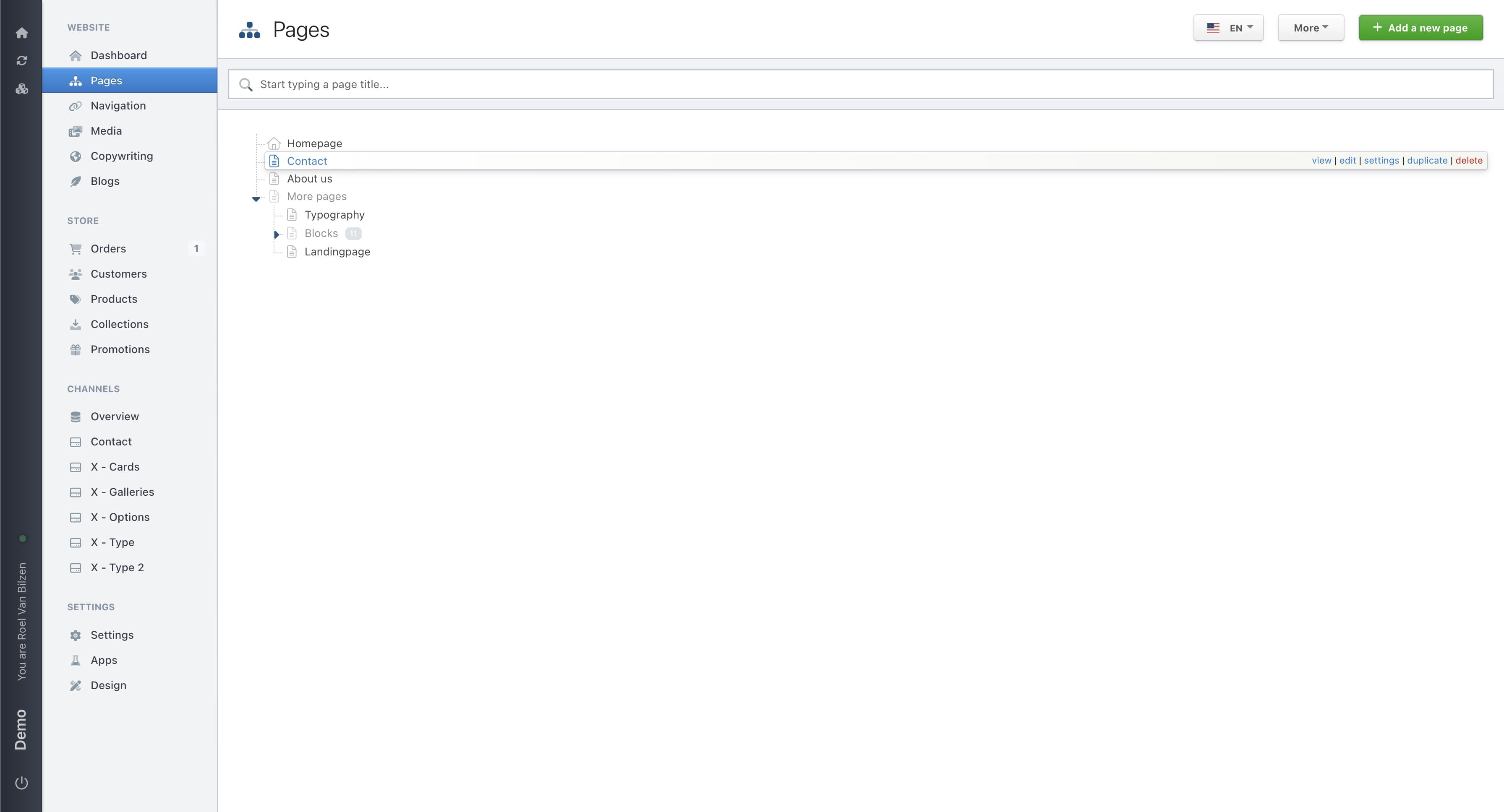
Click and hold the page you want to move. Drag it to the new location. While dragging an update will be visible of where the page will be place. Move more to the left or right to place a page under another page. Release the page to place it.
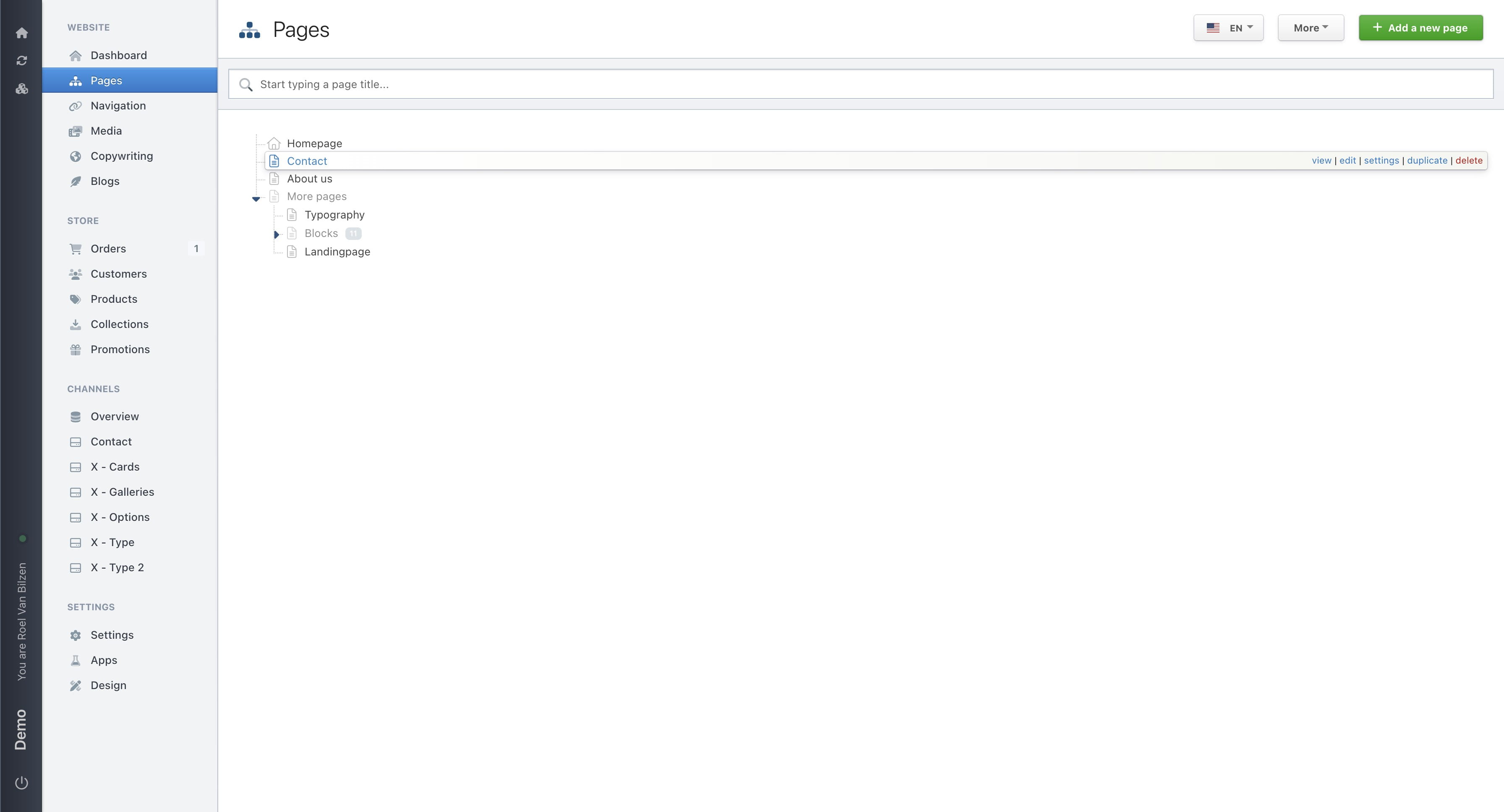
Moving a page up or down won’t change its path (or URL). For example, “Contact” will remain /contact.
Moving a page left or right will change its path (or URL). For example, moving “Contact” under “More pages” will change the path to /more-pages/contact.
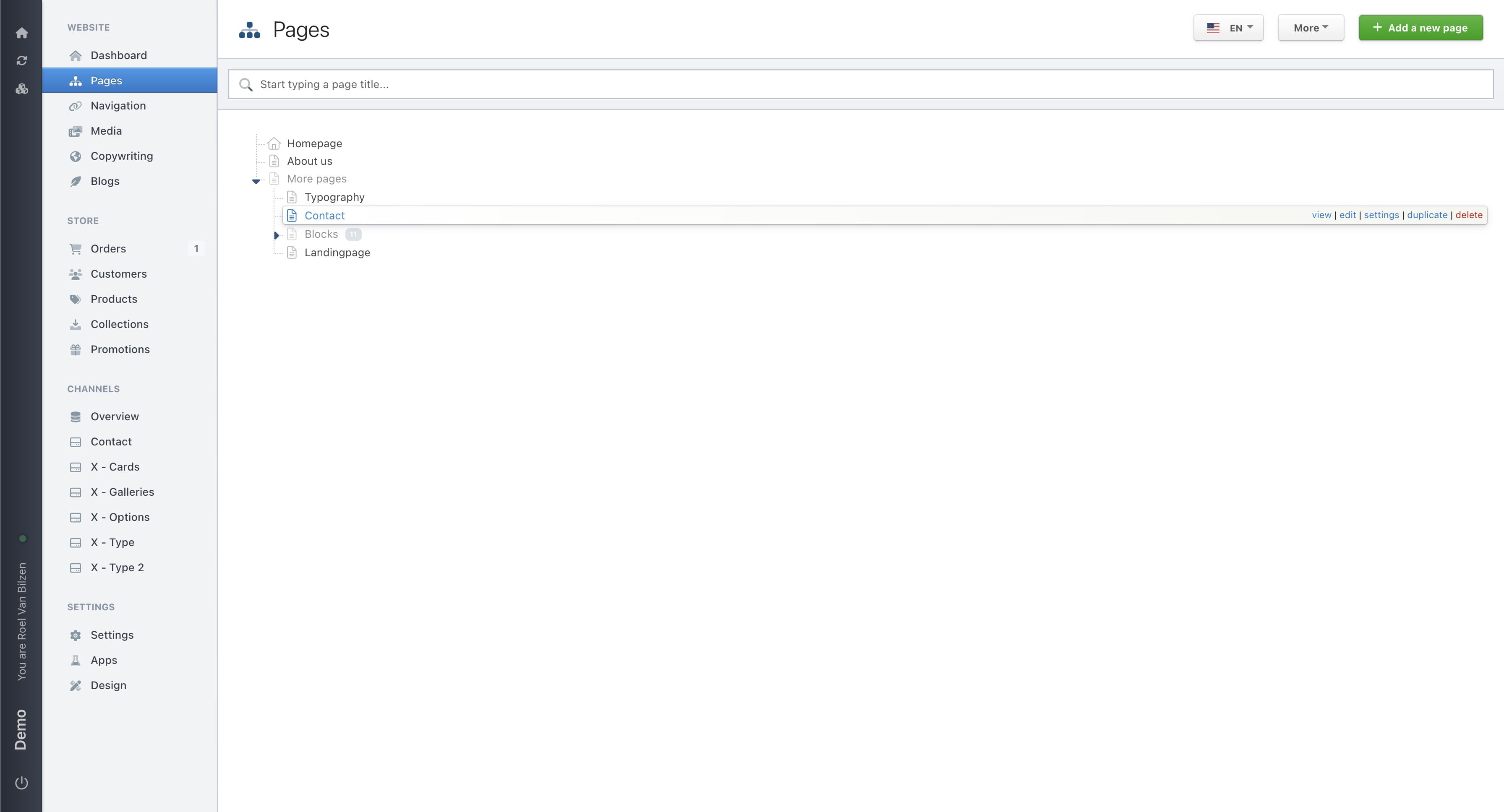
Moving “Contact” to the far left will change its path to /contact.
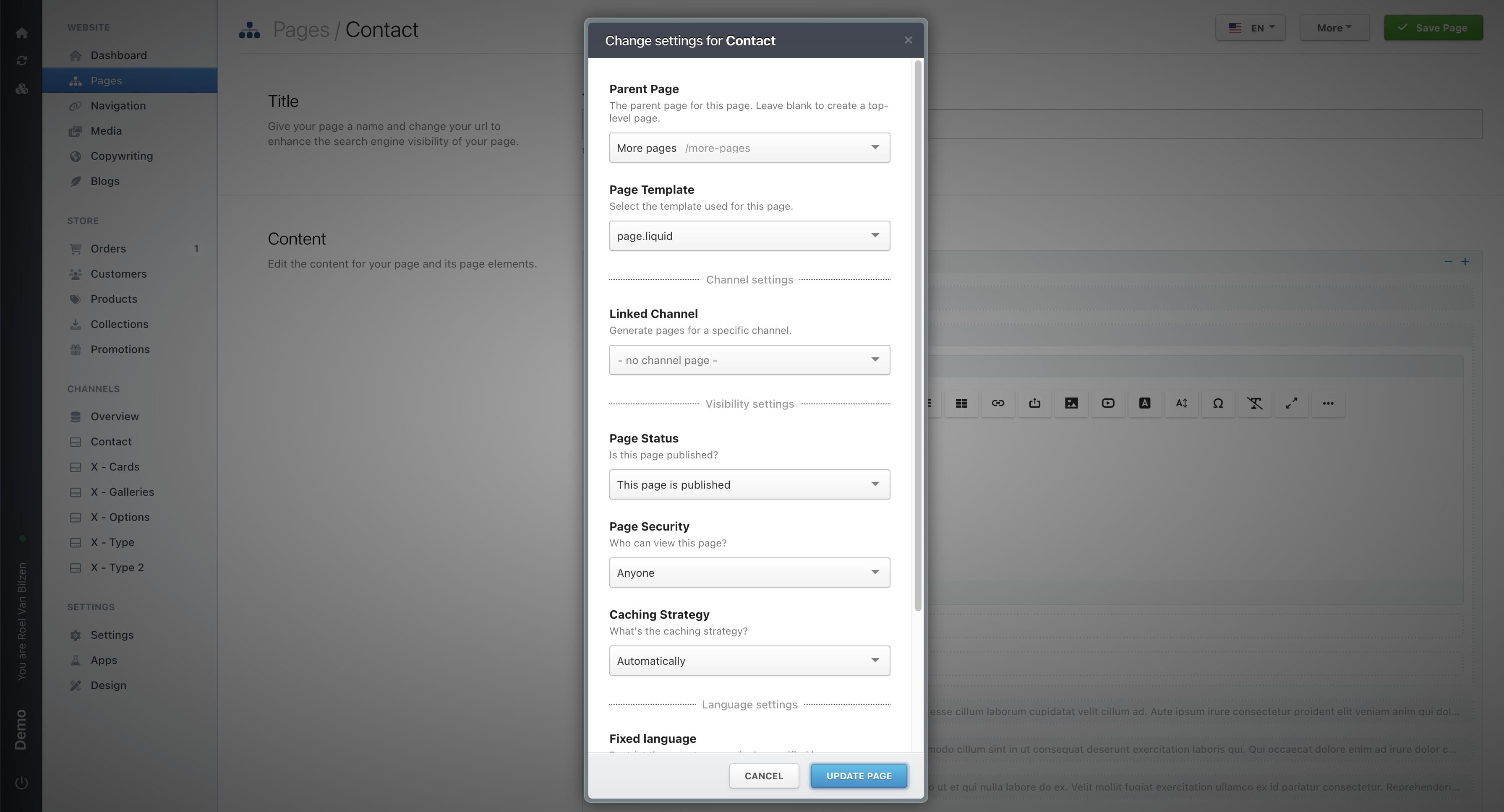
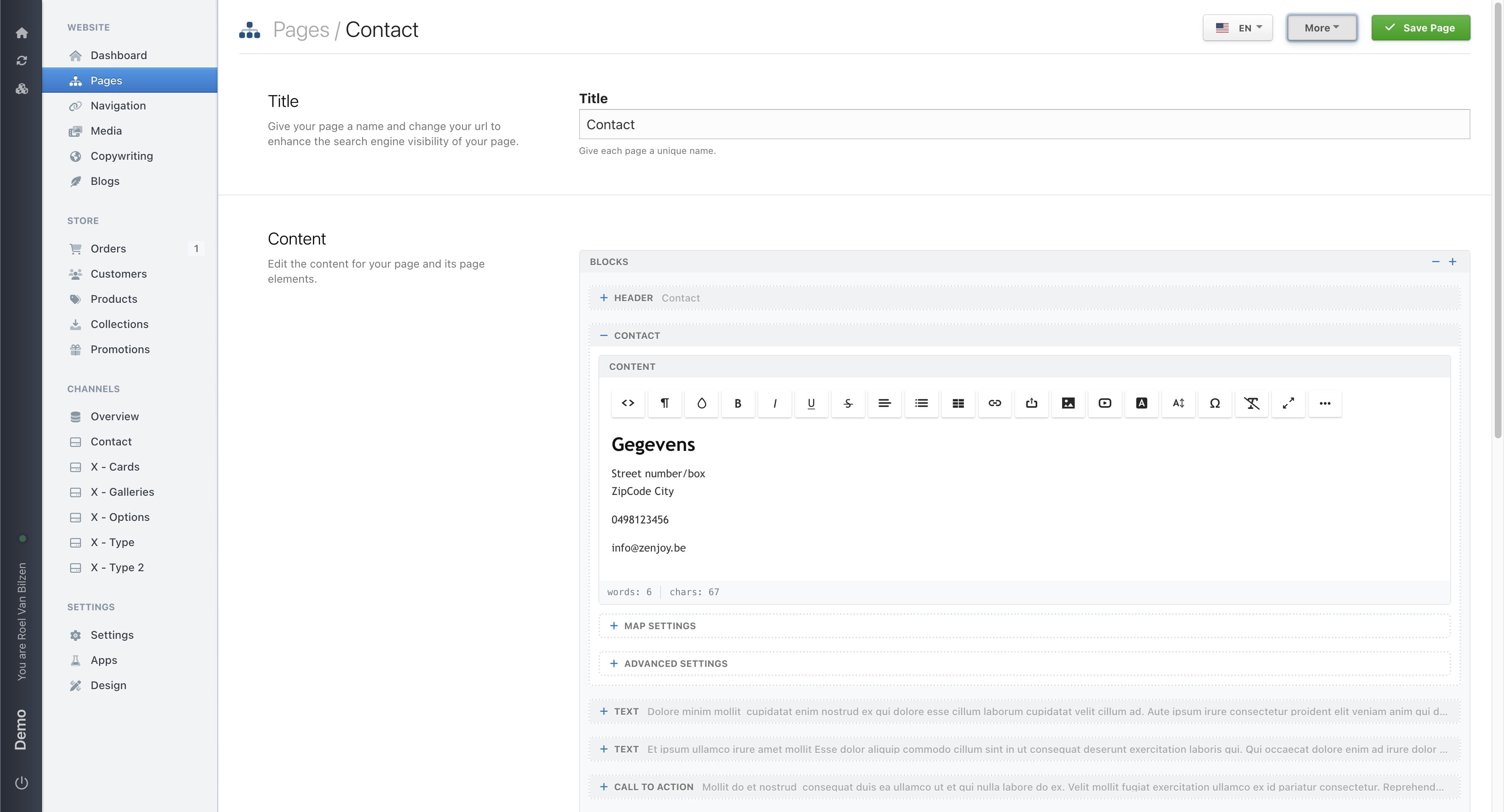
Alternatively, you can move a page from its settings. Click on "More"
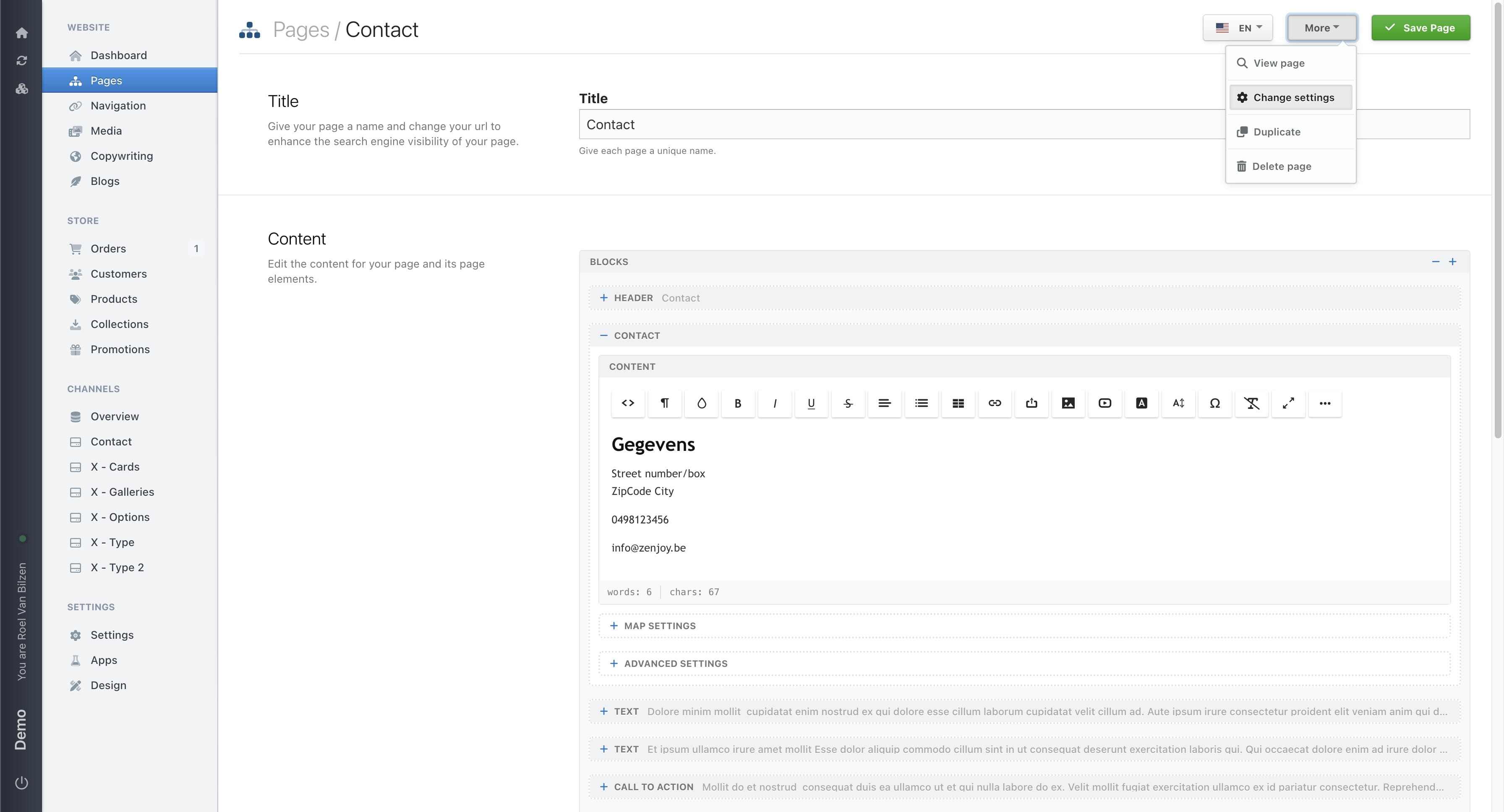
Click on "Change settings"
Change the parent page to move the page under another page. Leave it blank to move the page to the top level (far left). If a page is already selected, you can deselect it by pressing Backspace on your keyboard.
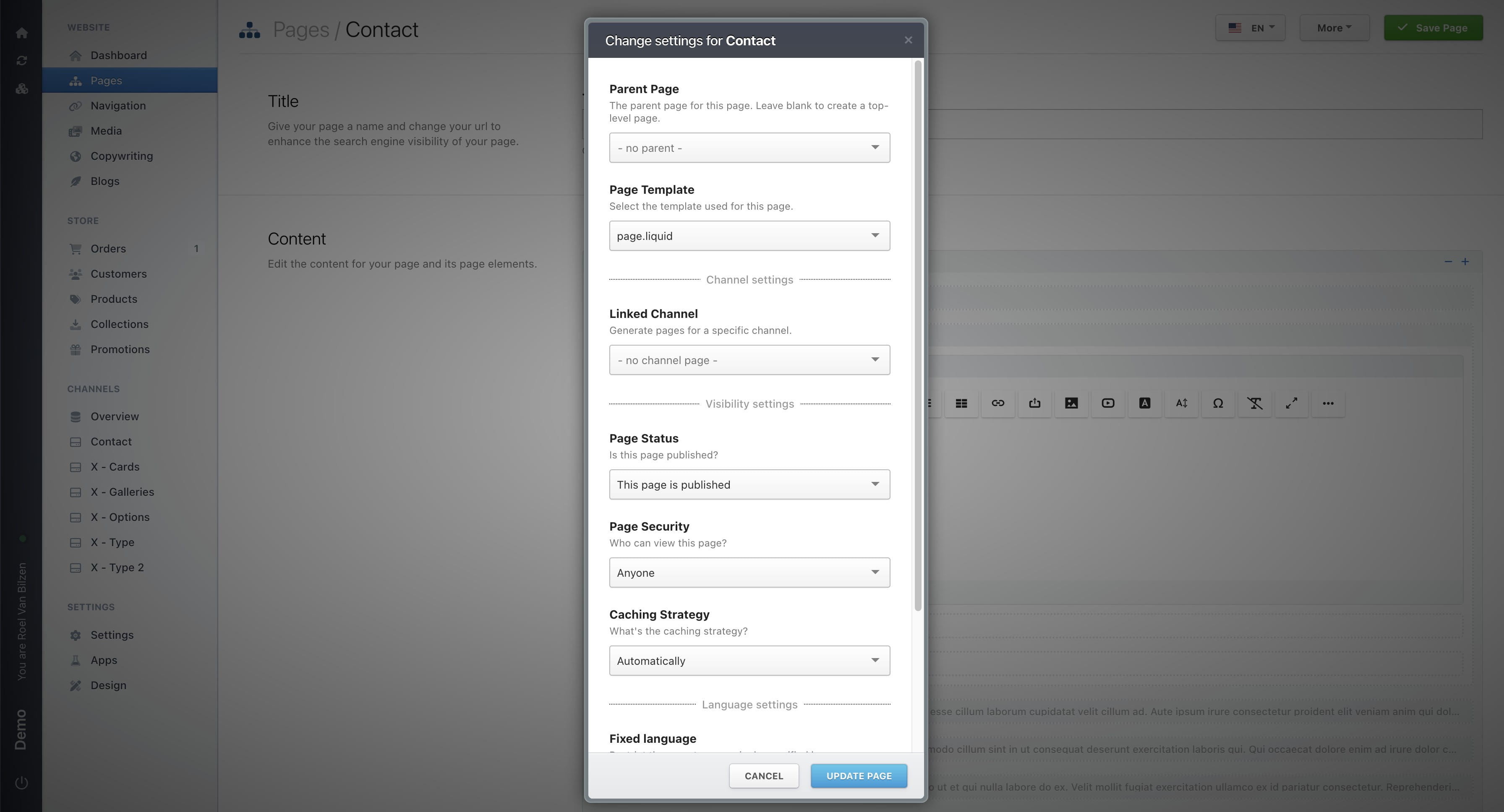
Click on "Update page" to save the changes.