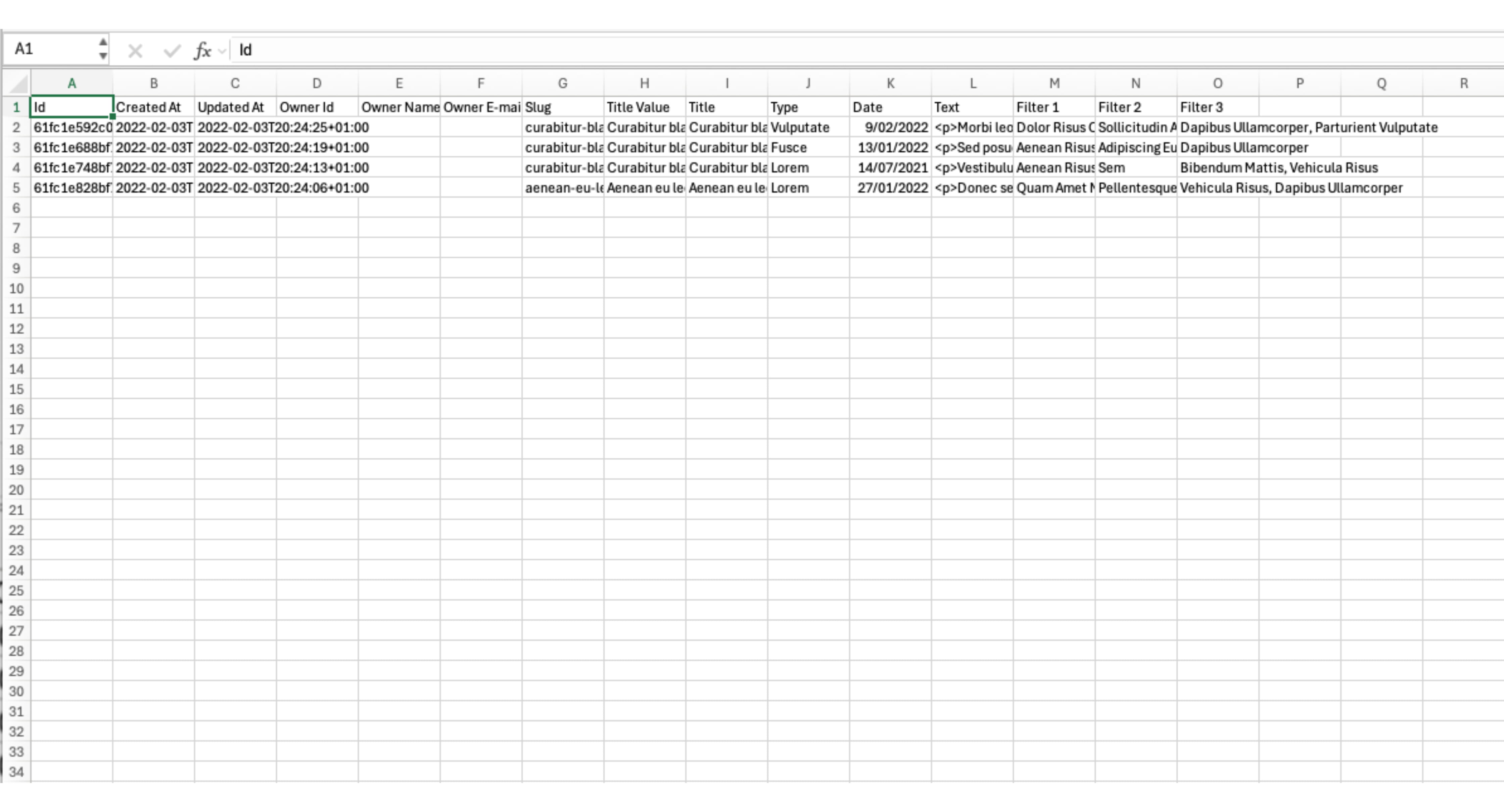
Channel export
Make a .xlsx or .csv export of a channel.
Dec 18, 2025●
1
Navigate to https://[YOUR DOMAIN].nimbu.io/admin
2
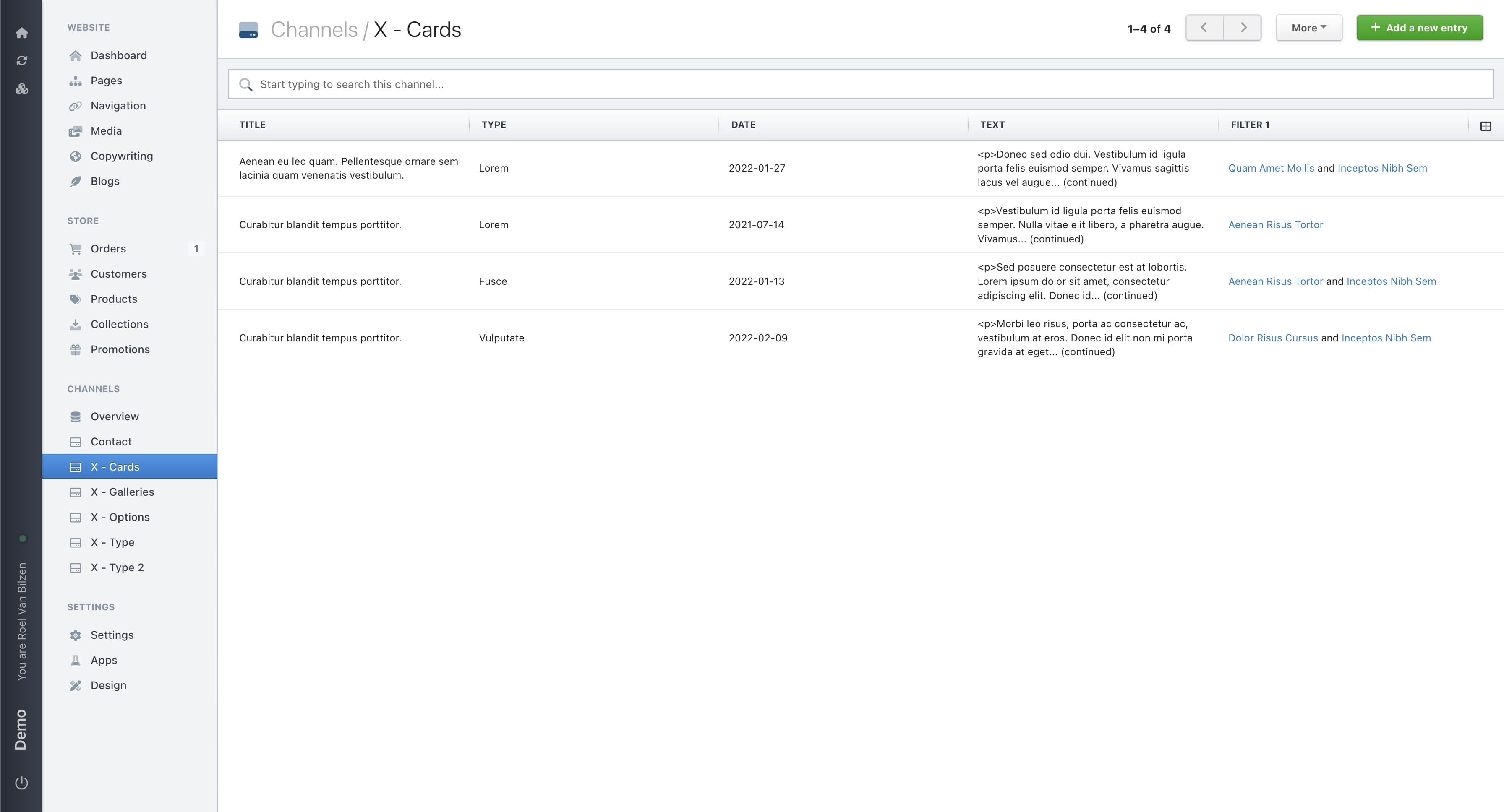
Click on the channel you want to export.
3
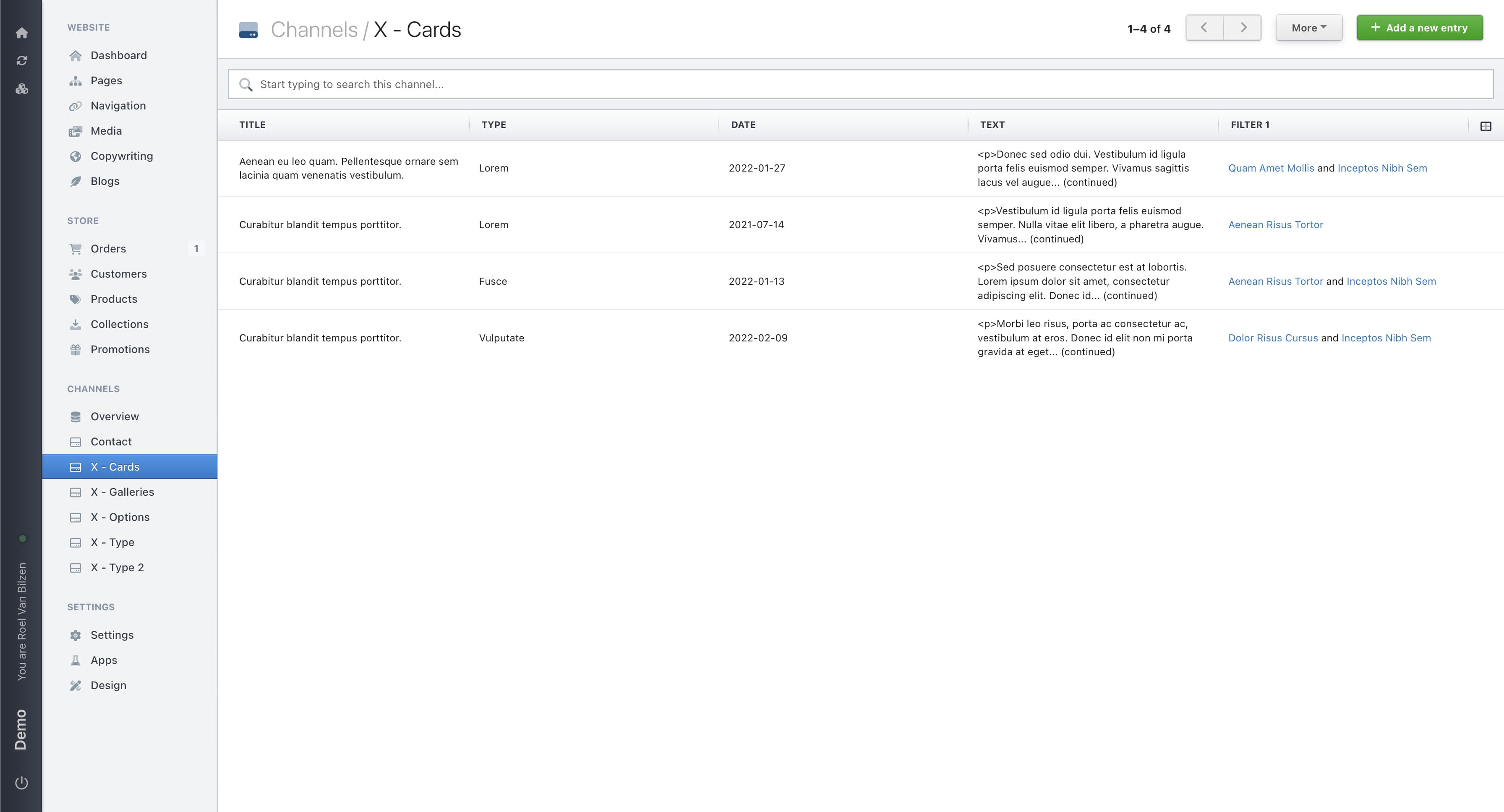
Click on "More"
4
Click on "Export data".
5
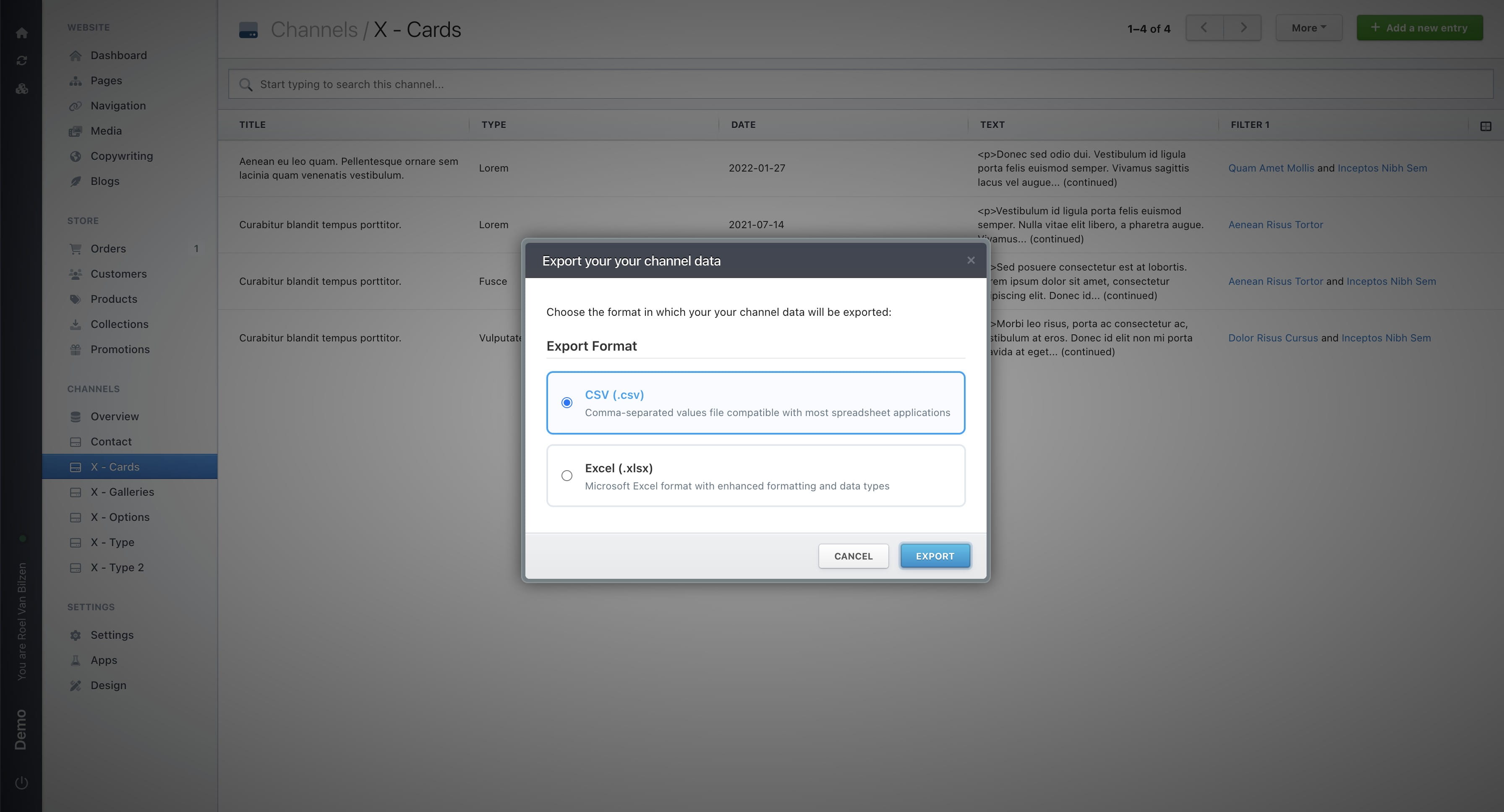
Select the export format, then click ‘Export.
6
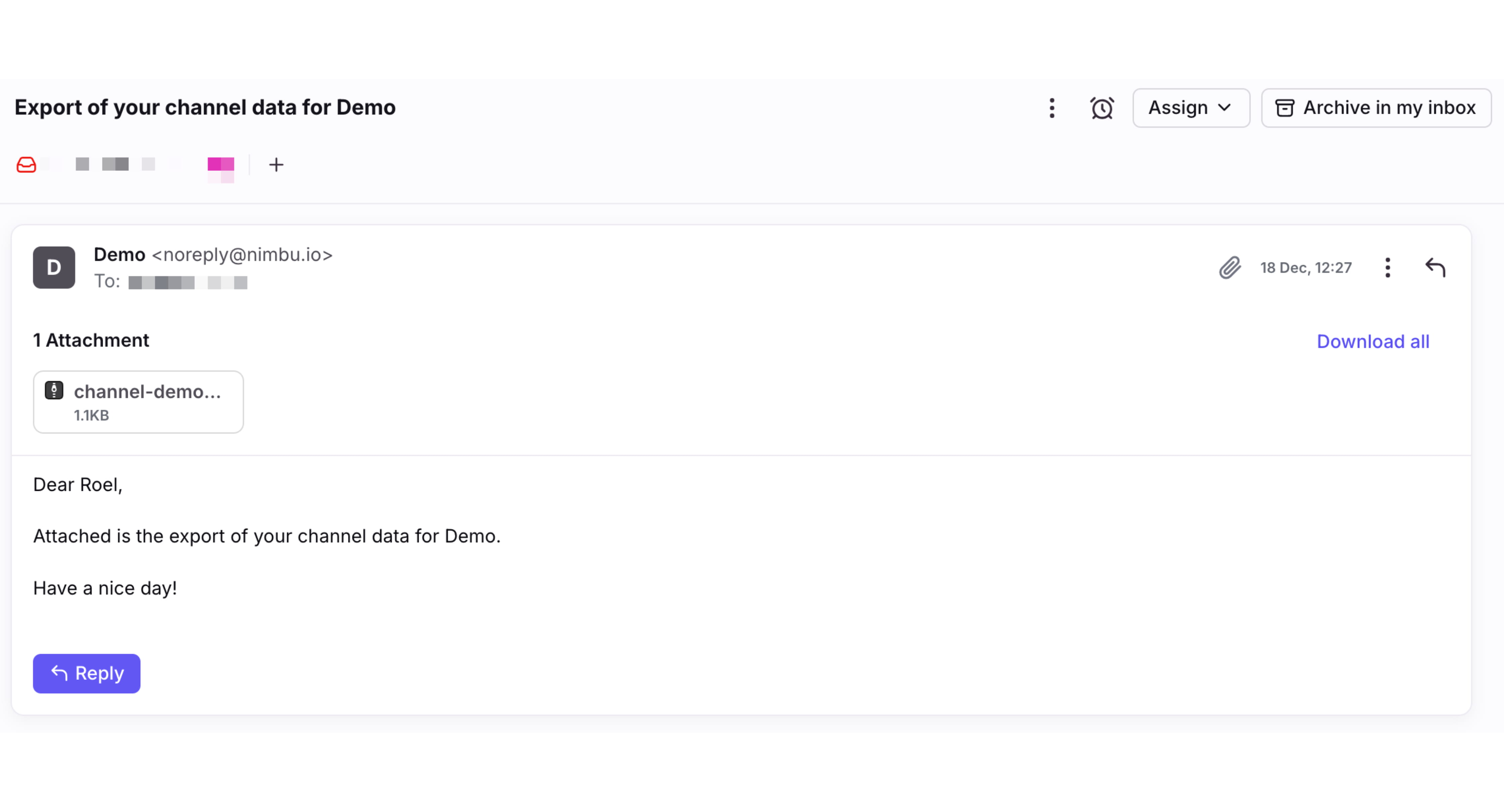
You will receive an email at the email address linked to Nimbu, with a ZIP file containing the channel export. This can take a few minutes for larger exports.
7
Each line represents an entry in the channel. The “id” is assigned by Nimbu to uniquely identify each entry. If a field references one or more other fields, their values will be shown, just as in Nimbu.